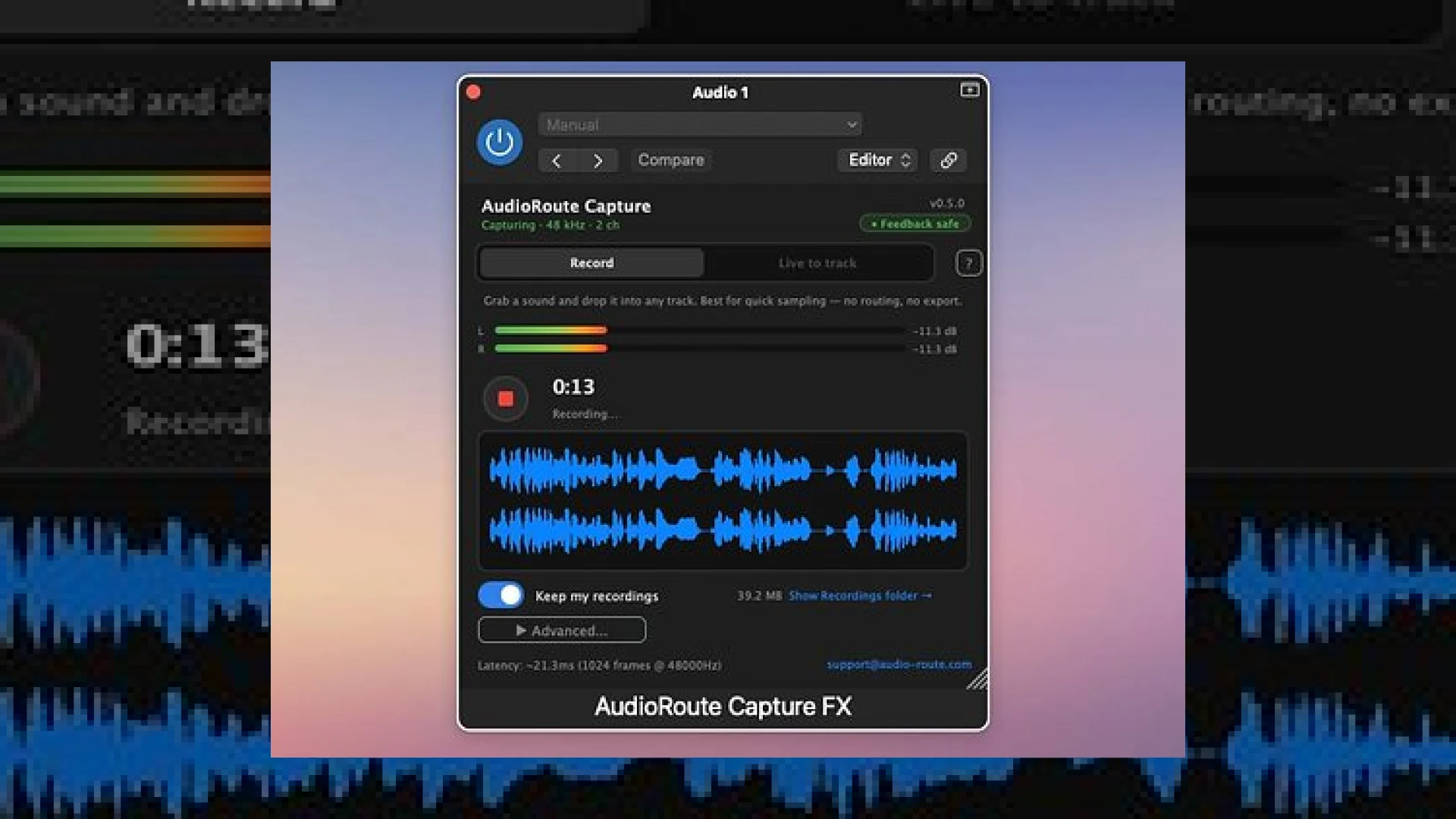
Visual context for AudioRoute from Arvital Audio.
Routing system audio directly into a Digital Audio Workstation (DAW) has historically been one of the most frustrating aspects of studio workflow. Producers and engineers often find themselves trapped in complex configurations involving aggregate devices, virtual cables, or external routing hardware. The introduction of audioroute from arvital audio promises to dismantle this complexity entirely. By bridging the gap between system-level playback and your production software, this utility serves as an elegant, stress-free pipeline for modern audio creators.
Streamlining Your Setup with audioroute from arvital audio
When integrating audioroute from arvital audio into a professional hybrid setup, the immediate relief is the absence of tedious MIDI setups. There is no longer a need to swap your main output device or fiddle with aggregate device settings in macOS or Windows. Instead, this software provides a direct, virtual bridge that feeds system audio cleanly into your session, maintaining original sample rates and bit depths without driver conflicts.
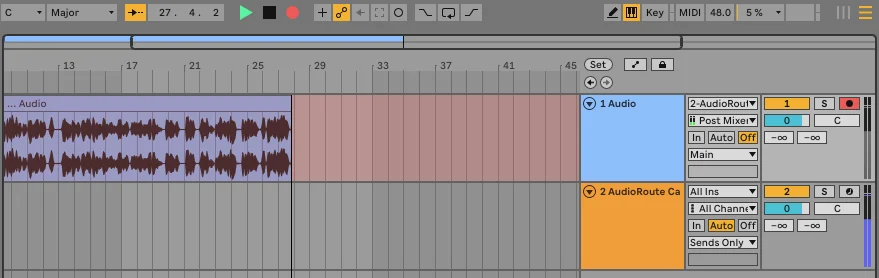
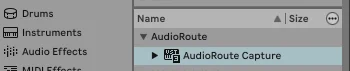
For those working inside host environments like Ableton Live or Pro Tools, the routing utility installs seamlessly as VST3, AU, and AAX plugins. This integration means that audioroute from arvital audio allows you to load an instance directly onto a DAW track and capture real-time audio streams with a single click. It completely bypasses the need for additional virtual mixer applications that often introduce unwanted latency or clocking jitters.
Additional product view and interface angle for AudioRoute from Arvital Audio.
Keeping your signal path pristine is crucial, especially when working on high-fidelity mastering projects. You can read more about maintaining optimal signal chains and professional master processing over at our SM Mastering Audio Articles portal. Utilizing audioroute from arvital audio ensures your reference comparisons remain completely unaltered, allowing you to stream high-resolution reference files from digital platforms directly through your DAW’s master metering chain.
Product Specifications
Below is an overview of the key specifications and pricing details for this routing utility:
Additional product view and interface angle for AudioRoute from Arvital Audio.
| Name | Use | Price | Rating |
|---|---|---|---|
| AudioRoute (by Arvital Audio) | System Audio Routing & Recording Plugin / Virtual Input Device | €29 | 4.8 / 5 |
Practical Studio Workflow Tips
Integrating this utility into your daily operations can drastically speed up your production pace. Here are some of our favorite ways to utilize this software:
- Instant Reference Level Matching: Route system playback (e.g., Spotify or YouTube) into your DAW alongside your current mix to visually analyze spectrum differences using professional metering tools.
- Effortless Sampling: Capture clean audio snippets from web browsers directly to your active DAW timeline without leaving your production environment.
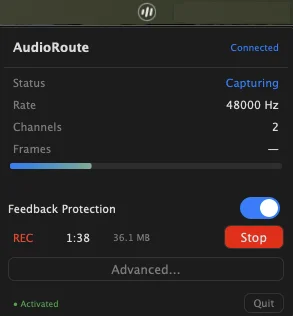
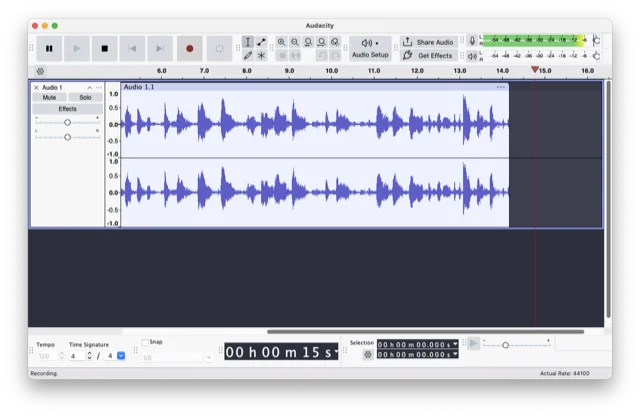
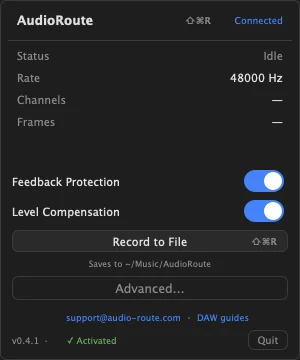
- Standalone Recording: When you do not want to boot up your heavy DAW, simply use the “Record to File” menu bar option to capture system audio to a pristine WAV file at your preferred sample rate and bit depth.
- Streamlining Content Creation: Send your master output directly into applications like OBS, Zoom, or Discord without relying on third-party loopback drivers that crash during live streams.
Conclusion
Ultimately, employing audioroute from arvital audio eliminates technical friction, allowing you to focus purely on the creative and analytical aspects of sound design, mixing, and mastering. For its incredibly affordable price tag and robust feature set, it is a highly recommended utility for any modern studio setup.
Additional product view and interface angle for AudioRoute from Arvital Audio.
Frequently Asked Questions
Does AudioRoute require aggregate devices on macOS?
No. One of the main advantages of this utility is that it works completely independently of macOS aggregate devices and Audio MIDI Setup configurations, saving you time and avoiding system conflicts.
Can I record system audio without opening my DAW?
Yes. The software features a standalone “Record to File” button accessible via your computer’s menu bar, letting you capture system-wide audio directly to a high-quality WAV file.
Additional product view and interface angle for AudioRoute from Arvital Audio.
What plugin formats are supported by this software?
The software installs system-wide VST3, AU, and AAX plugins, ensuring compatibility with virtually every modern DAW on both macOS and Windows operating systems.
Additional product view and interface angle for AudioRoute from Arvital Audio.
🛒 Official Product Info & Where to Buy
Check full technical specs, pricing, and purchase options directly from the official manufacturer or authorized dealer for AudioRoute from Arvital Audio.

Written by SM Mastering
Official content on sound engineering, mixing, mastering, and advanced electronic production by SM Mastering.