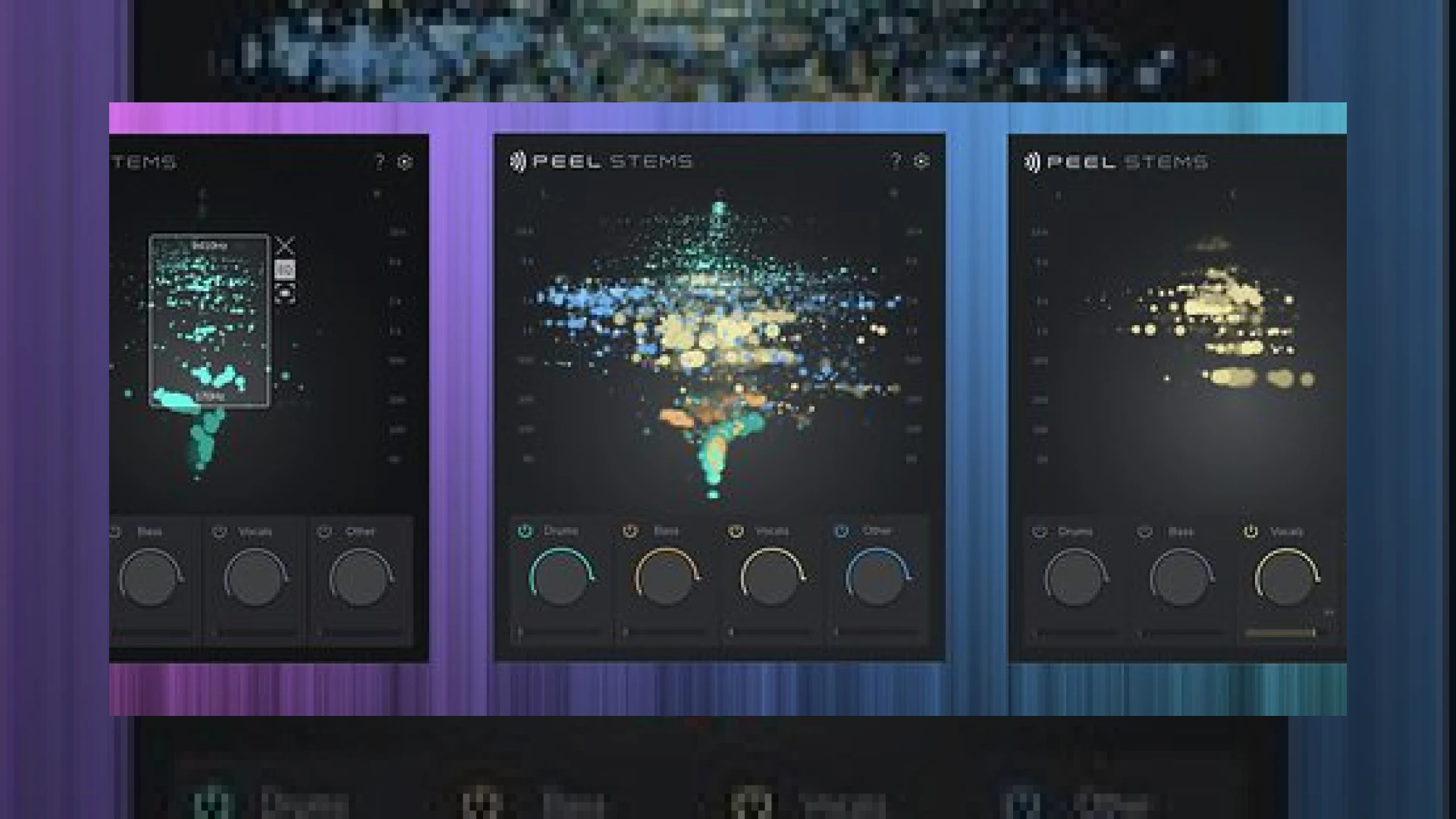
Visual context for Peel Stems 2 from zplane.
In the modern mastering and post-production landscape, surgical control over mixed stereo files has become an invaluable asset, which is why we are thoroughly examining peel stems 2 from zplane. Real-time stem separation has shifted from a novel experiment to a functional studio workflow. Whether you need to quickly isolate a vocal line for a client, attenuate an over-compressed snare drum in a stereo bounce, or dissect a mix for educational purposes, having a low-latency, high-fidelity tool directly inside your Digital Audio Workstation (DAW) is a massive advantage. In this article, we analyze how the latest iteration from zplane stacks up against its predecessor and how it integrates into a professional audio workflow.
Unpacking the Technology of Peel Stems 2 from zplane
When we look closely at how **peel stems 2 from zplane** operates, the most impressive leap forward is the dramatic latency reduction. Traditional spectral separation processors often require offline rendering or introduce massive buffer delays that interrupt the creative flow. In this second-generation release, zplane has managed to slash the processing latency from 483ms down to 245ms when working at a standard sample rate of 44.1kHz. For legacy setups, Intel Macs are also supported with a respectable processing latency of 385ms.
Furthermore, the overall quality and clarity of the separated audio bands have received a significant boost. The typical phase cancellation artifacts and “watery” pre-echoes common to early-generation spectral processors have been heavily mitigated. Combined with a fully redesigned graphical user interface that offers clearer visual feedback and faster, more intuitive mouse-based focus zones, targeting specific sound sources within a stereo field is now faster than ever before.
Specifications and System Compatibility
To help you decide if this tool fits your setup, here is a quick overview of the key specifications of **peel stems 2 from zplane**.
| Specification | Details |
|---|---|
| Product Name | Peel Stems 2 |
| Developer | zplane |
| Primary Use | Real-Time Stem Separation & Spectral Isolation |
| Supported Platforms | Windows 10 or above / macOS 13 and later (Apple Silicon & Intel Macs supported) |
| Formats | VST3, AU, AAX (64-bit) |
| Base Price | €59 (Upgrade available for €19) |
| SM Mastering Rating | 4.5 / 5 Stars |
Practical Studio Workflow Tips for Mastering Engineers
By incorporating **peel stems 2 from zplane** directly into your monitor chain or utility routing, you can quickly test balance corrections without offline rendering. While standalone industry-standard suites like iZotope RX offer deep offline spectral repair, real-time separation in your DAW is where this utility shines. Here are three practical ways to implement it in your studio:
- Stereo Rebalancing: If a client sends a stereo mix where the vocals are buried, load the plugin, isolate the vocal stem, and route it to a parallel auxiliary track. This allows you to add a subtle gain boost, EQ, or compression to the vocal range without altering the entire stereo field.
- Targeted Dynamic Processing: If the low-end drum transients are clashing with a bassline in a pre-mixed file, you can isolate the drum stems and apply dynamic EQ or sidechain compression directly to that specific band before feeding it back into the main mastering chain.
- Fast Troubleshooting: Use the streamlined visual GUI to instantly pinpoint offending resonant frequencies in a complex mix. Visualizing the signal in real-time allows you to visually “grab” the problem spot and hear the results immediately.
For more advanced tutorials on audio restoration and stem processing, explore our comprehensive guides at SM Mastering Audio Articles.
Conclusion
Ultimately, **peel stems 2 from zplane** delivers a highly responsive, real-time stem-separation workflow that addresses the pain points of its predecessor. By prioritizing latency reduction, updating the GUI, and keeping the upgrade path highly affordable at €19 for existing users, zplane has created an essential diagnostic and creative utility tool that deserves a spot in any modern producer or mastering engineer’s digital toolkit.
Frequently Asked Questions
Is Peel Stems 2 compatible with older macOS versions?
No, Peel Stems 2 officially requires macOS 13 (Ventura) and later. It supports both Apple Silicon (M1/M2/M3) and Intel-based Macs, though the processing latency on Intel systems is slightly higher at 385ms compared to 245ms on native systems.
Can I use this plugin in real-time during live performances?
While the latency has been nearly halved to 245ms at 44.1kHz, it may still introduce noticeable delay for critical real-time live performance tracking. It is highly optimized for studio playback, editing, mixing, and mastering environments where sub-millisecond round-trip monitoring is not required.
What plugin formats are included with my purchase?
The installer includes standard 64-bit formats compatible with virtually all major DAWs: VST3, Audio Units (AU), and AAX for Pro Tools users on both Windows and macOS platforms.
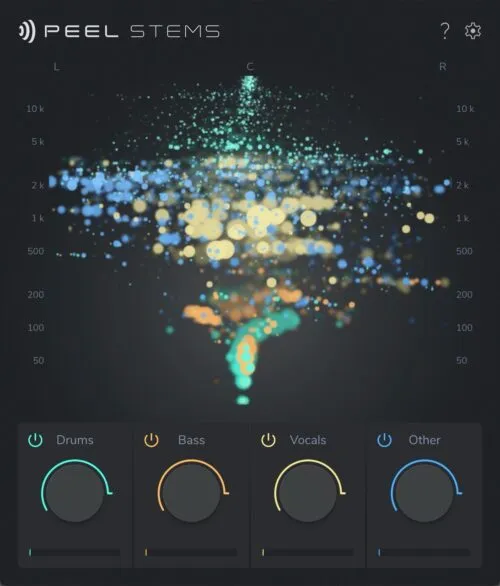
Additional product view and interface angle for Peel Stems 2 from zplane.
🛒 Official Product Info & Where to Buy
Check full technical specs, pricing, and purchase options directly from the official manufacturer or authorized dealer for Peel Stems 2 from zplane.

Written by SM Mastering
Official content on sound engineering, mixing, mastering, and advanced electronic production by SM Mastering.