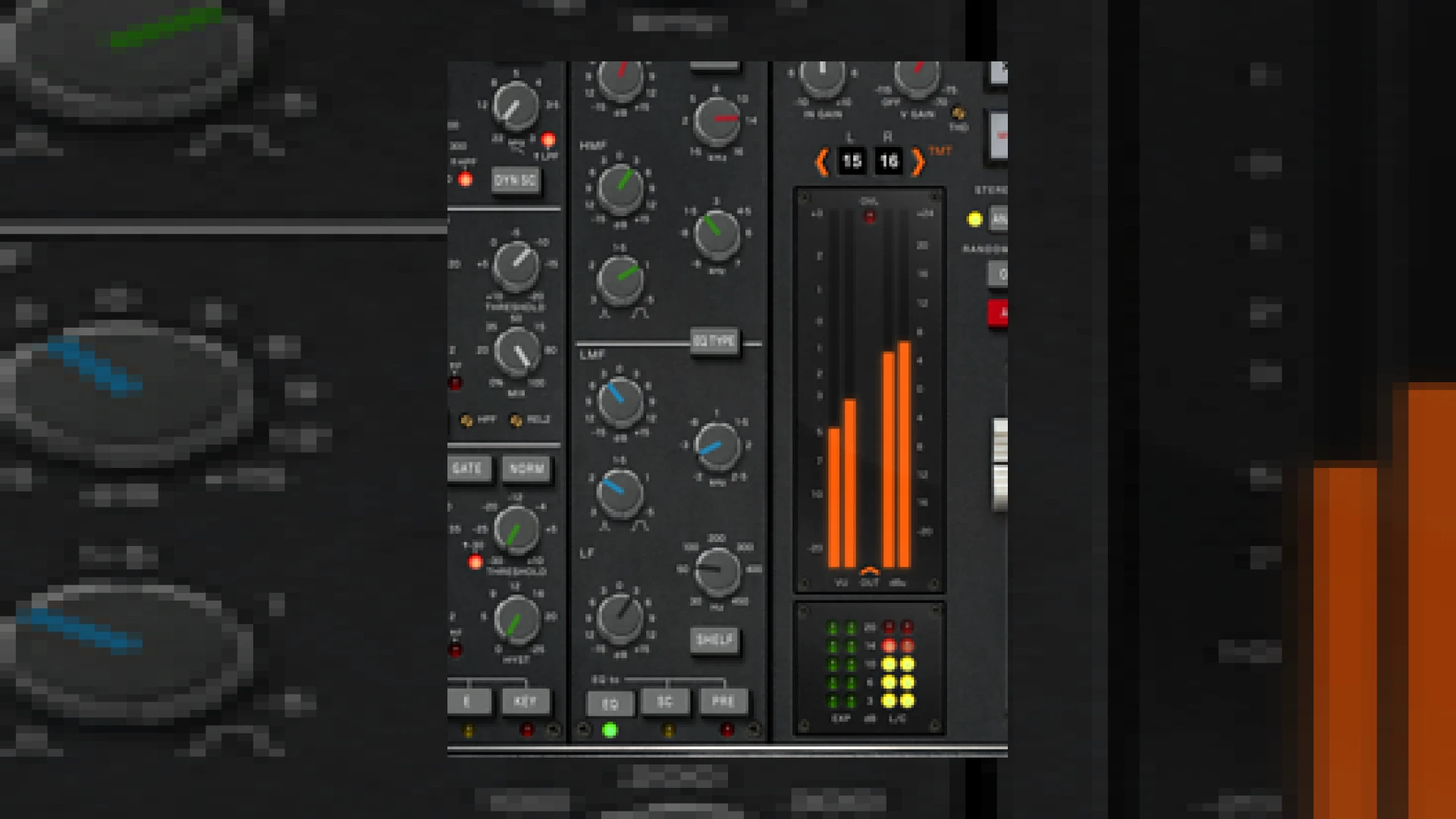
Visual context for Brainworx release bx_console E channel strip.
At SM Mastering, we are constantly evaluating the latest digital signal processing advancements to elevate our mixing and mastering workflows. The transition from physical console hardware to inside-the-box emulation has reached a pinnacle of realism with recent software releases. The industry buzzed with excitement when the news of the brainworx release bx_console e channel strip hit the pro-audio community, promising to deliver the authentic sound of the legendary SSL 4000 E Series console directly to our DAWs with unmatched precision.
Deep Dive: The brainworx release bx_console e channel strip
The magic of this plugin lies in Brainworx’s proprietary Tolerance Modeling Technology (TMT). With the brainworx release bx_console e channel strip, engineers are not just getting a static emulation of an SSL console. Instead, they emulated the component-to-component variances across 72 discrete channels. This means that every instance you load onto your tracks sounds subtly different, replicating the natural phase, frequency, and dynamic variations of a true analog mixing desk. This level of detail provides a wide, three-dimensional stereo image that is difficult to achieve with standard digital mixing tools.
Furthermore, users have the unique ability to swap the equalizer section on a per-channel basis between the classic “Black” and “Brown” knob revisions, or even swap the VCA compressor circuitry with the cleaner, later-released British G Series option. This level of customization outperforms traditional static emulations, such as those produced by competitors like Universal Audio.
Technical Specifications
To help you understand how this plugin fits into your digital audio workstation, we have compiled the essential specifications below:
| Specification | Details |
|---|---|
| Name | bx_console E |
| Use | Mixing, Mastering, Channel Emulation, Dynamics, EQ |
| Price | $349 (MSRP, frequent sales available via Plugin Alliance) |
| Rating | 4.8 / 5 Stars |
Practical Studio Workflow Tips
When incorporating the brainworx release bx_console e channel strip into your session templates, you will notice immediate improvements in depth and separation. Because the plugin boasts an exceptionally low CPU overhead, you can run it across dozens of tracks without choking your computer’s processing power. Here are some of our favorite mastering-grade mixing tips for using this channel strip:
- Use the REL2 Control: On delicate acoustic or vocal tracks, engage the secondary release (REL2) control. This prevents the compressor from pumping unnecessarily, keeping the dynamics smooth and natural.
- Engage the THD Control: Add subtle analog warmth or aggressive saturation by adjusting the continuously variable Total Harmonic Distortion (THD) control on the master bus or individual stems.
- Experiment with Sidechaining: Use the adjustable High-Pass Filter (HPF) on the compressor’s sidechain to keep low-end heavy elements like kick drums and sub-bass from triggering unwanted compression.
For more detailed tutorials and guides on getting the most out of your audio plugins, explore our curated library of SM Mastering Audio Articles.
Conclusion
Ultimately, the brainworx release bx_console e channel strip sets a new standard for modern console emulation. By blending legendary SSL dynamics and EQ curves with flexible digital-only options like mid-side processing, dry/wet controls, and Tolerance Modeling Technology, Brainworx has created an indispensable tool. Whether you are reconstructing the classic sound of 80s rock or injecting modern, punchy analog mojo into electronic music, this channel strip deserves a permanent spot in your plugin folder.
Frequently Asked Questions
What is Tolerance Modeling Technology (TMT)?
TMT is a proprietary modeling technique developed by Brainworx that replicates the real-world component tolerances of analog hardware. Instead of copying a single channel, TMT models dozens of different channels with minor variations in capacitors, resistors, and transistors, producing a wider and more realistic analog stereo image.
Can I switch between EQ types on this channel strip?
Yes. The plugin allows you to switch between the classic “Black” and “Brown” knob EQ revisions on a per-channel basis, giving you access to different filter curves and saturation characteristics within a single interface.
Is this plugin suitable for mastering applications?
While designed primarily as a mixing channel strip, its low-noise floor, precise EQ curves, adjustable THD, and sidechain filters make it highly capable for subtle bus processing and mastering duties, especially when aiming for a cohesive “glue” effect.
🛒 Official Product Info & Where to Buy
Check full technical specs, pricing, and purchase options directly from the official manufacturer or authorized dealer for Brainworx release bx_console E channel strip.

Written by SM Mastering
Official content on sound engineering, mixing, mastering, and advanced electronic production by SM Mastering.