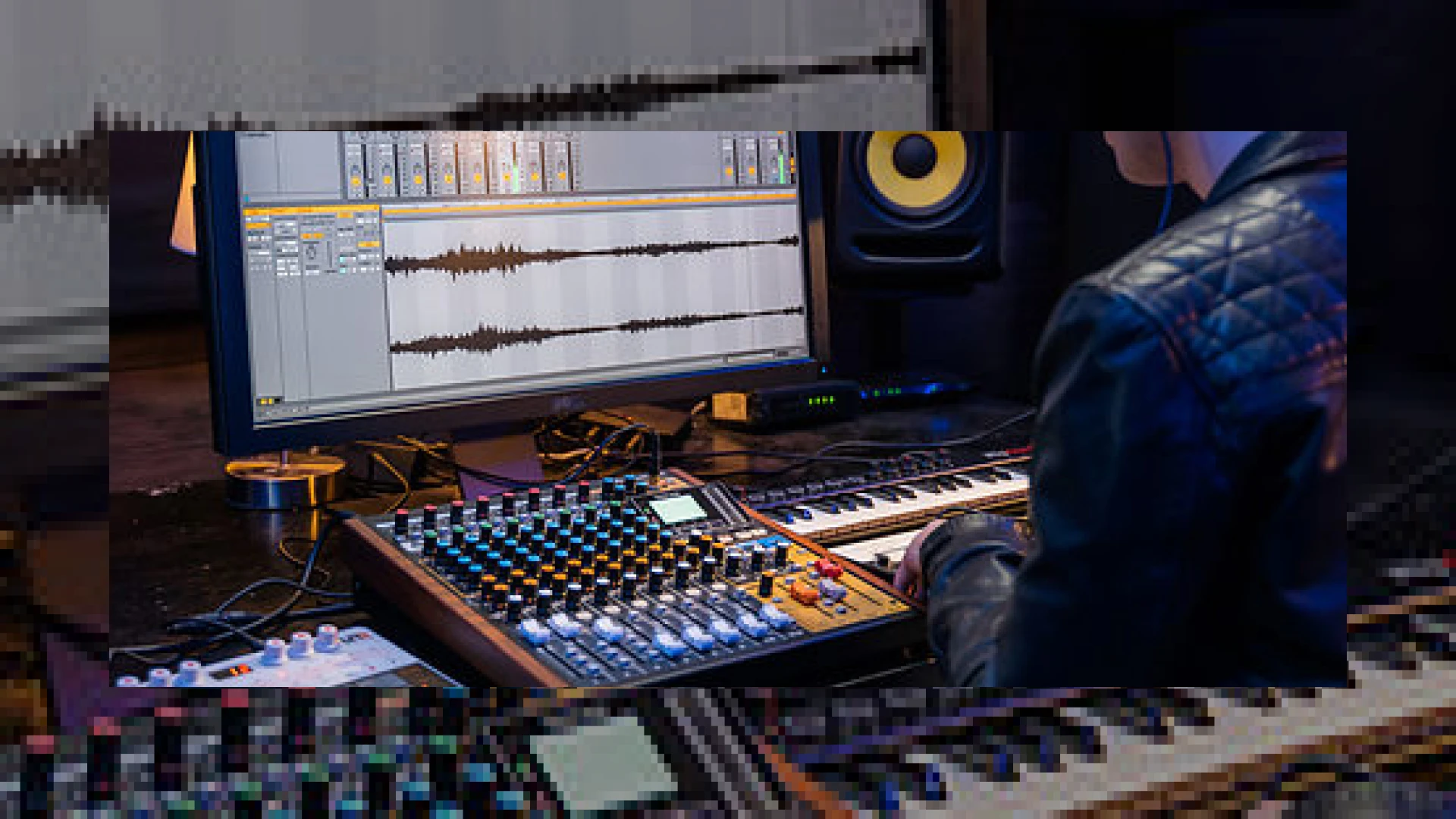
Visual context for Tascam add audio looping to Model-12 mixer.
The integration of modern digital features within analog-style hybrid consoles has reached a new milestone. As mastering engineers and production experts at SM Mastering, we constantly monitor hardware updates that enhance real-time performance and tracking efficiency. This is why we are thrilled to discuss how the decision to let **tascam add audio looping to model-12 mixer** systems provides creators with a seamless way to loop multitrack audio on the fly.
The Tascam Model 12 has already established itself as a versatile, all-in-one multitracker, USB audio interface, and DAW controller. However, with the release of this latest firmware update, Tascam has introduced a game-changing feature called “VAMP.” This function allows users to set two points in a song and loop the playback indefinitely. Whether you are using it in a live concert setting or during a critical tracking session in a professional hybrid environment, this update demonstrates how effectively Tascam add audio looping to model-12 mixer boards to bridge the gap between hardware recording and modern performance dynamics.
The Strategic Benefits When Tascam Add Audio Looping to Model-12 Mixer Consoles
The VAMP feature is designed to be highly intuitive, controlled directly through the console’s menu-driven interface. In a live concert environment, you can trigger loops seamlessly to stretch a song’s groove, allowing musicians to engage in extended solo jams or crowd-interaction segments.
For studio recording, it is a brilliant tool for pre-production. Before laying down your final take, you can loop a specific section of the song to rehearse a complex guitar solo or vocal run. This is yet another example of why professional gear is moving toward high-flexibility firmware updates, much like how Ableton revolutionized live performance using digital audio clips. When you let Tascam add audio looping to model-12 mixer setups, you effectively turn your multitracker into an interactive playback instrument.
To learn more about optimizing your mix bus, achieving professional loudness, or mastering your self-recorded tracks, feel free to explore our specialized guides at the SM Mastering Audio Articles resource hub.
Tascam Model 12 Specifications
Below is a detailed overview of the Model 12 mixer’s capabilities, incorporating the new VAMP performance update:
| Name | Primary Use | Estimated Price | Expert Rating |
|---|---|---|---|
| Tascam Model 12 (VAMP Firmware) | Multitrack Recording, Live Sound, DAW Control, Loop Rehearsal | $599 USD | 4.8 / 5.0 |
Practical Studio Workflow Tips Using VAMP Looping
Integrating new firmware features into your daily studio routine can dramatically speed up your workflow. When you let Tascam add audio looping to model-12 mixer units, the setup only requires a formatted SD card and the firmware file downloaded from their official site. Here are a few tips to maximize this feature:
- Rehearse to Perfection: Instead of constantly stopping and manual rewinding in your DAW, set a VAMP loop over the chorus to practice vocal harmonies or intricate guitar solos before recording.
- Live Jamming: During live gigs, use the VAMP feature to loop a solid rhythm section while the lead instruments improvise. You can exit the loop on the fly at the press of a button.
- Effortless Installation: Ensure your SD card is formatted correctly via the Model 12 before copying the update file. The firmware installation is menu-driven and takes less than two minutes.
Conclusion
Ultimately, the choice to let Tascam add audio looping to model-12 mixer consoles showcases their commitment to long-term hardware support. By introducing the VAMP looping function, the Model 12 becomes far more than a standard mixer—it transforms into an active, creative partner for both live performance and studio creation.
Frequently Asked Questions
What is the VAMP feature on the Tascam Model 12?
The VAMP feature is a looping function introduced in the latest firmware update. It allows users to set “In” and “Out” points within a song to loop that specific audio section seamlessly during playback or recording.
Is the Tascam Model 12 firmware update free?
Yes, the firmware update that adds the VAMP audio looping function is completely free to download from the official Tascam website.
Can I use the looping feature without a computer?
Absolutely. The VAMP looping feature runs directly on the Tascam Model 12’s internal hardware processor, making it completely standalone and perfect for computer-free live gigs.
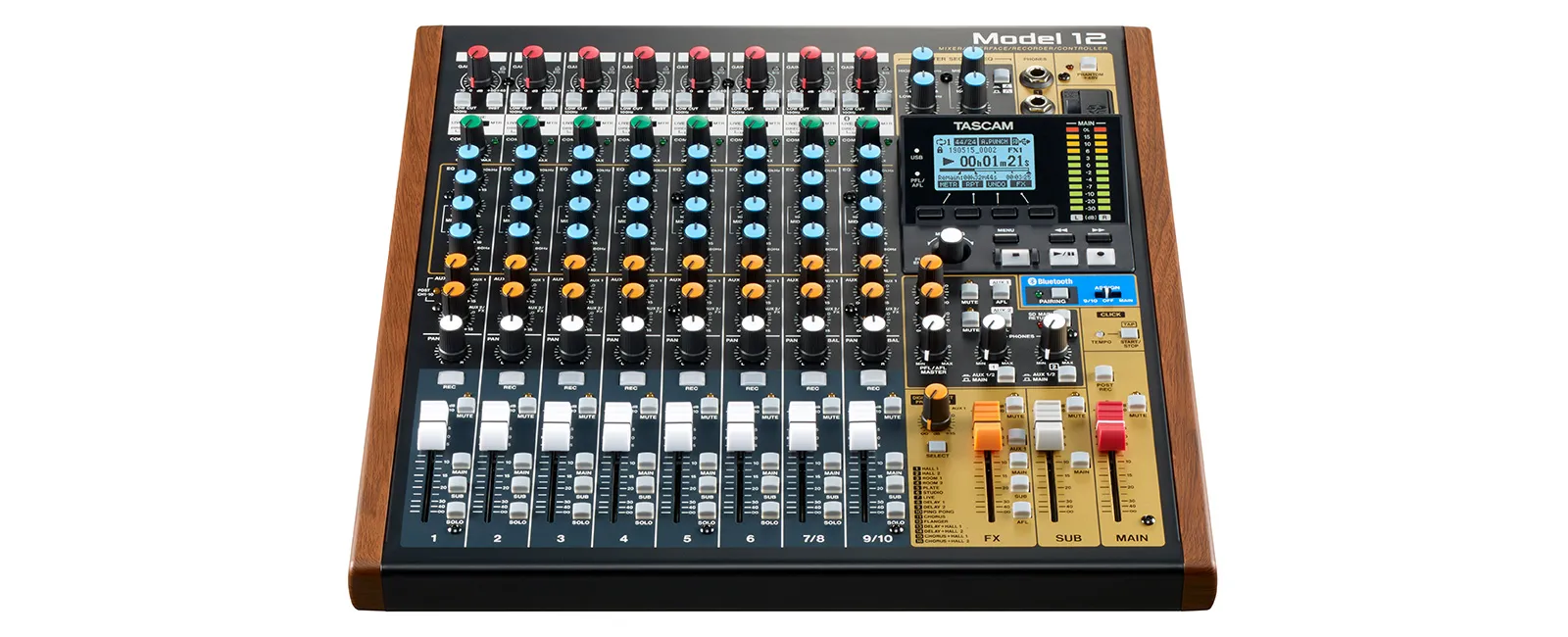
Additional product view and interface angle for Tascam add audio looping to Model-12 mixer.
🛒 Official Product Info & Where to Buy
Check full technical specs, pricing, and purchase options directly from the official manufacturer or authorized dealer for Tascam add audio looping to Model-12 mixer.

Written by SM Mastering
Official content on sound engineering, mixing, mastering, and advanced electronic production by SM Mastering.