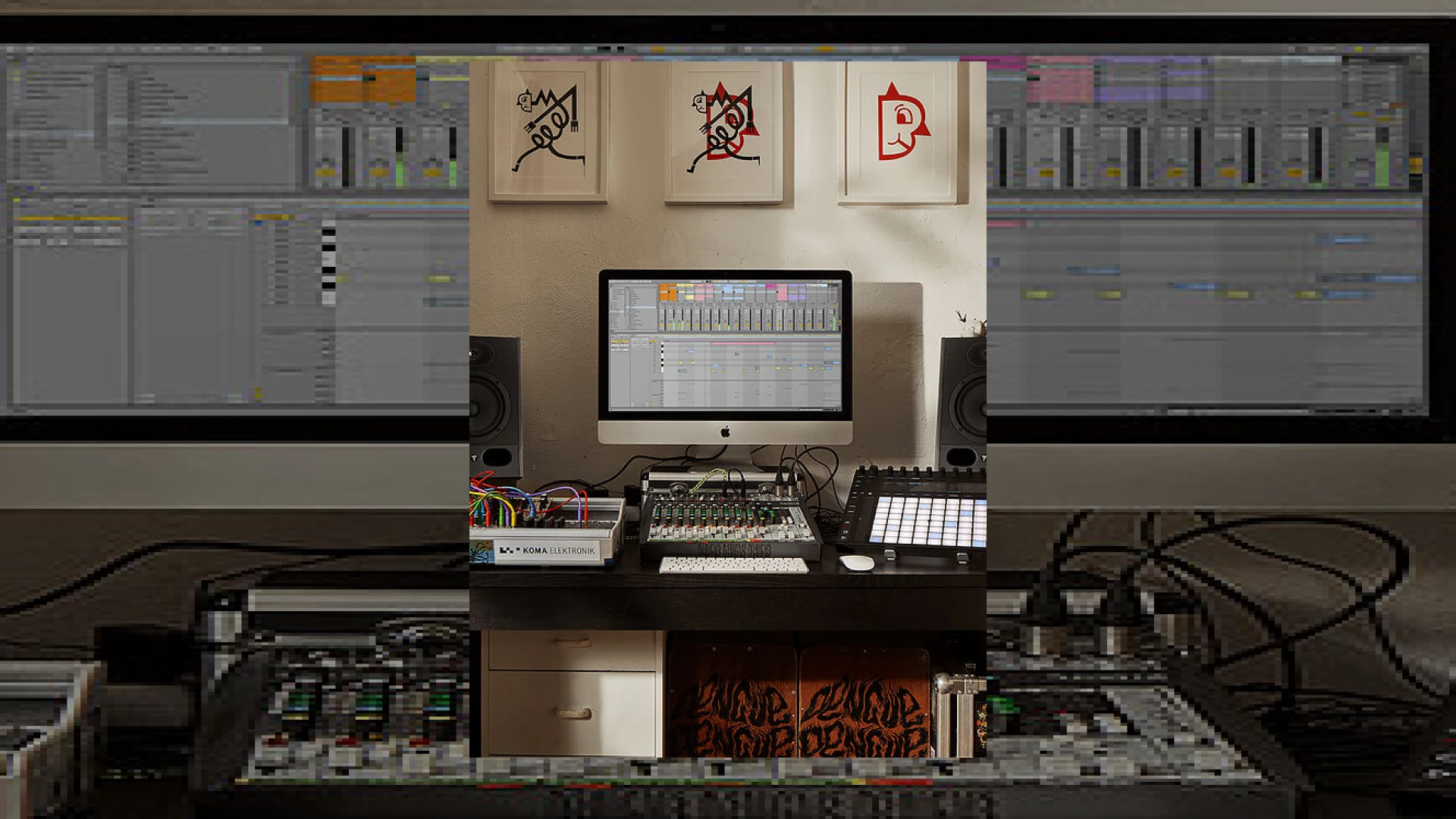
Visual context for Ableton Live 11 revealed.
The electronic music production landscape has shifted once again with the official news of ableton live 11 revealed. As audio mastering engineers at SM Mastering, we are always on the lookout for tools that streamline the creative process while maintaining the highest fidelity. This major update brings a suite of powerful tools designed to bridge the gap between live performance improvisation and clinical studio execution, offering producers a more cohesive environment to realize their sonic visions.
Ableton Live 11 Revealed: New Features and Workflow Upgrades
One of the most groundbreaking features in this update is the real-time tempo following. With ableton live 11 revealed, the software can now automatically track the tempo of incoming live audio. This means your computer-based setups can seamlessly lock into a live drummer or DJ set without manual adjustments. Furthermore, the updated Macro controls now allow up to 16 Macros per Rack, complete with randomisation and snapshot recall to add controlled chaos to your sound design, perfect for breaking creative blocks.
Traditional recording workflows also receive a massive boost. The community has long anticipated these DAW upgrades, and with ableton live 11 revealed, comping is now a native reality. Live organizes multiple passes of audio or MIDI into parallel lanes, enabling users to swipe and select the best parts of each take. Additionally, Linked-track Editing lets you group multiple tracks and edit them simultaneously with sample-accurate precision, a feature heavily utilized in our professional editing pipelines at SM Mastering Audio Articles.
Additional product view and interface angle for Ableton Live 11 revealed.
Another revolutionary step is the full integration of MIDI Polyphonic Expression (MPE). Now that we have ableton live 11 revealed, producers can manipulate pitch bends, slides, and pressure for individual notes within a chord. This turns static MIDI arrangements into expressive, organic acoustic-like performances. When preparing pre-masters for our mastering studio, using MPE adds a layer of micro-dynamics and natural stereo width that can elevate a mix significantly.
From a mastering perspective, the cleaner edits allowed by linked-track editing and the creative sound design options mean we receive much higher quality stems. With ableton live 11 revealed, Ableton has proved that they are not just focused on live performance, but are committed to providing a top-tier studio environment that rivals any traditional DAW.
Additional product view and interface angle for Ableton Live 11 revealed.
Specifications & Overview
Below is an overview of the pricing, core use cases, and ratings for the updated software suite:
| Name | Primary Use | Price (USD) | Rating |
|---|---|---|---|
| Ableton Live 11 Suite | Music Production, Performance, MPE Sound Design, Mastering Preparation | $749 | 4.8 / 5.0 |
| Ableton Live 11 Standard | Core Audio & MIDI Editing, Performance, Recording | $449 | 4.5 / 5.0 |
Practical Studio Workflow Tips
1. Use Comping for Sound Design, Not Just Vocals
While comping is traditionally used to stitch together the perfect vocal take, try using it on percussive synth lines or drum loops. By splicing together different passes of randomized synthesizer modulations, you can easily create highly complex, evolving rhythmic stuttering effects that would take hours to program manually.
2. Lock Your Performance to a Live Drummer
Incorporate Live 11’s new Tempo Follower into your band rehearsals. Route the drummer’s kick or snare transient output directly into Live’s tempo analysis channel. The software will dynamically adjust its master tempo to match the human feel of the performance, eliminating rigid click tracks.
3. Harness Macro Snapshots for Mastering References
When prepping your mixdowns, use the new Macro snapshots feature on your master bus processing chain. You can quickly save and compare different gain structures, EQ curves, and saturation levels, switching between them instantly at the click of a button without losing your original settings.
Conclusion
Ableton Live 11 represents a monumental leap forward for both stage performers and studio-bound mix engineers. By addressing long-standing workflow requests like track comping and multi-track editing, alongside futuristic integrations like MPE, Ableton continues to define the modern standard of music production software. For creators looking to deliver pristine mixes to mastering houses, these new features provide unprecedented control over both the creative chaos and the microscopic details of their audio.
Frequently Asked Questions
Does Ableton Live 11 support MPE out of the box?
Yes. Ableton Live 11 has native support for MIDI Polyphonic Expression (MPE). You can record and edit multiple parameters—such as pressure, slide, and pitch bend—independently for each individual note in a MIDI chord, provided you use an MPE-compatible controller or the built-in MPE-supported devices.
How does the new Tempo Follower function?
The Tempo Follower listens to an incoming audio signal (like a live drum input) and dynamically adjusts Live’s internal tempo in real-time. This allows hardware setups and software tracks to stay synchronized with a live band or acoustic performer without a fixed click track.
What is Linked-track Editing?
Linked-track Editing allows you to link two or more tracks together so that any edits, cuts, fades, or movements performed on one track are automatically applied to the others simultaneously. This is highly useful for editing multi-mic acoustic sessions, such as drum kits or multi-part vocal ensembles, while maintaining perfect phase alignment.
🛒 Official Product Info & Where to Buy
Check full technical specs, pricing, and purchase options directly from the official manufacturer or authorized dealer for Ableton Live 11 revealed.

Written by SM Mastering
Official content on sound engineering, mixing, mastering, and advanced electronic production by SM Mastering.