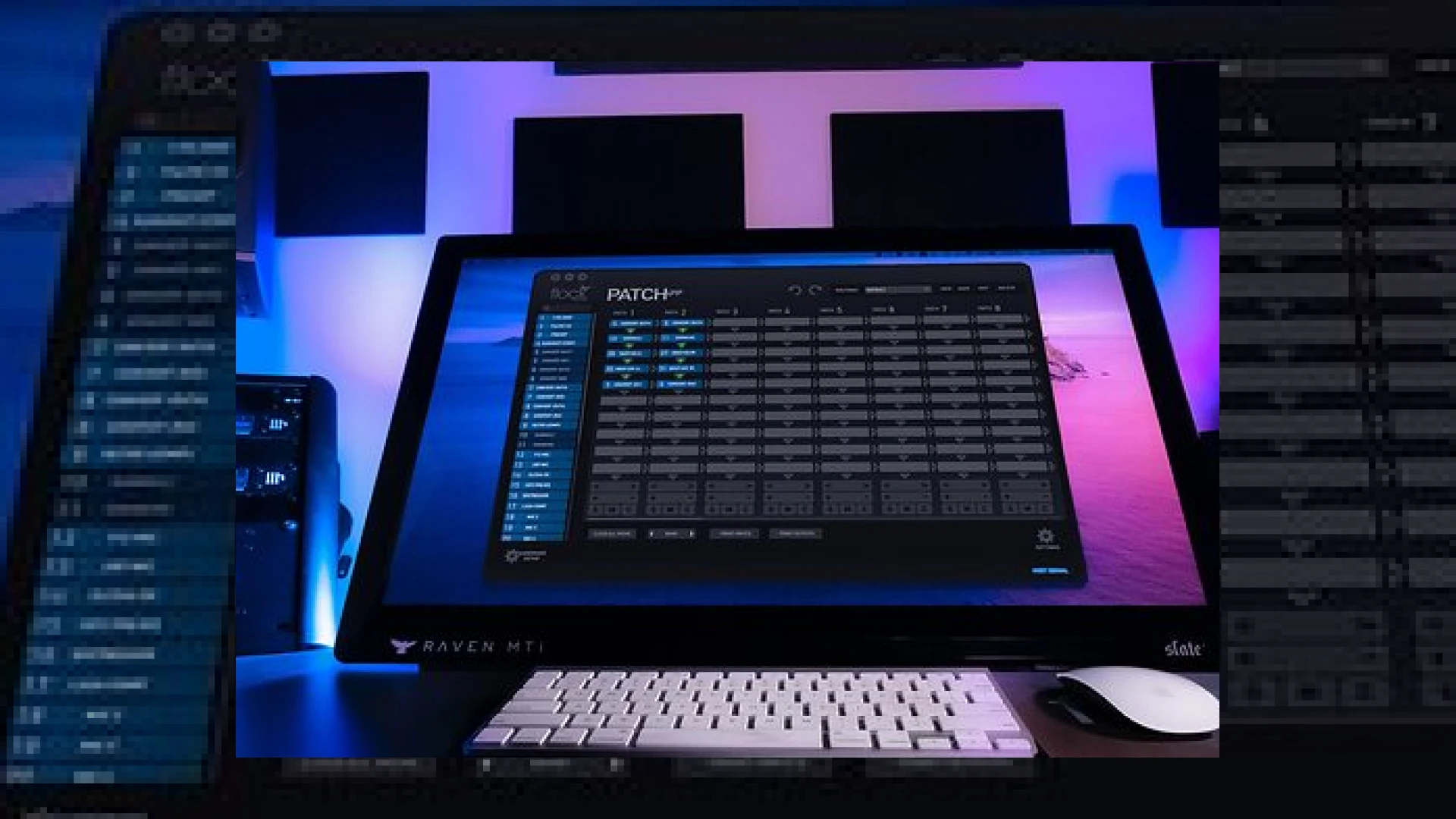
Visual context for Flock Audio Patch software updated.
As professional mastering engineers at SM Mastering, we are constantly looking for ways to streamline our analog-digital hybrid setups. Physical patchbays have long been the bottleneck of professional environments, requiring tedious cabling, manual recalls, and a high risk of patching errors. Fortunately, Flock Audio revolutionized this process with their digitally controlled analog routing systems. We are thrilled to share that the flock audio patch software updated release has officially hit the market, bringing robust performance improvements to their acclaimed Patch App ecosystem.
Why the flock audio patch software updated release is essential for modern studios
The core philosophy of the Flock Audio Patch series is to take the pain out of physical patching. Whether you are running the compact 1U Patch LT or the massive 96-input Patch XT, the system relies entirely on its software front-end. With the flock audio patch software updated to version 2.1, engineers can now enjoy immediate visual and tactile control over their external hardware. This update specifically focuses on productivity, introducing dedicated Solo, Mute, and Clear buttons that allow users to instantly audition or isolate specific analog signal paths directly from their computer monitor.
Our mastering team tested this update extensively, and we found that the flock audio patch software updated workflow allows for immediate A/B comparisons without distracting delays. Thanks to a major engine overhaul, patch recall times are now up to 60 percent faster. This speed increase is incredibly beneficial during critical listening sessions where subtle differences between hardware compressors or EQ chains need to be evaluated instantly.
Furthermore, the user interface has undergone a clean visual refinement. Engineers can now drag, drop, and construct brand new routing lines directly from the main grid. This version also introduces essential keyboard commands to speed up software navigation. For safety, Flock Audio has added the ability to hide the +48V phantom power option on designated inputs, preventing catastrophic accidents with delicate vintage microphones. To get the most out of your hardware, ensuring you keep the flock audio patch software updated is key to avoiding compatibility issues with modern digital audio workstations.
Technical Specifications
Below is a technical breakdown of the Patch App software and how it integrates with the Flock Audio hardware ecosystem:
| Product Name | Primary Use | Pricing Model | Expert Rating |
|---|---|---|---|
| Flock Audio Patch App (v2.1) | Digitally controlled analog patchbay routing software | Free update for Patch hardware owners | 4.9 / 5.0 |
Practical Studio Workflow Tips
- Utilize the Faster Recall for A/B Testing: Set up two distinct analog mastering chains in the routing grid and switch between them instantly. The 60% faster recall speed ensures your ears won’t lose reference during comparison.
- Safe Ribbon Mic Routing: Use the newly added feature to hide the phantom power (+48V) button on channels where ribbon microphones or delicate vintage preamps are patched.
- Establish Routing Templates: Create default starting templates for tracking, mixing, and mastering. This eliminates setup times and allows you to jump straight into the creative process.
Whether you are routing high-end hardware or integrating advanced software tools from industry leaders like iZotope, having a fluid routing workflow is crucial. To stay informed on the latest analog hardware controllers and digital mastering techniques, explore our detailed guides at SM Mastering Audio Articles.
Frequently Asked Questions (FAQ)
How much does the Flock Audio Patch App v2.1 update cost?
The Patch App version 2.1 is a completely free software update for all registered owners of Flock Audio Patch series hardware, including the Patch LT, Patch, and Patch XT models.
What are the main performance enhancements in this update?
The version 2.1 update brings up to 60 percent faster preset recall speeds, newly added Solo, Mute, and Clear buttons for faster auditioning, keyboard shortcuts, and the option to hide the phantom power switches for sensitive analog gear.
Can I use the Patch App without Flock Audio hardware?
No, the Patch App serves as the digital control software front-end designed exclusively to control the proprietary analog routing matrix inside Flock Audio physical hardware units.
🛒 Official Product Info & Where to Buy
Check full technical specs, pricing, and purchase options directly from the official manufacturer or authorized dealer for Flock Audio Patch software updated.

Written by SM Mastering
Official content on sound engineering, mixing, mastering, and advanced electronic production by SM Mastering.