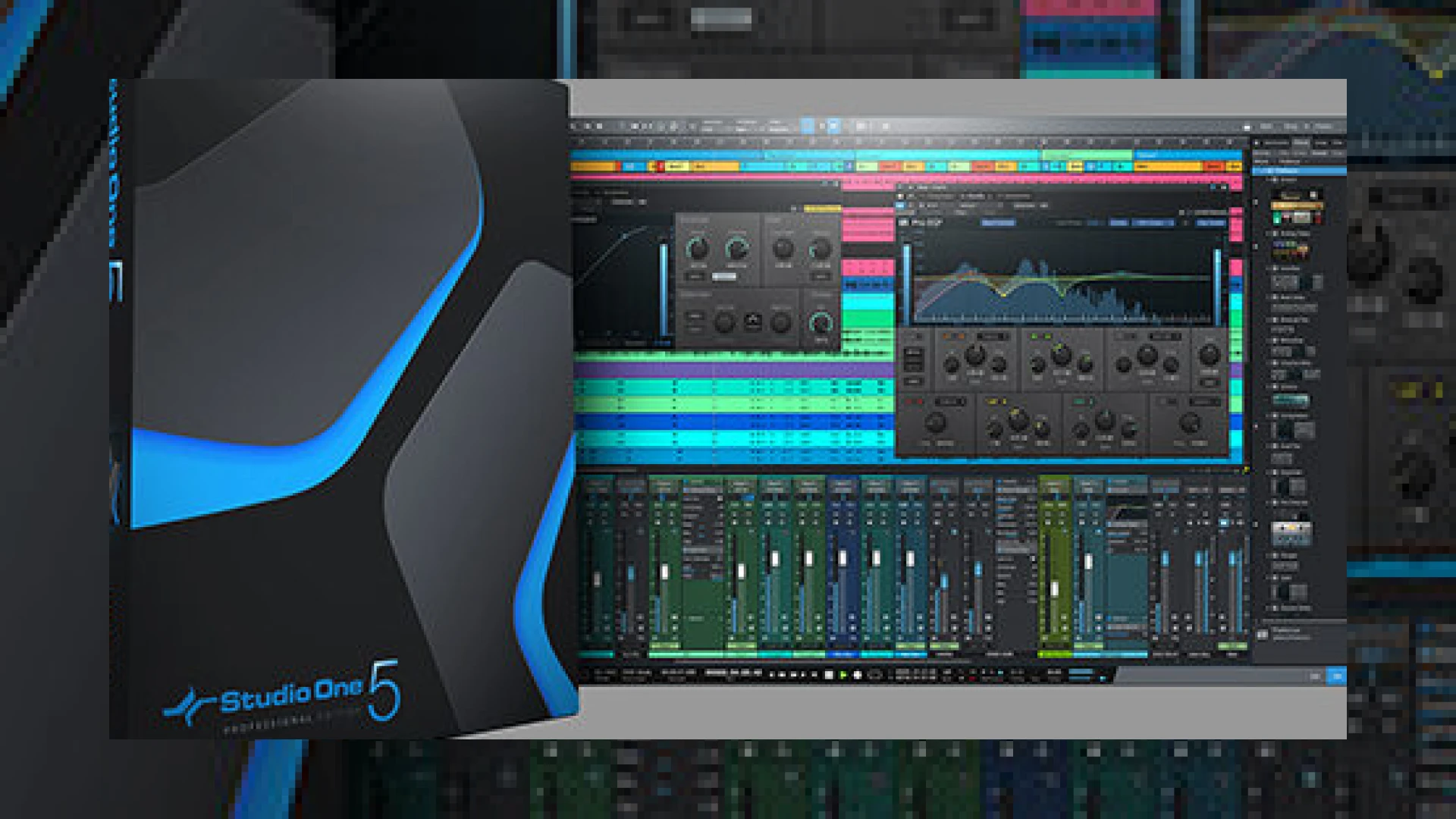
Visual context for PreSonus Studio One 5.5 Update adds requested features.
Here at SM Mastering Audio Articles, we constantly analyze DAW updates to see how they impact professional mixing and mastering workflows. PreSonus has officially released version 5.5, and the presonus studio one 5.5 update adds requested features that bridge the gap between mixing and mastering environments more seamlessly than ever before. For engineers preparing masters for commercial distribution, understanding how this update streamlines the signal chain is vital.
How the PreSonus Studio One 5.5 Update Adds Requested Features for Mastering
The core focus of this release centers around expanding the capabilities of the Project Page. Historically, dedicated mastering suites required jumping back and forth between different software environments, but the presonus studio one 5.5 update adds requested features that keep you firmly in the box. Engineers can now utilize full track volume, master volume, and insert-effects plug-in parameter automation directly on the Project Page. Whether you are using hardware controllers, a standard mouse, or drawing curves with the Paint Tool, real-time automation writing is fully supported.
Furthermore, Clip Gain Envelopes have been integrated into the Project Page. This allows precision gain staging and problem-solving without needlessly consuming CPU cycles on dynamic range processors or limiters. Paired with high-end processing tools often discussed in iZotope mastering guides, these envelope tools give you surgical control over track transients.

Additional product view and interface angle for PreSonus Studio One 5.5 Update adds requested features.
Advanced Monitoring and Export Capabilities
Another major addition is the dedicated Listen Bus on the Project Page. This lets engineers route their audio through room-correction software, headphone correction tools, or calibration plugins without affecting the actual Master output file. This ensures your monitoring environment is completely independent of your final render bus.
When it comes to delivery, the presonus studio one 5.5 update adds requested features for digital publishing. Users can now export multiple formats simultaneously, targeting high-resolution audio and lossy streaming codecs in one swift action. Coupled with the new Target Loudness options and proprietary dithering algorithms, preparing tracks for Spotify, Apple Music, and vinyl distribution has never been easier.
Studio One 5.5 Feature Specifications
| Feature Name | Primary Use | Price | Rating |
|---|---|---|---|
| Project Page Automation | Real-time volume and plugin parameter control | Included in v5.5 | 4.9/5 |
| Clip Gain Envelopes | Surgical level balancing without compression | Included in v5.5 | 4.8/5 |
| Listen Bus | Independent monitoring & correction routing | Included in v5.5 | 4.7/5 |
| Multiple Format Export | Simultaneous rendering for various streaming targets | Included in v5.5 | 5.0/5 |
Practical Studio Workflow Tips
To get the most out of these new additions, incorporate these professional strategies into your session routine:
- Use Clip Gain First: Before engaging any hardware emulation or dynamic plugins, use the new Clip Gain Envelopes on the Project Page to level out uneven vocal or instrumental passages.
- Calibrate Your Listen Bus: Load your room-correction software exclusively on the Listen Bus. This prevents calibration EQ curves from accidentally being printed into your final export.
- Leverage Target Loudness Presets: Instead of guessing whether your master meets streaming standards, select the built-in export presets to automatically verify true peak and integrated LUFS parameters.
Frequently Asked Questions
Does the presonus studio one 5.5 update add requested features for free to existing users?
Yes, version 5.5 is a free point update for all registered owners of Studio One 5 (Professional and Artist tiers, though specific mastering features like the Project Page reside in the Professional version).
Can I automate third-party plugins on the Project Page now?
Absolutely. The update allows you to write automation for both native PreSonus devices and third-party VST/AU insert effects directly within the mastering environment.
What makes the new dithering algorithm different?
The proprietary, custom-designed dithering algorithm in Studio One 5.5 is engineered to minimize quantization distortion when reducing 24-bit or 32-bit audio down to 16-bit files, ensuring maximum transparency.
🛒 Official Product Info & Where to Buy
Check full technical specs, pricing, and purchase options directly from the official manufacturer or authorized dealer for PreSonus Studio One 5.5 Update adds requested features.

Written by SM Mastering
Official content on sound engineering, mixing, mastering, and advanced electronic production by SM Mastering.