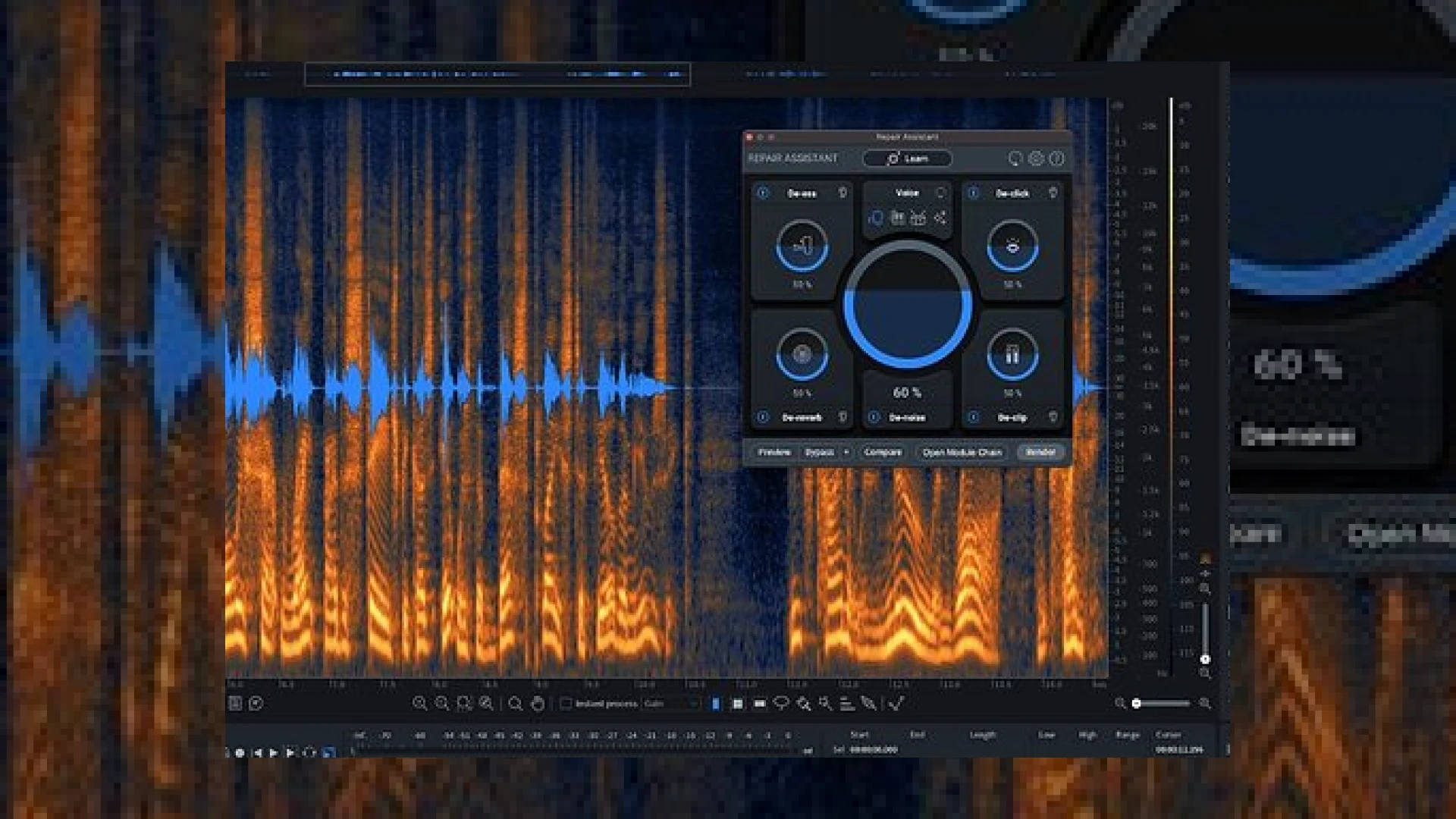
Visual context for iZotope RX 10 released.
When the news broke that izotope rx 10 released to the professional audio community, engineers and post-production studios took immediate notice. As an audio mastering facility, we rely heavily on cutting-edge restoration tools to salvage imperfect takes, clean up location recordings, and prepare final mixes for commercial distribution. The latest iteration of this industry-standard software brings a suite of machine-learning enhancements designed to streamline workflow and elevate audio fidelity to unprecedented heights.
What is New Since izotope rx 10 released?
The headline feature that captured the industry’s attention when SM Mastering Audio Articles first began analyzing the update is Text Navigation. This groundbreaking tool automatically analyzes recorded speech and converts dialogue into an accurate text transcription displayed directly above the spectrogram. Editors can now search for specific spoken words, highlight text to make audio edits, and drastically reduce the time spent combing through hours of dialogue. Furthermore, the updated Repair Assistant plug-in offers a fully rebuilt interface inside your Digital Audio Workstation (DAW), intelligently identifying problems like clicks, hums, and sibilance while recommending a tailored processing chain.
Technical Specifications and Pricing
| Product Name | Primary Use | Estimated Price | Expert Rating |
|---|---|---|---|
| iZotope RX 10 Standard | Audio Restoration & Dialogue Editing | $399 (Standard) | 9.5 / 10 |
| iZotope RX 10 Advanced | Post-Production & Spectral Repair | $1,199 (Advanced) | 9.8 / 10 |
Practical Studio Workflow Tips for Mastering Engineers
Ever since izotope rx 10 released, our team has integrated its advanced features into our daily mastering routines. Here are a few practical tips to maximize your efficiency:
- Leverage Dynamic Adaptive Mode: Use the newly updated De-Hum module in Dynamic Adaptive Mode to remove persistent mains hum immediately without spending valuable time generating a noise profile first.
- Utilize Multiple Speaker Detection: When working on podcasts or complex audio interviews, rely on RX 10’s speaker separation feature to apply targeted processing to individual voices dynamically.
- Pair with Industry Tools: Combine RX 10’s restoration capabilities with hardware-emulated processors from manufacturers like Universal Audio to achieve a polished, broadcast-ready finish.
Conclusion
The ecosystem of post-production tools shifted significantly when izotope rx 10 released. By blending deep machine learning with refined user controls, iZotope has managed to make complex audio repair faster, more intuitive, and remarkably accurate. Whether you are repairing archival music recordings or delivering pristine dialogue for film, RX 10 remains an essential investment for any serious studio.
Frequently Asked Questions
Can I use RX 10 plug-ins directly inside my DAW?
Yes, modules like the rebuilt Repair Assistant, De-clip, and De-click can be loaded directly as plug-ins inside your favorite DAW, allowing for streamlined in-line processing.
What is the difference between RX 10 Standard and Advanced?
The Advanced version includes specialized tools tailored for post-production facilities, such as Dialogue Isolate, Pro Tools Audio Suite support, multi-channel support up to Dolby Atmos, and advanced spectral editing modules.
Is RX 10 compatible with Apple Silicon?
Yes, RX 10 features native Apple Silicon (M1/M2/M3) support, ensuring optimal performance and low CPU usage on modern Mac systems.
🛒 Official Product Info & Where to Buy
Check full technical specs, pricing, and purchase options directly from the official manufacturer or authorized dealer for iZotope RX 10 released.

Written by SM Mastering
Official content on sound engineering, mixing, mastering, and advanced electronic production by SM Mastering.