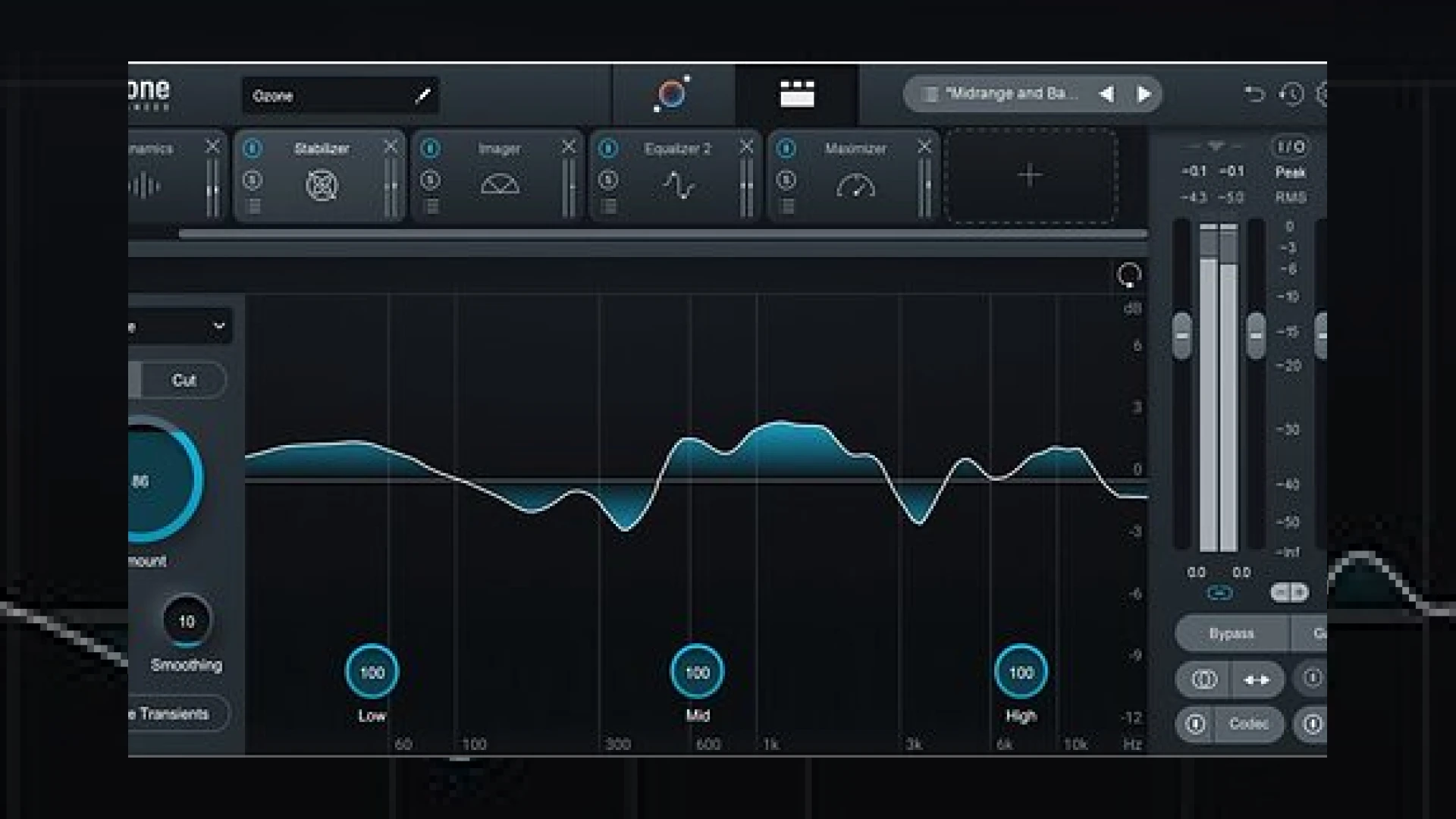
Visual context for iZotope release Ozone 10.
Achieving a professional-sounding master in the box has always required a delicate balance of technical precision and artistic intuition. That is why engineers around the world buzzed with excitement upon hearing that iZotope release Ozone 10, bringing a new era of AI-assisted processing to professional and home studios alike. As mastering engineers at SM Mastering Audio Articles, we have put this flagship suite through rigorous testing across various genres to evaluate its updated algorithms and overall sonic impact.
What Makes the Announcement of iZotope Release Ozone 10 Significant?
The industry reaction to the izotope release ozone 10 centers heavily around workflow efficiency and intelligent automation. Producers and mix engineers often struggle with the transition from mixing to mastering, suffering from ear fatigue and second-guessing their tonal balances. By refining the Master Assistant and introducing dedicated corrective tools, this suite bridges the gap between raw mixes and commercial-ready masters faster than ever before.
Furthermore, engineers can cross-reference their work using industry standards found in platforms like Ableton to ensure translation across multiple sound systems. The software brings native Apple Silicon support, ensuring that sessions with heavy plugin chains run seamlessly without stuttering or latency issues.
Key Features and Specifications
To understand the value proposition of this software suite, let us examine its core specifications and modules:
| Product Name | Primary Use | Introductory Price | Expert Rating |
|---|---|---|---|
| Ozone 10 Standard | AI-assisted mastering and basic EQ/dynamics | $199 | 9.2 / 10 |
| Ozone 10 Advanced | Full suite with Stabilizer, Impact, and unbundled modules | $299 | 9.6 / 10 |
The Advanced tier includes standout additions such as the Stabilizer module—an adaptive mastering EQ that dynamically tames harsh resonances—and the Impact module, which micro-dynamically enhances rhythm and punch without squashing transient details.
Practical Studio Workflow Tips for Ozone 10
When integrating the suite from the izotope release ozone 10 into your daily sessions, follow these professional mixing and mastering guidelines:
* **Use Assistant View as a Starting Point:** Let the updated Master Assistant analyze your reference track, but always trust your ears for final tonal adjustments.
* **Deploy

Written by SM Mastering
Official content on sound engineering, mixing, mastering, and advanced electronic production by SM Mastering.