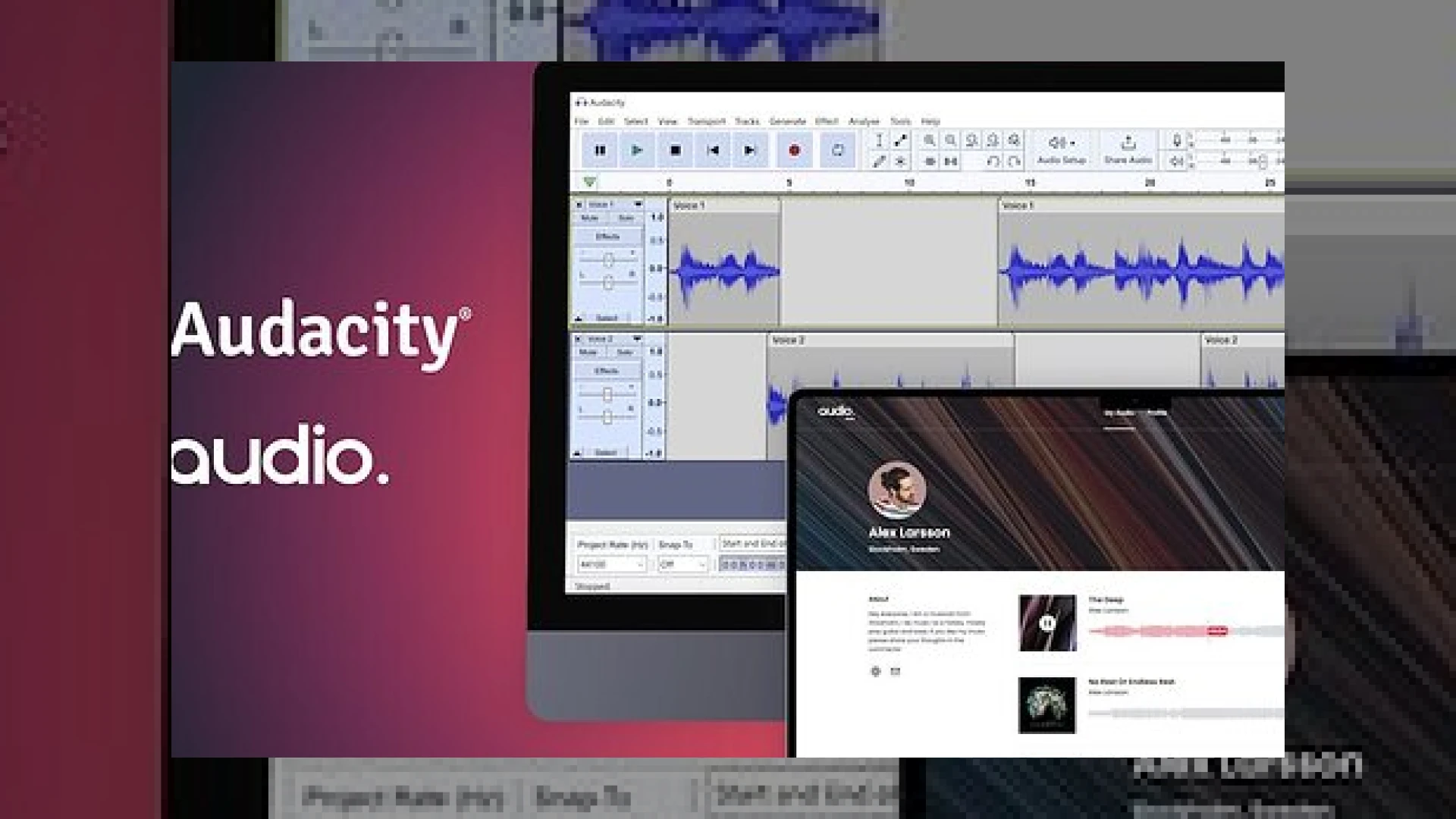
Visual context for Audacity 3.2 released.
When the news broke that **audacity 3.2 released**, the bedroom-producer and indie-engineer communities took immediate notice. For years, this beloved open-source audio editor was viewed primarily as a utility tool for quick audio recording, podcast editing, and destructive waveform trimming. However, this monumental version transition marks a structural shift toward a fully realized digital audio workstation (DAW). Whether you are prepping tracks for commercial mixing or collaborating on a quick podcast, understanding how to utilize these new capabilities will elevate your production workflow.
To help you get the most out of your mixes, we recommend pairing your editing workflow with professional insights found in our SM Mastering Audio Articles resource hub, where we deep-dive into industry-standard signal processing chains.
Understanding Why the News That Audacity 3.2 Released Changes Everything
The monumental headline that **audacity 3.2 released** brings a long-awaited feature to open-source recording enthusiasts: real-time effects support. Historically, applying any kind of processing meant committing the changes permanently to the audio file, rendering experimentation risky and tedious.
Now, engineers can insert processors dynamically, auditioning parameters while the transport is actively playing back audio. This brings the platform much closer in workflow parity to industry giants like Ableton. Furthermore, the inclusion of VST3 support opens up the software to a massive ecosystem of third-party virtual studio technology. You can now load up modern saturation, EQ, and dynamics processors seamlessly into your signal chain.
New UI Improvements and Audio Setup Integration
Alongside real-time processing, the interface has received a much-needed modern overhaul. The top bar features a streamlined, consistent set of visual elements designed to reduce eye strain and clutter during long tracking sessions.
When **audacity 3.2 released**, the development team also addressed input/output routing. The old, fragmented menu structures have been replaced by a centralized Audio Setup option. This makes jumping between USB interfaces, internal microphones, and multi-channel hardware painless. Additionally, the volume slider and output level meter are now combined into a single, intuitive module.
Cloud Sharing via audio.com
Collaboration is a cornerstone of modern music production. Recognizing this, the developers integrated cloud storage capabilities directly into the core application via audio.com. Producers can now upload, back up, and share their sessions with clients or co-creators directly from the software environment, streamlining remote review sessions.
Audacity 3.2 Specifications Overview
| Specification | Details |
| :— | :— |
| **Name** | Audacity 3.2 |
| **Use** | Audio Recording, Editing, and Real-Time Mixing |
| **Price** | Free / Open Source (GPL) |
| **Rating** | 4.8 / 5 |
Practical Studio Workflow Tips for Audacity 3.2
* **Utilize Non-Destructive Processing:** Take advantage of the new Effects rack to experiment with dynamics and EQ without permanently rendering your raw takes. Always preserve your clean dialogue or instrument tracks underneath.
* **Organize Your VST3 Plugins:** Because **audacity 3.2 released** with native VST3 compatibility, ensure your third-party plugin directory is neatly scanned so you don’t experience performance bottlenecks during tracking.
* **Leverage Cloud Backups:** Use the integrated audio.com features to instantly back up rough mixes at the end of every session day to prevent accidental data loss.
Conclusion
The fact that **audacity 3.2 released** proves that open-source audio software is evolving at a rapid pace. By bridging the gap between simple destructive editing and modern, non-real-time DAW capabilities, it has cemented itself as a viable tool for beginners and budget-conscious creators alike. While professional mastering engineers will likely still rely on dedicated high-end mixing environments, this update makes rough-cutting and pre-production remarkably fluid.
Frequently Asked Questions
Does the new update support VST3 plugins?
Yes, native VST3 support is one of the marquee features included when **audacity 3.2 released**, allowing users to run modern third-party instruments and effects natively.
Are the new effects applied non-destructively?
Yes. Effects can now be adjusted in real-time during playback, and your changes are non-destructive, meaning they do not permanently alter the underlying audio file until you explicitly choose to render or export them.
Is the audio.com cloud storage integration free?
Yes, the platform is free to use and allows creators to share projects for collaboration or upload audio files to be distributed publicly or privately.
🛒 Official Product Info & Where to Buy
Check full technical specs, pricing, and purchase options directly from the official manufacturer or authorized dealer for Audacity 3.2 released.

Written by SM Mastering
Official content on sound engineering, mixing, mastering, and advanced electronic production by SM Mastering.