Visual context for MAGIX Sequoia 14 available now.
With the industry buzzing about high-end broadcast and mastering tools, the news that magix sequoia 14 available now has sent waves through professional facilities globally. At SM Mastering, we have monitored the evolution of this workstation for years. Following MAGIX’s strategic acquisition of several Sony Creative Software assets—including Sound Forge and the Acid series—the German developer is aggressively cementing its dominance in the premium audio sector. Sequoia has long maintained an ironclad reputation within high-end mastering houses, broadcast hubs, and post-production studios. This latest iteration is engineered specifically to address the intricate, high-throughput demands of contemporary engineering environments.
For mastering engineers who demand uncompromising phase linearity, flawless sample-rate conversion, and robust multi-channel editing, this update represents a significant leap forward. By refining its core audio engine and introducing deep integration with premier third-party tools, MAGIX is offering a complete, unified environment for spectral restoration, editing, and final delivery.
Unmatched Precision: MAGIX Sequoia 14 Available Now
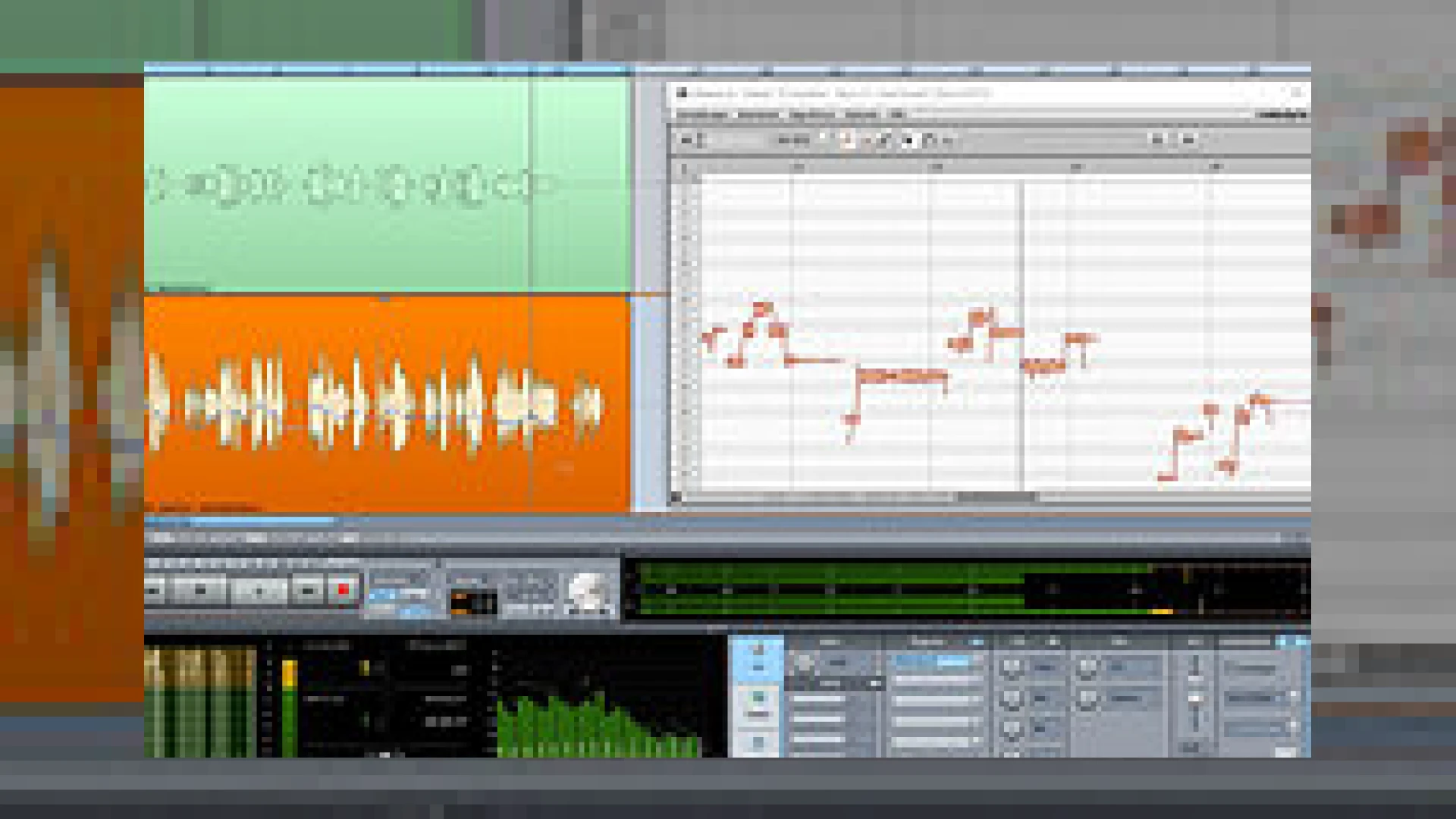
For studios looking to upgrade their post-production capabilities, knowing that magix sequoia 14 available now includes SpectraLayers Pro 4 and advanced Celemony integration is a major selling point. The integration of Celemony Melodyne via ARA (Audio Random Access) allows for seamless pitch and time manipulation directly within the multi-track timeline, eliminating tedious transfer times. Additionally, the new audio-to-MIDI translation engine and tempo automation tools streamline the creative phase of post-production without interrupting traditional, highly-structured master workflows.
Furthermore, the inclusion of SpectraLayers Pro 4 introduces a highly regarded, layer-based visual paradigm for frequency editing. In international film studios and forensic audio labs, SpectraLayers is renowned for surgical audio restoration and sound design. Working within Sequoia 14, engineers can extract specific frequency bands or isolate transient anomalies with paint-like toolsets, making it an invaluable asset for cleaning up historical archive recordings or multi-mic live stems before the mastering stage.

Additional product view and interface angle for MAGIX Sequoia 14 available now.
Hardware Integration and Network Protocols
In addition to software-based processing enhancements, MAGIX has vastly improved hardware tactile control. Sequoia 14 offers tight, native integration with Avid‘s flagship Pro Tools S6 controller. By deeply utilizing Eucon protocols, engineers can control channel strips, sub-mixes, and automation curves directly from their control surface. By leveraging the EUCON protocol, the fact that magix sequoia 14 available now means you can control your entire session directly via Avid S6 hardware or iOS apps provides unprecedented freedom during complex mixing and tracking sessions.
MAGIX Sequoia 14 Specifications
| Specification | Details |
|---|---|
| Product Name | MAGIX Sequoia 14 |
| Primary Use | Mastering, Broadcast, Post-Production, and Audio Restoration |
| Price | $2,975.00 USD |
| Key Features | SpectraLayers Pro 4, ARA Melodyne Integration, Eucon Support (Avid S6/iOS) |
| SM Mastering Rating | 4.8 / 5 Stars |
Practical Studio Workflow Tips
- Optimize Spectral Workflows: Use the direct transfer function to push problematic audio clips to SpectraLayers Pro 4 for visual frequency editing, then round-trip back to Sequoia without rendering intermediate files to maintain maximum bit-depth integrity.
- Streamline Multi-Format Exports: Take advantage of Sequoia’s multi-synchronous cut and export engine to generate broadcast-ready waves, MP3s, and DDP images simultaneously.
- Leverage ARA 2 Integration: For fine-tuning vocal takes or correcting instrument pitch, apply Melodyne directly as an object effect to save processing overhead and keep your main track effects chain clear.
Conclusion
MAGIX has proven that it is fully committed to supporting high-end audio professionals. With the introduction of state-of-the-art visual editing, tight controller integration, and flexible tempo tools, this release sets a new standard for modern digital audio workstations. For more technical write-ups, plugin reviews, and production guides, visit our repository of SM Mastering Audio Articles. We look forward to seeing what MAGIX does next, especially with their announced plans to roll out further updates for Sound Forge later this year.

Additional product view and interface angle for MAGIX Sequoia 14 available now.
Frequently Asked Questions
Is Sequoia 14 suitable for dedicated mastering engineers?
Yes, because magix sequoia 14 available now offers a complete suite of specialized tools, including precise visual metering, loudness normalization according to international broadcast standards (EBU R128), and unparalleled object-oriented editing that allows you to apply unique plugins to individual audio clips rather than entire tracks.
What are the system requirements for Sequoia 14?
Sequoia 14 runs natively on Windows operating systems (7, 8, and 10). It requires a multi-core processor, a minimum of 4 GB of RAM (8 GB or more recommended for complex projects), and a high-resolution display to fully utilize its detailed visual metering and spectral editing panels.
Can I use third-party control surfaces besides Avid?
Absolutely. While Sequoia 14 features optimized EUCON protocols for high-end Avid controllers, it also fully supports standard Mackie Control, HUI, and generic MIDI controller maps, allowing you to integrate it into virtually any existing studio hardware configuration.
🛒 Official Product Info & Where to Buy
Check full technical specs, pricing, and purchase options directly from the official manufacturer or authorized dealer for MAGIX Sequoia 14 available now.

Written by SM Mastering
Official content on sound engineering, mixing, mastering, and advanced electronic production by SM Mastering.