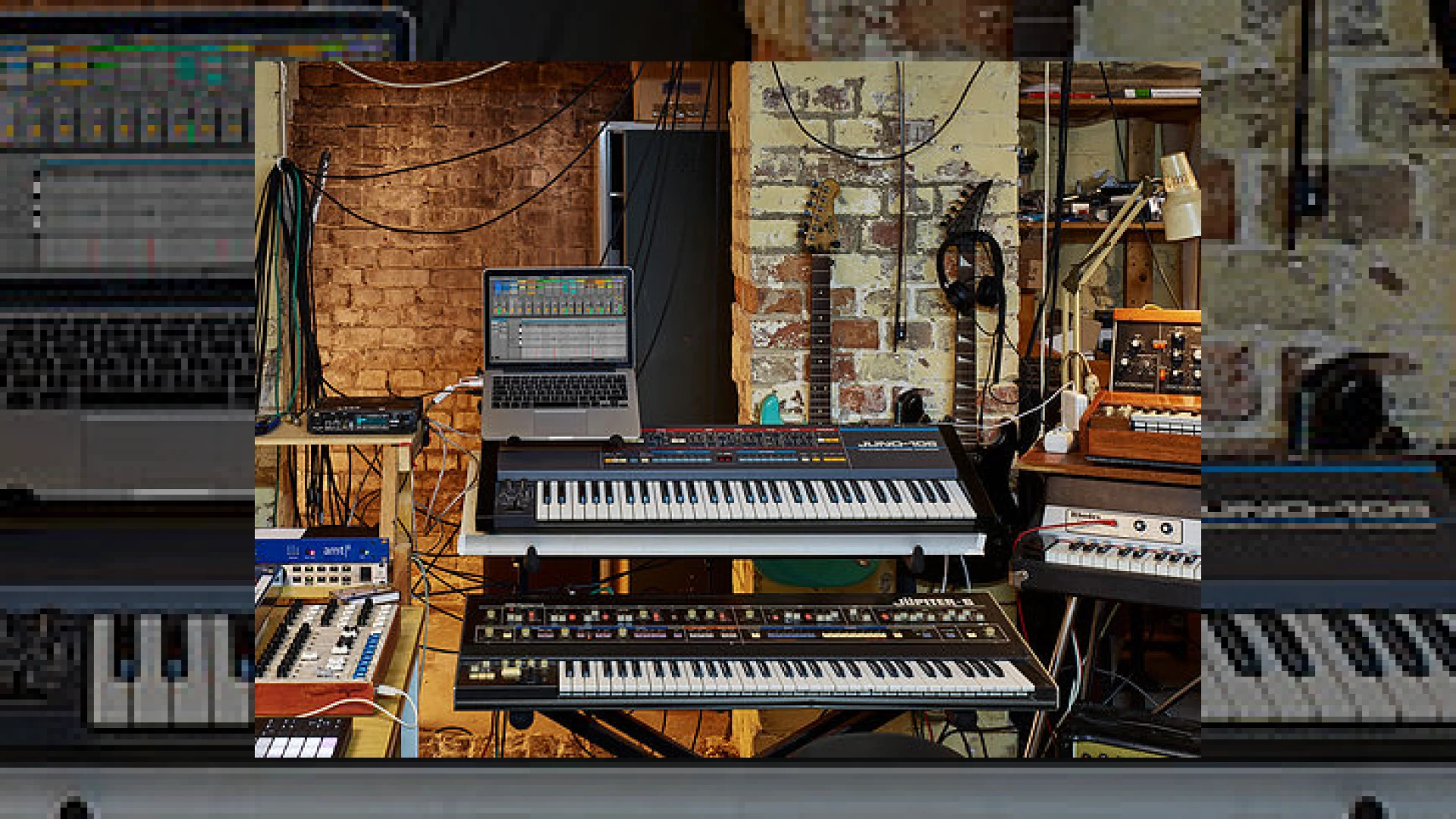
Visual context for Ableton Live 10 out now (Video).
The music production landscape has taken a monumental leap forward with the release of one of the most anticipated DAW updates in recent history. As professional mastering engineers, we continuously seek tools that streamline the creative and technical workflows of our clients. With the official announcement that ableton live 10 out now (video), producers worldwide are gaining access to an array of groundbreaking features designed to enhance both composition and post-production. This update brings extensive improvements to the user interface, brand-new devices, and workflow optimizations that directly impact how we prepare mixes for mastering.
When analyzing why the buzz around ableton live 10 out now (video) is so prominent, we must look at the structural workflow enhancements. Ableton has managed to retain its iconic session- and arrangement-view workflow while introducing hundreds of micro-tweaks. These adjustments significantly reduce mouse clicks and menu-diving, allowing electronic music producers to focus on the emotional delivery of their tracks. To learn more about optimizing your digital audio workstation setups and getting your mixes ready for final delivery, check out our comprehensive guides at SM Mastering Audio Articles.
Deep Dive: The Significance of ableton live 10 out now (video)
At the heart of this update are several new stock plugins that rival high-end third-party processing. Most notable is Wavetable, a powerful dual-oscillator synthesizer featuring a flexible modulation matrix and analog-modeled filters. For mixing and processing, Ableton has added Echo, a rich modulation delay, Drum Buss, an all-in-one drum sculpting tool, and Pedal, which delivers authentic stompbox distortion. If you want to dive deeper into the official documentation and purchasing options, visit the official Ableton platform. The workflow marked by ableton live 10 out now (video) ensures that your technical execution never gets in the way of your artistic inspiration.
One of the most revolutionary additions is the Capture feature. This running background MIDI recorder ensures that you never lose a magical improvisational moment. Even if you forgot to press record, clicking “Capture” after jamming will retrieve your performance, automatically detect the tempo, and set up a perfectly looped clip. For those who explored the features of ableton live 10 out now (video), the implementation of multiple MIDI clip editing was another massive highlight. This allows producers to view and edit MIDI notes across multiple tracks simultaneously, making complex harmonic arrangements incredibly easy to manage.
Key Specifications and Comparison
To help you understand where this version stands, here is a quick overview of the key specifications and features introduced in this landmark update:
| Name | Primary Use | Estimated Price | Professional Rating |
|---|---|---|---|
| Ableton Live 10 Suite | Music Production, Live Performance, Mixing | $749 USD | 4.8 / 5 |
| Wavetable Synth | Sound Design, Synthesis | Included in Suite | 4.9 / 5 |
| Drum Buss | Drum Processing, Transient Shaping | Included in Standard & Suite | 4.7 / 5 |
| Capture MIDI | Improvisation Retrieval | Included in All Versions | 5.0 / 5 |
SM Mastering Tips: Optimizing Ableton Live 10 for Professional Master Prep
- Utilize Group-within-Group Nesting: Organize your sessions effectively. Grouping drums, then nesting those inside a wider “Instrument” group, allows you to apply subtle bus compression while keeping your gain staging organized for mastering.
- Keep Drum Buss Transient Shaping in Check: While the Drum Buss plugin is fantastic for adding low-end boom and drive, over-saturating transients can restrict your master’s final dynamic range. Use the dry/wet knob to blend the processing in parallel.
- Leverage MIDI Note Chasing: When reviewing long pad sections or MIDI arrangements, you no longer need to play from the very beginning of the MIDI note to hear it. This speeds up your local mix-down process significantly.
Conclusion
In conclusion, the release highlighted by the ableton live 10 out now (video) announcement represents a significant milestone for modern music creators. The combination of intuitive composition tools like Capture, powerful sound design engines like Wavetable, and deep Max for Live integration makes this DAW a powerhouse for both bedroom producers and world-class studio engineers alike.
Frequently Asked Questions
What are the major new devices introduced in Ableton Live 10?
Ableton Live 10 introduces several major devices: Wavetable (a powerful wavetable synthesizer), Echo (a versatile delay device), Drum Buss (a specialized analog-style drum processor), and Pedal (a distortion/overdrive effect pedal emulation).
How does the new Capture feature work?
Capture runs in the background, listening to your MIDI inputs even when you are not actively recording. If you play something you like, you can simply press the Capture button, and Live will automatically create a clip containing your performance with the correct tempo and grid alignment.
Can I edit multiple MIDI clips simultaneously in Live 10?
Yes, Ableton Live 10 introduces multi-clip editing, allowing you to select and view up to seven different MIDI clips across multiple tracks in a single detail view, making it much easier to write and align chords, basslines, and melodies.
🛒 Official Product Info & Where to Buy
Check full technical specs, pricing, and purchase options directly from the official manufacturer or authorized dealer for Ableton Live 10 out now (Video).

Written by SM Mastering
Official content on sound engineering, mixing, mastering, and advanced electronic production by SM Mastering.