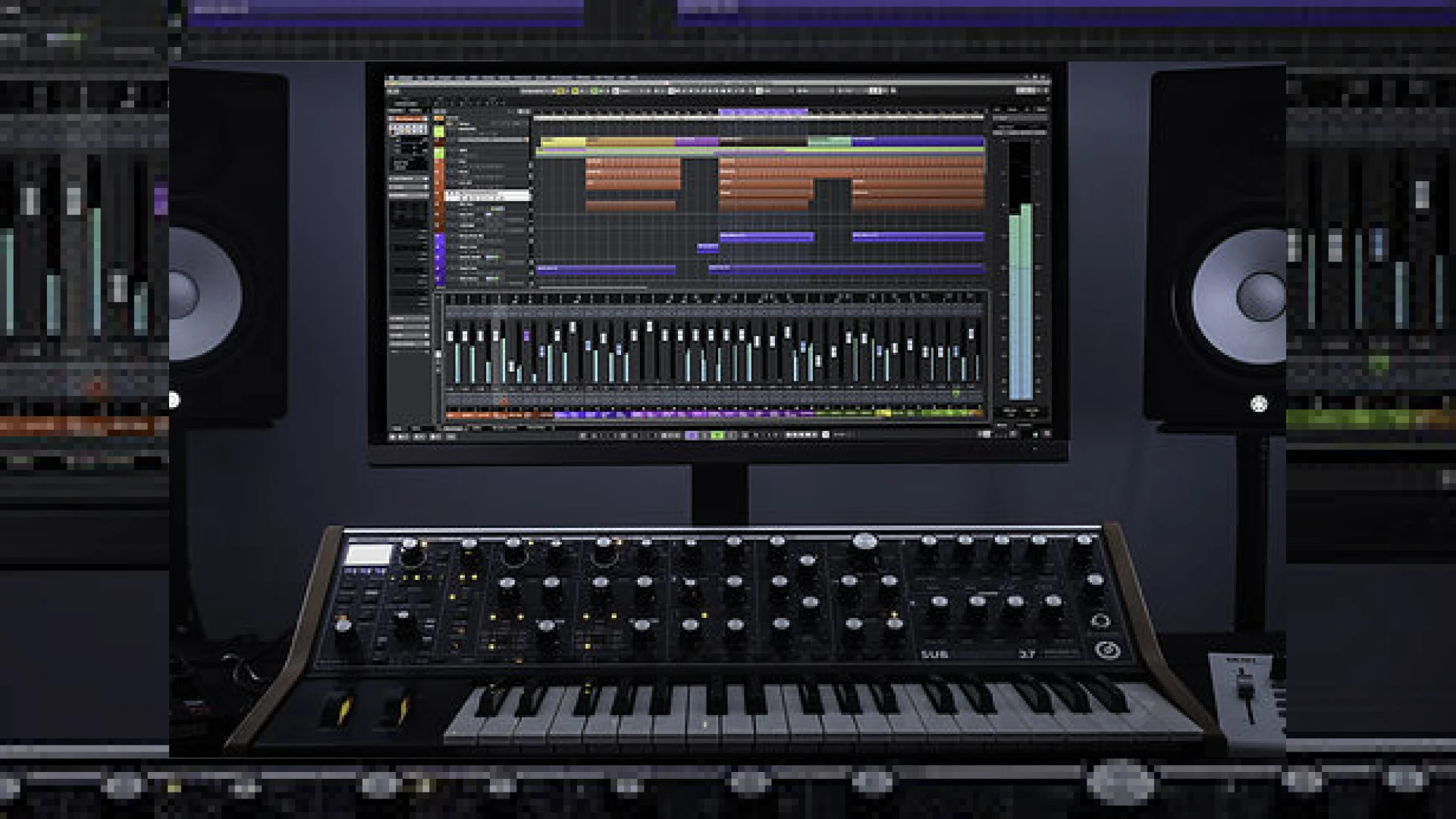
Visual context for Steinberg release Cubase 10.
The global music production community has reached another major milestone with the official steinberg release cubase 10, a DAW update that directly addresses the real-world workflow demands of modern composers, producers, and mix engineers. As audio mastering professionals, we understand that efficiency and sonic precision are the pillars of a successful project. Steinberg’s flagship software has long been a favorite in high-end studios, and this version brings a suite of user-requested features designed to streamline tedious editing processes and expand creative possibilities.
Key Workflows Unveiled in the Steinberg Release Cubase 10
One of the most highly anticipated features that arrived with the steinberg release cubase 10 is the brand-new Audio Alignment tool. Exclusive to the Pro edition, this tool drastically speeds up the process of tightening stacked vocal performances or double-tracked instruments. Instead of spending hours manually cutting and shifting waveforms, producers can now align backing vocals to a reference track in a matter of clicks. This ensures a tight, cohesive stereo image before the stems even reach the mastering stage.
In addition to timing alignment, pitch correction gets a massive overhaul with VariAudio 3. This built-in tool is exclusive to the Pro version and provides comprehensive control over micro-pitch editing, smooth transitions, and formant shifts. When compared to third-party tools like those developed by iZotope, having these high-fidelity pitch-shaping algorithms directly integrated into the DAW timeline reduces CPU overhead and eliminates the need for complex audio routing.
Advanced Mixing and Sound Design Elements
For the mix engineer, workflow flexibility is paramount, which is why the steinberg release cubase 10 has generated so much buzz in professional circles. The introduction of MixConsole Snapshots allows engineers to save multiple variations of a mix directly within the mixer interface. You can easily recall and compare different balance levels, EQ choices, or compression schemes without needing to save multiple project files. To learn more about optimizing your mix bus for final master preparation, explore our specialized guides at the SM Mastering Audio Articles portal.
Creative sound design also receives a substantial upgrade. The addition of the “Distroyer” processor in the Pro and Artist editions introduces asymmetric distortion, perfect for adding warmth, bite, or complete harmonic destruction to clean digital synths. Furthermore, setting up sidechain compression has been simplified into a seamless, few-click routing process, eliminating the traditional, convoluted routing paths of older DAW versions.
Cubase 10 Edition Specifications
To help you choose the right version for your studio setup, here is an overview of the core specifications across the Cubase 10 lineup:
| Edition Name | Primary Use Case | Estimated Retail Price | Expert Rating |
|---|---|---|---|
| Cubase 10 Pro | Professional Studios, Composers, and Mix Engineers | $579.99 | 9.8 / 10 |
| Cubase 10 Artist | Mid-level Producers and Songwriters | $329.99 | 8.5 / 10 |
| Cubase 10 Elements | Beginners, Home Recordists, and Mobile Setups | $99.99 | 7.2 / 10 |
Practical Studio Workflow Tips for Cubase 10
- Utilize MixConsole Snapshots for Mastering Prep: Before bouncing your pre-masters, save a snapshot of your clean mix, an instrumental mix, and a vocal-up version. This makes exporting alternative stems incredibly quick.
- Leverage REVerence for Depth: The REVerence convolution reverb now includes 20 new high-quality vintage impulse responses. Use these on auxiliary sends to glue your virtual acoustic spaces together.
- Keep Note Expression Enabled: If you are working with MIDI, take advantage of Note Expression to automate parameters per-note rather than per-track, resulting in hyper-realistic orchestral mockups.
Conclusion
Ultimately, the steinberg release cubase 10 stands as a robust, highly optimized update that bridges the gap between technical utility and creative freedom. From the revolutionary vocal editing capabilities of VariAudio 3 to the sheer convenience of MixConsole Snapshots and simplified side-chaining, this iteration cements Steinberg’s position at the forefront of modern music production technology. Whether you are tracking, mixing, or preparing your final files for professional mastering, these tools provide an elite foundation for your sonic art.
Frequently Asked Questions
Is the Audio Alignment tool available in Cubase 10 Artist?
No, the advanced Audio Alignment tool is exclusive to the flagship Cubase 10 Pro edition. Users running the Artist or Elements editions will need to align tracks manually or utilize third-party plugins.
What is the benefit of the Distroyer plugin in Cubase 10?
Distroyer introduces asymmetric analog-style distortion to your tracks. This is highly useful for adding harmonic saturation to drums, vocals, and bass, helping them cut through a dense mix without resorting to harsh digital clipping.
Does Cubase 10 support Virtual Reality (VR) production?
Yes, Cubase 10 Pro includes the Steinberg Virtual Reality production suite. This toolkit provides specialized features for spatial audio design, including a 3rd-order Ambisonics bus and a head-tracking HMD connector.
🛒 Official Product Info & Where to Buy
Check full technical specs, pricing, and purchase options directly from the official manufacturer or authorized dealer for Steinberg release Cubase 10.

Written by SM Mastering
Official content on sound engineering, mixing, mastering, and advanced electronic production by SM Mastering.