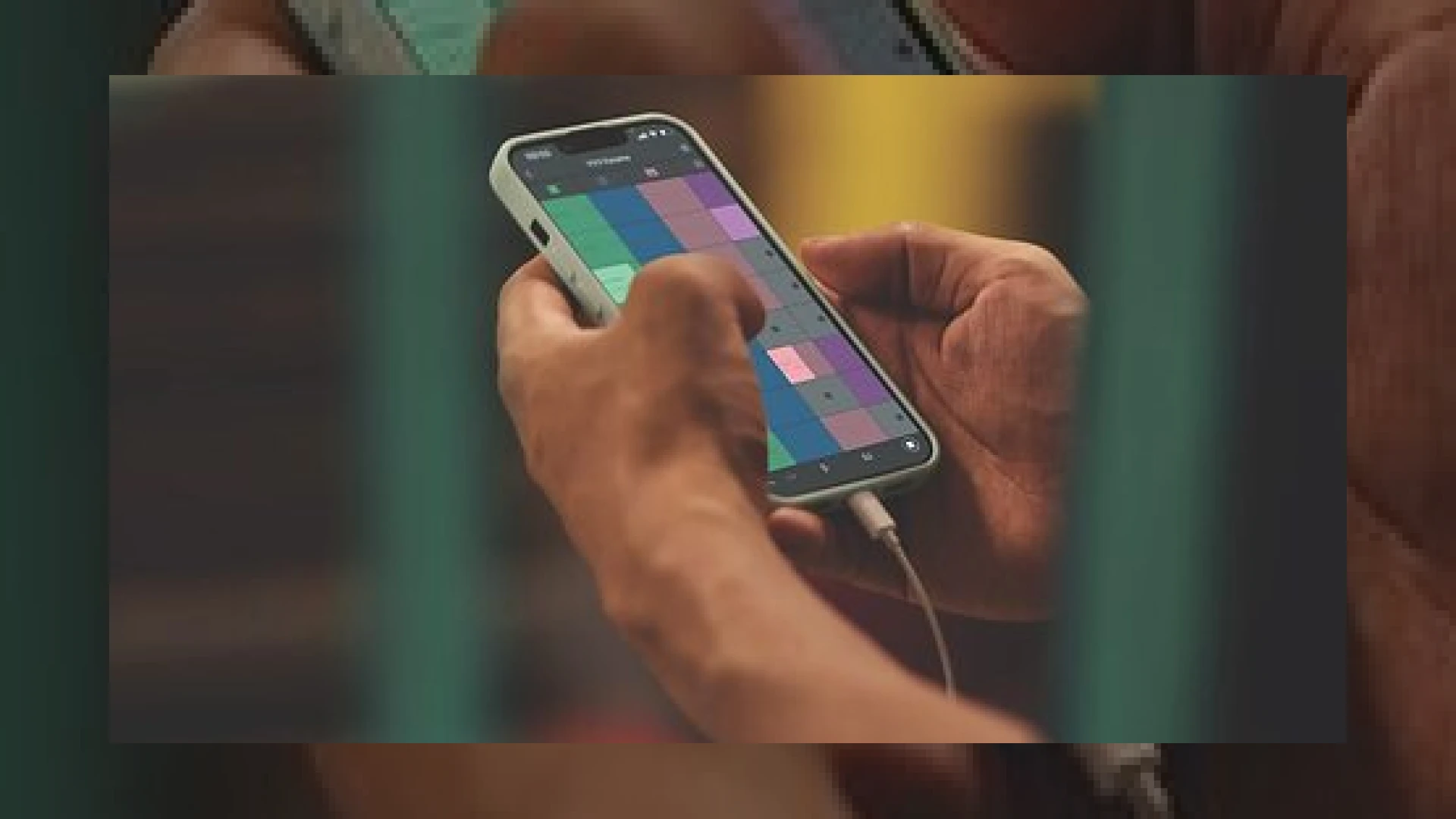
Visual context for Ableton release Note iOS app.
At SM Mastering, we constantly analyze tools that bridge the gap between initial inspiration and professional mixdown. When exploring mobile-first music creation, checking the latest ableton release note ios app updates reveals how far portable production has evolved. Designed explicitly for the early, creative stages of track production, this application allows producers to capture ideas on the go before bringing them into a fully fledged digital audio workstation.
Understanding the Core Features of the Ableton Release Note iOS App
The ableton release note iOS app is packed with sound design potential, featuring 56 Drum Sampler kits accessed via a responsive 16-pad grid, alongside 261 synth sounds and 36 Melodic Sampler instruments. Producers can shape their audio using built-in effects and modulation parameters. Furthermore, if you want to understand how these mobile stems translate during final mixdowns, you can read more industry insights on our SM Mastering Audio Articles platform.
One of the standout workflow additions highlighted in every recent ableton release note ios app changelog is Ableton Cloud integration. This functionality enables creators to send their mobile sessions directly to the desktop browser of their primary DAW, ensuring a seamless transition from a phone sketch to a serious mixing session. For official software architecture details and hardware requirements, you can visit the Ableton Official Product Page.

Additional product view and interface angle for Ableton release Note iOS app.
Specifications Table
| Specification | Details |
|---|---|
| Name | Ableton Note |
| Use | Mobile music sketching, sampling, and MIDI sequencing |
| Price | Paid iOS App (Check App Store for local pricing) |
| Rating | 4.8 / 5.0 (Audio Professional Standard) |
Practical Studio Workflow Tips
Maximizing the efficiency of the ableton release note ios app requires a structured approach to mobile-to-desktop tracking:
- Use the Capture Button: Don’t worry about hitting record before playing; let the retrospective capture tool grab your spontaneous melodic ideas.
- Incorporate Field Recordings: Utilize the built-in microphone to sample acoustic elements in your environment, instantly mapping them to the Melodic Sampler.
- Keep Arrangements Simple: Focus on loop foundations, basic chord progressions, and core rhythms on your mobile device, leaving complex mixing and mastering for your studio monitors.
Conclusion
The ableton release note ios app serves as a powerful catalyst for modern music producers, eliminating friction during the initial songwriting phase. By combining versatile factory instruments with seamless cloud synchronization, it empowers creators to build professional-grade foundations anywhere inspiration strikes.
Frequently Asked Questions
Can I export my project directly to Ableton Live?
Yes. Thanks to Ableton Cloud integration, projects started on your mobile device can be transferred wirelessly and opened directly inside the Ableton Live browser.
Can I use my own samples in the app?
Absolutely. You can record sounds directly into the Melodic or Drum Samplers using your device’s microphone, then crop, filter, and re-pitch them to fit your track.
Is this application suitable for professional production workflows?
While it is primarily engineered for capturing ideas and sketching out arrangements, the quality of the sounds and the ease of desktop integration make it a valuable asset for professional producers.
🛒 Official Product Info & Where to Buy
Check full technical specs, pricing, and purchase options directly from the official manufacturer or authorized dealer for Ableton release Note iOS app.

Written by SM Mastering
Official content on sound engineering, mixing, mastering, and advanced electronic production by SM Mastering.