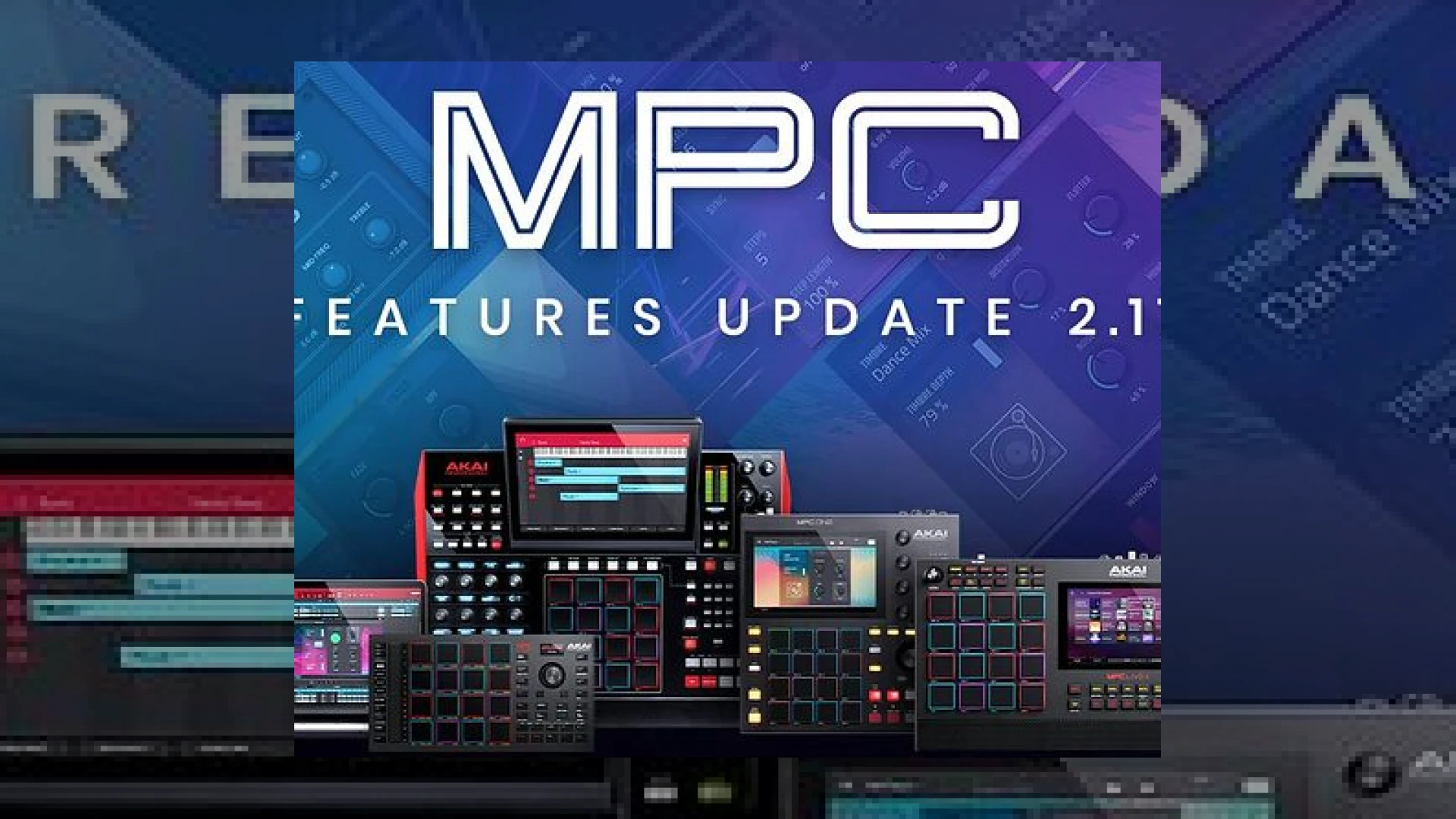
Visual context for Akai MPC 2.11 update.
When Akai Professional rolls out a major firmware revision, modern beatmakers and mixing engineers pay attention. The release of the **akai mpc 2.11 update** brings a significant wave of workflow enhancements, creative tools, and sonic processing options to the standalone and desktop MPC ecosystem. Here at SM Mastering Audio Articles, we always evaluate how these technological advancements translate into the final master bus and track production stages.
## Technical Enhancements in the Akai MPC 2.11 Update
The headline additions in this release focus heavily on advanced sound design and streamlined navigation. Chief among them is the introduction of Sounds Mode, a redesigned browser optimized for touchscreen navigation. By categorizing samples and expansions by instrument type, Drum Programs, and CV Programs, producers can spend less time file-digging and more time tracking.
Furthermore, the **akai mpc 2.11 update** introduces powerful sequencing tools like Note Probability and Ratcheting. These features inject humanized variation into rigid, quantized MIDI grids, making electronic arrangements sound noticeably more organic before they ever reach the mixing engineer’s desk. For producers working with complex rhythm sections, this eliminates the tedious manual shifting of micro-timing values.
New Plugins and Audio Processing Tools
Beyond workflow adjustments, the software expansion packs serious analog-emulation firepower. Two notable plug-in additions—AIR Flavour and AIR Amp Sim—transform the unit from a simple sampler into a versatile multi-effects processor.
* **AIR Flavour:** Offers over 30 distinct timbres ranging from vintage vinyl crackle to AM radio transistors, giving producers immediate lo-fi character.
* **AIR Amp Sim:** Delivers comprehensive guitar cabinet and amplifier emulations, complete with integrated EQ and drive parameters suitable for synths, vocals, and drums.
* **AIR Granulator Update:** Enhanced with new parameters including Reverse, Shape, and Skew for extreme micro-sound manipulation.
When preparing tracks for a platform like iZotope for final spectral repair or mastering, having authentic saturation baked into the production stage helps glue the mix together organically.
| Specification | Use Case | Price | Rating |
| :— | :— | :— | :— |
| **Akai MPC 2.11 Software** | Production, Sequencing & Mixing | Free (Registered Users) | 4.8 / 5 |
| **AIR Flavour Plugin** | Vinyl & Vintage Lo-Fi Simulation | Included in 2.11 | 4.7 / 5 |
| **AIR Amp Sim Plugin** | Cabinet & Amp Emulation | Included in 2.11 | 4.6 / 5 |
| **Sounds Mode Browser** | Fast Sample Auditioning | Included in 2.11 | 4.9 / 5 |
## Practical Studio Workflow Tips
To maximize your efficiency following the **akai mpc 2.11 update**, utilize the new Favourites and Set-lists tabs. You can save up to 256 custom presets for instant recall during high-pressure tracking sessions. Additionally, map the newly introduced granular parameters to your hardware Q-Link knobs for real-time live performance manipulation. When designing heavy drum loops, apply subtle AIR Flavour settings directly to individual sub-mixes to generate pleasant harmonic distortion that cuts through dense commercial masters.
## Conclusion
The **akai mpc 2.11 update** is far more than a routine bug-fix patch; it is a substantial creative overhaul that bridges the gap between vintage sampling workflows and modern algorithmic sound design. By refining navigation and injecting high-end structural tools like probability sequencing and rich algorithmic saturation, Akai continues to cement the MPC platform as a complete end-to-end production powerhouse.
## Frequently Asked Questions
### Is the akai mpc 2.11 update free for all users?
Yes, this firmware and software revision is completely free for all registered owners of compatible modern MPC hardware and desktop software.
### How do I use the new Set-lists feature for live performances?
The Set-lists tab allows you to bundle entire projects together in a linear order, dramatically reducing load times between songs during live sets or rigorous tracking sessions.
### Can the new AIR Amp Sim be used on instruments other than guitars?
Absolutely. While ideal for electric guitars, the amp simulation and cabinet emulations work exceptionally well on synthesizers, drum loops, and aggressive vocal tracks to add analog warmth and grit.
🛒 Official Product Info & Where to Buy
Check full technical specs, pricing, and purchase options directly from the official manufacturer or authorized dealer for Akai MPC 2.11 update.

Written by SM Mastering
Official content on sound engineering, mixing, mastering, and advanced electronic production by SM Mastering.