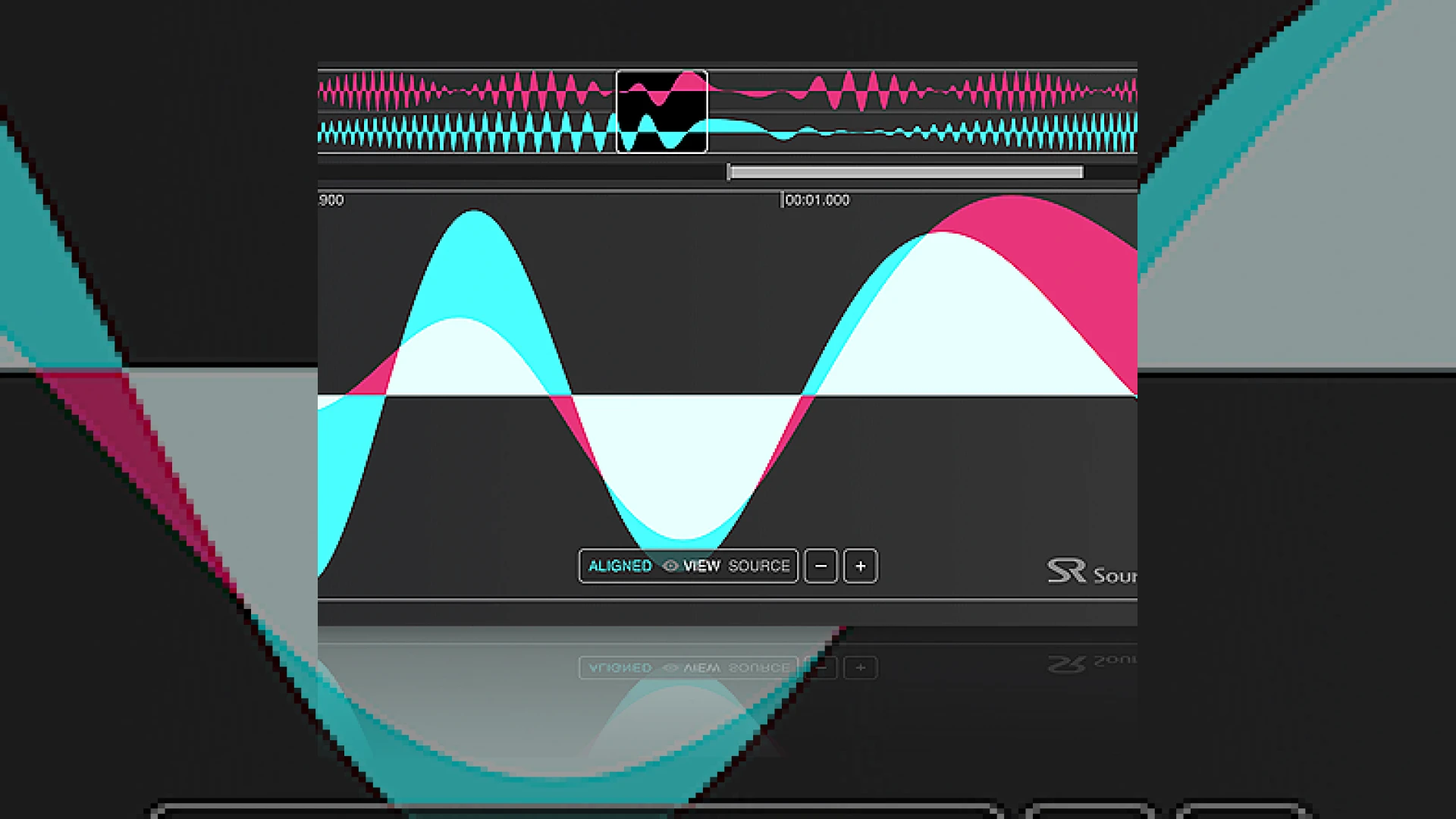
Visual context for Auto-Align Post automates phase/time aligning mics.
In the demanding world of professional audio post-production, maintaining phase coherence across multiple microphones is a historical bottleneck. Whether you are dealing with a boom microphone drifting relative to an actor’s lavalier or multi-mic setups on a complex film set, comb filtering and phase cancellation can easily destroy the clarity of your dialogue. This is precisely where Sound Radix steps in, showing how auto-align post automates phase/time aligning mics with unprecedented accuracy. By analyzing the time-of-arrival differences between moving microphones, this revolutionary tool ensures that every track remains tightly locked and tonally rich without the artifacts typically introduced by manual editing.
How Auto-Align Post Automates Phase/Time Aligning Mics
For decades, dialogue editors had to manually align waveforms sample-by-sample, an arduous process that often took days of meticulous work. When mixing location audio, understanding how auto-align post automates phase/time aligning mics helps engineers bypass hours of manual nudging. Operating as an AAX AudioSuite plug-in for Avid Pro Tools, it automates this correction over entire timelines in just a few clicks. It bridges the gap between raw field recordings and polished, broadcast-ready masters. If you want to dive deeper into other essential post-production processing tools, explore our comprehensive guides over at SM Mastering Audio Articles.
The underlying algorithm of this software represents a massive leap forward from standard static phase rotators or simple delay plugins often found on hardware from companies like Universal Audio. By utilizing a proprietary dynamic algorithm, auto-align post automates phase/time aligning mics even when actors are moving rapidly across a set. The plugin is capable of correcting delays of up to 100 milliseconds, which translates to a physical distance of approximately 112 feet (34 meters). This means even highly separated microphone positions can be brought into perfect phase relationship effortlessly.
Technical Specifications
| Name | Use | Price | Rating |
|---|---|---|---|
| Sound Radix Auto-Align Post | Phase & Time Alignment for Multi-Microphone Post-Production | $299 ($249 introductory price) | 4.9 / 5.0 |
Practical Studio Workflow Tips
- Choose Your Reference Wisely: Always use the cleanest, most stable microphone (usually the boom or a prominent lavalier) as your anchor reference for the alignment algorithm.
- Utilize Dynamic Mode for Movement: Use the dynamic mode for scenes where actors or cameras are actively moving to ensure continuous tracking and phase correction.
- Leverage Static Mode for Locked Shots: For stationary interviews, multi-mic podcasts, or panel discussions, lock the phase with static mode to conserve processing overhead.
When you realize how seamlessly auto-align post automates phase/time aligning mics, you can focus more on creative mixing choices, like dialing in EQ, compression, and spatial depth, rather than fighting destructive phase cancellation.
Conclusion
Managing phase correlation across moving sources is no longer a tedious chore reserved for sleep-deprived dialogue editors. In summary, the way auto-align post automates phase/time aligning mics fundamentally changes the post-production landscape. By delivering phase-coherent, full-bodied dialogue tracks in a fraction of the time, Sound Radix has set a new industry standard that every post-production studio should adopt.
Frequently Asked Questions
Can Auto-Align Post be used outside of Avid Pro Tools?
While originally released as an AAX AudioSuite plugin optimized for Avid Pro Tools, Sound Radix has since expanded compatibility to support other major digital audio workstations (DAWs) and non-linear editors (NLEs) that support advanced ARA (Audio Random Access) or AudioSuite workflows.
What is the maximum distance or delay that the plugin can correct?
The plugin can correct phase and time discrepancies up to 100ms, which is equivalent to roughly 112 feet or 34 meters of physical distance between the recording microphones.
How does dynamic mode differ from static mode?
Dynamic mode continuously tracks and adapts to phase variations caused by moving sound sources or microphones (such as actors walking around). Static mode applies a single, fixed time/phase correction value, which is perfect for stationary microphone setups like podcasts or panel discussions.
🛒 Official Product Info & Where to Buy
Check full technical specs, pricing, and purchase options directly from the official manufacturer or authorized dealer for Auto-Align Post automates phase/time aligning mics.

Written by SM Mastering
Official content on sound engineering, mixing, mastering, and advanced electronic production by SM Mastering.