Visual context for Coldcut design evolving Max For Live sequencer: MidiVolve.
The electronic music production landscape is constantly evolving, driving creators to seek tools that break conventional grid-locked patterns. Generative composition has transitioned from a niche academic pursuit to a mainstream studio technique, and the introduction of the coldcut design evolving max for live sequencer: midivolve represents a monumental shift in how modern producers approach MIDI generation. Inspired by Steve Reich’s seminal minimalist masterpiece “Music for 18 Musicians”, this Max For Live tool acts as an intelligent composition partner that transforms simple inputs into complex, evolving musical structures.
Unlocking Generative Power with the coldcut design evolving max for live sequencer: midivolve
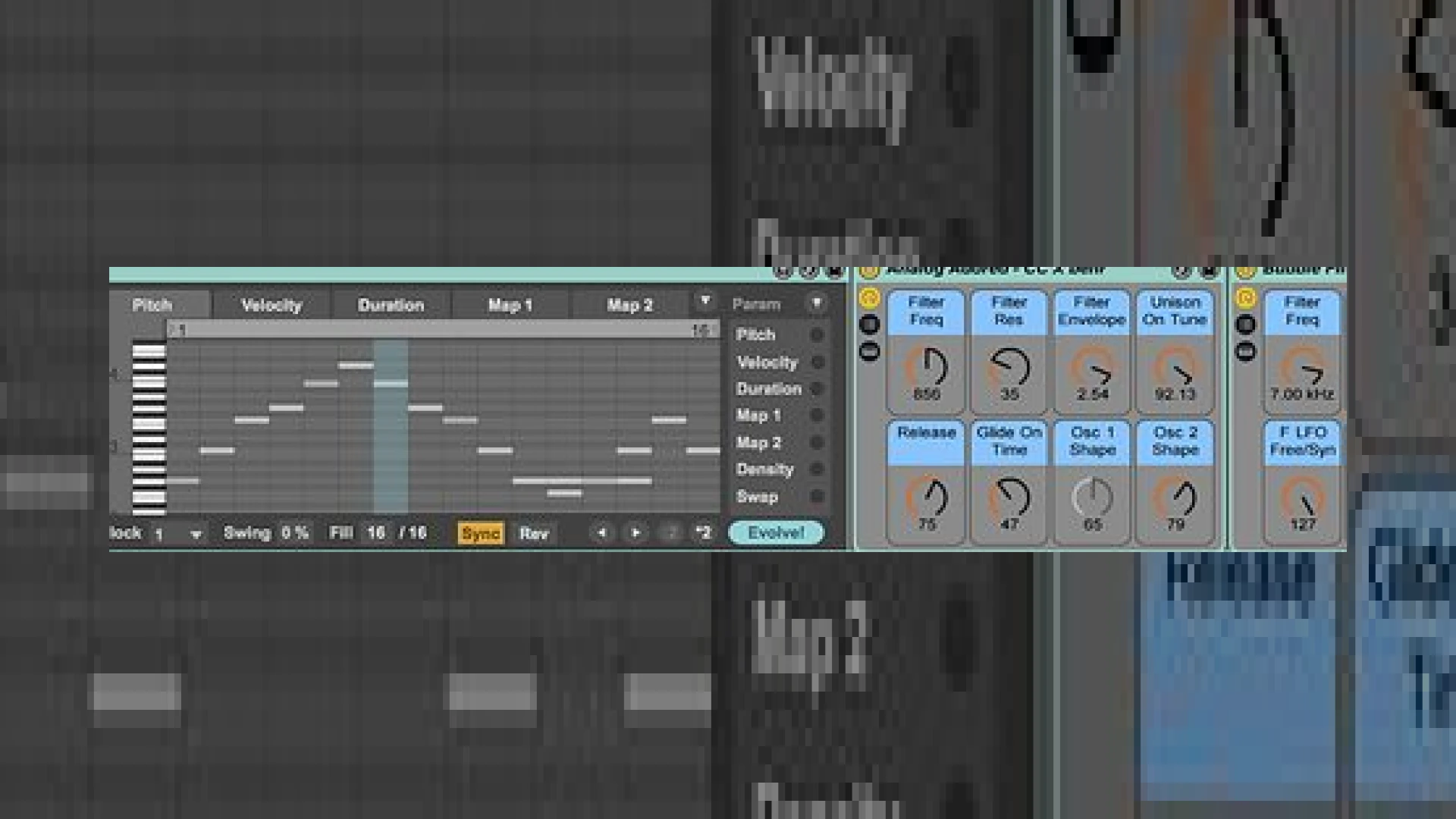
When utilizing the coldcut design evolving max for live sequencer: midivolve, users are treated to an intuitive interface that balances chaos and control. At its core, the device functions by taking incoming MIDI notes—whether played live from a controller or routed from an existing clip—and instantly converting them into an arpeggio or an auto-generated riff. This initial pattern serves as the seed for the evolutionary process. By clicking the “Evolve” button, the sequencer mutates core parameters such as note pitch, velocity, and duration to forge an entirely new musical sequence.
In the professional production environment, mastering engineers and producers recognize that using the coldcut design evolving max for live sequencer: midivolve can inject life into static arrangements. The device features an innovative “Auto” mode, which automatically re-evolves the current sequence on playback every 1 to 32 cycles. This means your melodies and rhythms can shift subtly over time, mirroring the organic complexity of acoustic arrangements. For those looking to master their tracks to sound dynamic and deep, starting with a source sequencer that inherently avoids monotony is key. You can read more about optimizing your mix dynamics on our SM Mastering Audio Articles portal.
Advanced Parameter Mutation and Sound Library Integration
What sets this tool apart from standard arpeggiators is the degree of user-guided evolution. Producers can opt for highly subtle, organic shifts by lock-protecting specific parameters and evolving only one or two variables, or they can trigger radical transformations by evolving all parameters simultaneously. This degree of control is incredibly useful when programming complex IDM glitches, shifting techno basslines, or evolving ambient pads.
Beyond its powerful sequencing engine, the package comes loaded with a stellar 1GB sample library developed in conjunction with Johannesburg-based musician and samplist Behr. This archive consists of unique African instrumentation and rare sounds sourced directly from Coldcut’s personal vault. Optimized specifically for the Ableton Live environment, these sounds are packaged into 11 unique Instrument Racks (featuring 60 presets) and 8 Audio Effects Racks, making the coldcut design evolving max for live sequencer: midivolve an incredibly versatile tool for any electronic artist.
MidiVolve Specifications
| Specification | Details |
|---|---|
| Product Name | MidiVolve by Coldcut |
| Platform Requirements | Ableton Live Suite (or Standard with Max for Live) |
| Primary Use | MIDI Arpeggiator, Riff Generator, and Pattern Sequencer |
| Included Content | 11 Instrument Racks, 8 Audio Effect Racks, 1GB Sound Library |
| Retail Price | $49 USD / €39 EUR |
| SM Mastering Rating | 4.8 / 5 Stars |
Practical Studio Workflow Tips
- Isolate and Mutate: To create a cohesive track, keep your root notes locked and only evolve the Velocity and Duration parameters. This preserves the harmonic structure while introducing natural rhythmic movement.
- Hardware Integration: Route the MIDI output of MidiVolve out of Ableton to drive external hardware synthesizers. This combines modern generative sequencing with classic analog warmth.
- Automation Printing: Once you find an evolved sequence you love, record the MIDI output to a new track. This allows you to edit the midi blocks manually and clean up any transitions before entering the mixing stage.
Conclusion
MidiVolve is much more than a simple MIDI randomizer. By combining generative algorithms with human-guided constraints and a rich, curated sound library, Coldcut and Ableton have delivered a tool that addresses creative block head-on. Whether you are a fast-moving beatmaker looking for a quick hook or a conceptual artist developing evolving soundscapes, this sequencer is an essential addition to your creative arsenal.
Frequently Asked Questions
Does MidiVolve require Ableton Live Suite?
Yes, MidiVolve is a Max For Live device, meaning it requires either Ableton Live Suite or Ableton Live Standard equipped with an active Max For Live license to run.
Can I import my own samples into the included Instrument Racks?
While the 11 Instrument Racks come pre-mapped with the high-quality African instrumentation sample library, you can easily hot-swap samples within the Ableton Sampler/Simpler instances inside the racks to use your own sounds.
Is it possible to export the generated sequences as standard MIDI files?
Absolutely. You can easily route the MIDI output from the MidiVolve track into a new MIDI track in Ableton Live and hit record to print the evolving pattern into standard MIDI clips for further editing.
🛒 Official Product Info & Where to Buy
Check full technical specs, pricing, and purchase options directly from the official manufacturer or authorized dealer for Coldcut design evolving Max For Live sequencer: MidiVolve.

Written by SM Mastering
Official content on sound engineering, mixing, mastering, and advanced electronic production by SM Mastering.