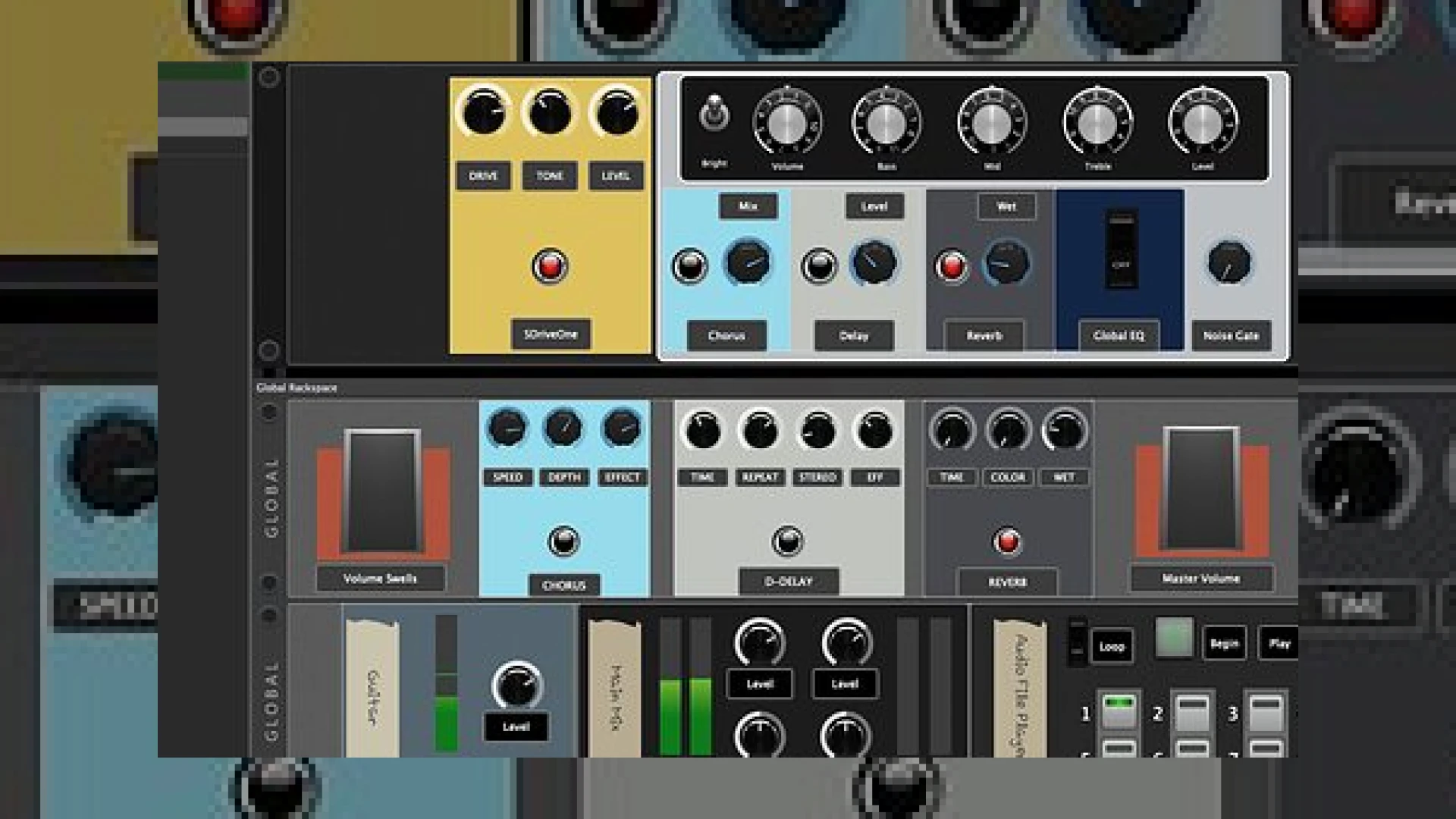
Visual context for Gig Performer updated.
Live performance rigs require robust, low-latency software to handle complex instrument chains and routing without missing a beat. When users find their favorite live host platform has been enhanced, it usually signals better stability and new creative avenues for the stage. With the news that gig performer updated to version 4.5, live keyboardists, guitarists, and vocalists now have access to a significantly more refined toolkit for managing their virtual instruments and audio effects.
At SM Mastering, we often get asked how to bridge the gap between heavy studio plugin processing and the lean requirements of a live rig. Proper gain staging, reliable latency settings, and CPU management are just as critical on stage as they are when preparing tracks for a professional facility like SM Mastering Audio Articles. The recent release addresses many of these pain points by refining core audio tracking features and interface flexibility.
What is New Now That Gig Performer Updated
The latest iteration of Deskew Technologies’ flagship software introduces several targeted improvements designed to streamline both preparation and execution. Among the standout additions is expanded recording functionality, allowing performers to capture stereo audio directly from inputs and outputs seamlessly. Furthermore, audio settings can now be exported independently from the rest of the project files, making it much simpler to transition between different venue sound systems and hardware configurations.
Workflow enhancements also extend to user interface customization. Operators can alter font sizes for rackspaces, variations, and song parts to maximize legibility under dim stage lighting. Additionally, minor safety nets have been integrated into the plug-in manager to prevent accidental deletions during quick pre-show adjustments. For those looking to integrate hardware controllers more fluidly, widgets now support advanced MIDI CC modes and MIDI Thru capabilities, reducing the need for external routing utilities. For further insights on optimizing digital audio workstation environments and plugins, you can explore industry resources like Ableton.
Specifications and Pricing
| Specification | Details |
|---|---|
| Name | Gig Performer 4.5 |
| Use | Live Performance Audio Host & Plugin Manager |
| Price | Free upgrade for all V4 license holders |
| Rating | 4.8 / 5 |
Practical Studio and Stage Workflow Tips
To get the most out of your setup once gig performer updated on your system, consider implementing these best practices:
- Isolate Audio Settings: Utilize the new capability to export audio configurations separately so you can quickly recall settings tailored for specific audio interfaces or house PAs.
- Optimize Shift-Click Operations: Take advantage of the ability to access widget inspectors, scaling options, and plugin editors outside of edit mode using the shift-click shortcut to save valuable seconds during soundcheck.
- Manage MIDI Thru Carefully: Review your routing when implementing the newly added MIDI Thru features to prevent accidental MIDI loops between your master keyboard and hardware modules.
Conclusion
Ultimately, keeping your performance rig current ensures maximum reliability when the curtain goes up. The improvements introduced when gig performer updated demonstrate a clear commitment to addressing real-world user feedback, offering practical enhancements that directly benefit working musicians and audio engineers alike.
Frequently Asked Questions
Is the recent version upgrade free for all users?
The update to version 4.5.8 is completely free for all existing Deskew Technologies V4 license holders.
Can I record my live performance directly inside the software?
Yes, the software supports stereo file recording from both system inputs and outputs, allowing you to easily archive or capture your live sets.
How do I access plugin editors without entering full edit mode?
By holding down the shift key while clicking on a designated widget, you can quickly open associated plugin editors and adjust parameters on the fly.
🛒 Official Product Info & Where to Buy
Check full technical specs, pricing, and purchase options directly from the official manufacturer or authorized dealer for Gig Performer updated.

Written by SM Mastering
Official content on sound engineering, mixing, mastering, and advanced electronic production by SM Mastering.