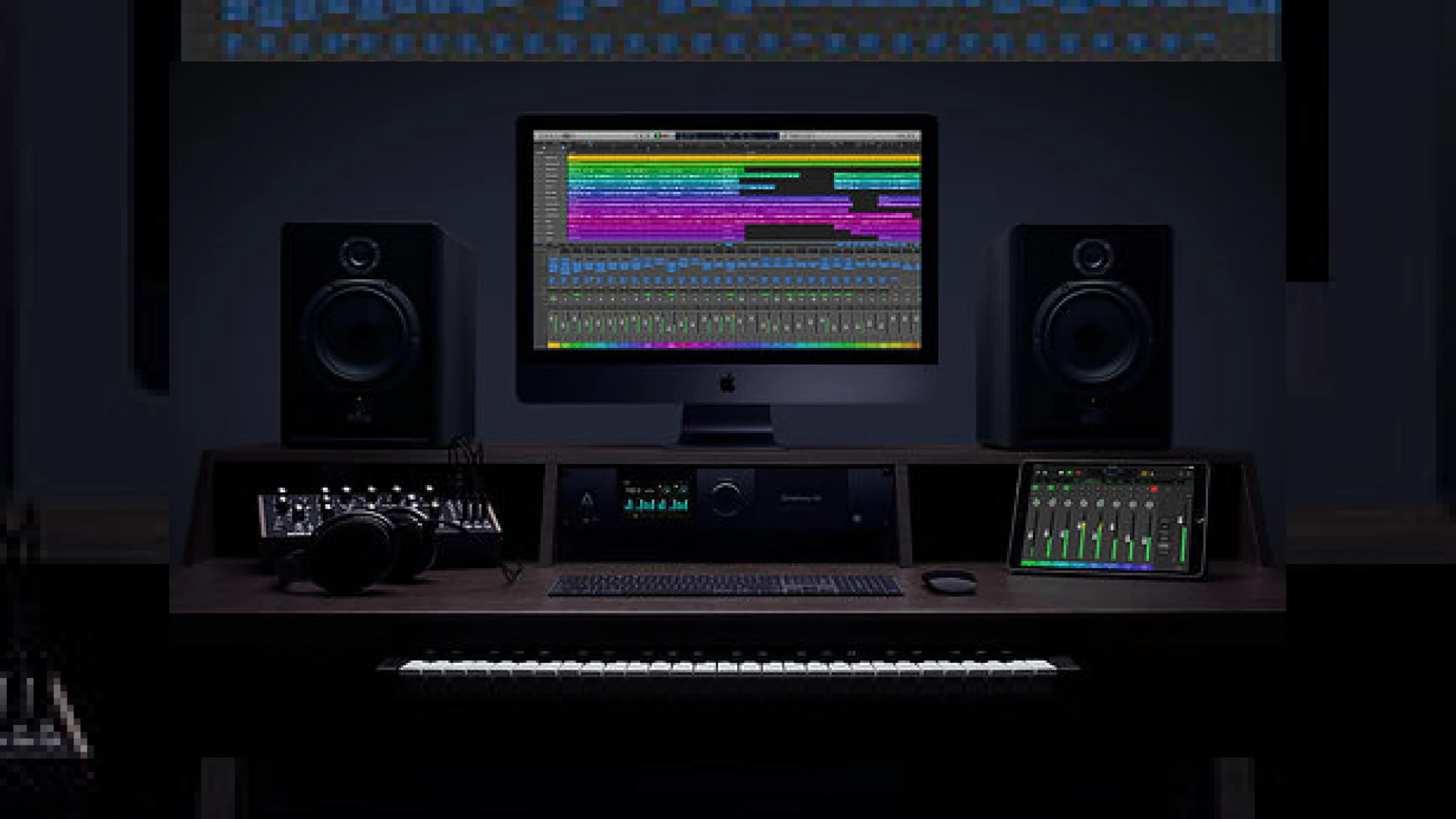
Visual context for Logic Pro 10.4 adds Smart Tempo, new reverb and more.
Apple has once again caught the music production community by surprise with an update that punches far above its point-release weight. With the release of its latest update, we can confidently say that logic pro 10.4 adds smart tempo, new reverb and more to its already robust digital audio workstation. As professional mastering engineers, we continuously monitor how DAW updates alter the sonics, workflow, and capabilities of the mixes delivered to our studio. This release represents a massive leap forward, particularly for those who struggle with rigid grid restrictions or are looking for highly musical native spatial effects.
Why Logic Pro 10.4 Adds Smart Tempo, New Reverb and More to the Modern Producer’s Arsenal
The standout feature of this update is undoubtedly Smart Tempo. Historically, producers had to choose between tracking to a strict click or dealing with a complex manual tempo mapping process later. Many users are realizing that logic pro 10.4 adds smart tempo, new reverb and more, providing seamless integration of live-recorded instruments with grid-based electronic elements. This advanced tempo detection technology manages project speed automatically, letting organic acoustic tracks coexist with sequenced elements without losing their natural human feel. It is a game-changer for singer-songwriters, remixers, and session players who reject the mechanical rigidity of traditional click tracks.
On the effects side, the native processing has received a monumental facelift. Furthermore, looking at the reverb department, logic pro 10.4 adds smart tempo, new reverb and more, replacing aging native tools like Space Designer with ChromaVerb. ChromaVerb is a vibrant, modern algorithmic reverb designed to simulate halls, chambers, rooms, and theatres with a sleek visual interface. Unlike legacy plugins, ChromaVerb offers real-time graphic feedback of the frequency absorption, making it incredibly intuitive to craft lush, spacious environments that sit perfectly in a mix before it goes to mastering.
When designing depth in a mix, utilizing high-quality spatial tools is crucial. Many mixing engineers also rely on third-party solutions from iZotope to shape dynamics, but having a powerful built-in algorithmic reverb like ChromaVerb within Logic reduces the reliance on external CPU-heavy processing. For more technical deep-dives on optimizing your mixing and mastering environment, check out our compilation of guides on the SM Mastering Audio Articles hub.

Additional product view and interface angle for Logic Pro 10.4 adds Smart Tempo, new reverb and more.
Feature Performance & Specifications
To help you understand the scale of these updates, we have outlined the core specifications and ratings for the primary tools introduced in this version below:
| Feature/Plugin Name | Primary Use Case | Price | SM Mastering Rating |
|---|---|---|---|
| Smart Tempo | Beat matching, click-free recording, auto-tempo mapping | Free Update | 4.9 / 5.0 |
| ChromaVerb | Lush algorithmic reverb, spaces, visual feedback | Free Update | 4.8 / 5.0 |
| Step FX & Phat FX | Creative modulation, filtering, and saturation | Free Update | 4.6 / 5.0 |
| Vintage EQ Collection | Analog emulation for tracking and bus processing | Free Update | 4.7 / 5.0 |
Practical Studio Workflow Tips
Understanding how logic pro 10.4 adds smart tempo, new reverb and more can radically optimize your studio workflow, letting you focus on creativity rather than menu diving. Here is how to apply these features in your daily sessions:
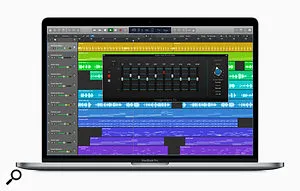
Additional product view and interface angle for Logic Pro 10.4 adds Smart Tempo, new reverb and more.
- Record First, Map Later: Set the Smart Tempo mode to ‘Keep’ or ‘Adapt’. Play your instrument freely without a click track. Logic will automatically align the grid to your performance, allowing you to easily add MIDI drums or loop-based content that syncs flawlessly.
- EQ ChromaVerb’s Decay: Use the built-in visualizer in ChromaVerb to sculpt the reverb tail directly. Reducing low-end buildup within the plugin ensures a clean stereo field, preventing mud from ruining your final master.
- Experiment with Step FX: Use Step FX on static synth pads or backing vocals to inject movement, gating, and subtle saturation before bouncing your tracks for final mastering.
Conclusion
Apple’s latest release proves that a point update can fundamentally reshape how we interact with our digital workspace. By bridging the gap between free-form artistic expression and modern electronic sequencing, this update raises the bar for DAW standards, delivering professional-grade tools directly to the native palette of producers and engineers alike.
Frequently Asked Questions
What is Smart Tempo in Logic Pro 10.4?
Smart Tempo is an advanced tempo detection technology that automatically aligns your recording’s tempo with the project, allowing you to record without a click track while maintaining grid sync across all other tempo-based assets.
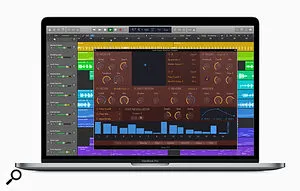
Additional product view and interface angle for Logic Pro 10.4 adds Smart Tempo, new reverb and more.
How does ChromaVerb compare to older Logic reverbs?
ChromaVerb is a modern algorithmic reverb that features a clean visual interface and intuitive control over frequency absorption, offering a much brighter, more contemporary, and highly customizable sound compared to legacy reverbs like Space Designer.
Is this update free for existing Logic Pro X users?
Yes, the update is completely free for all existing Logic Pro X license holders and can be downloaded directly from the Mac App Store.

Written by SM Mastering
Official content on sound engineering, mixing, mastering, and advanced electronic production by SM Mastering.