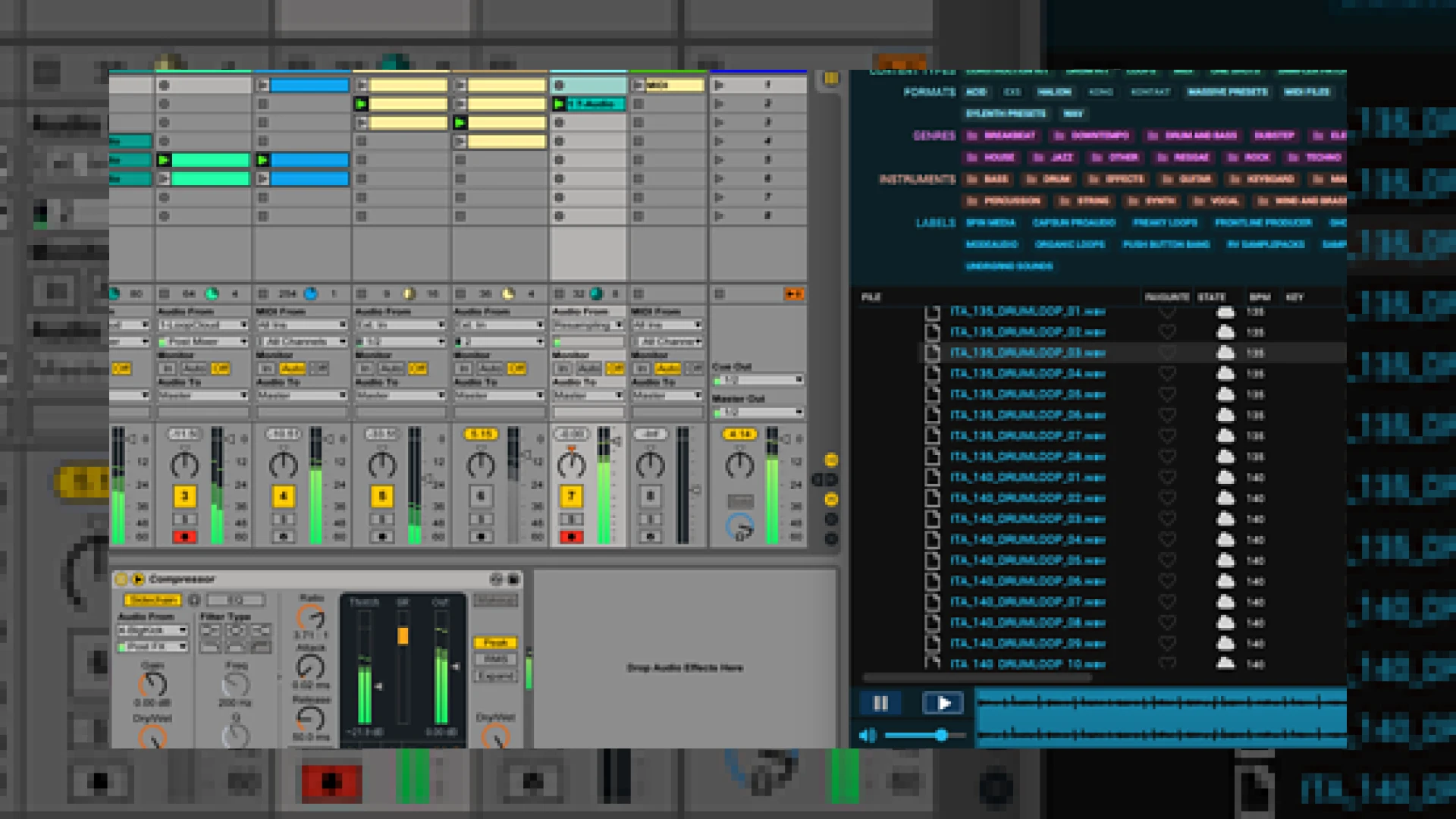
Visual context for Manage your sounds online with Loopcloud.
Modern music production demands efficiency, and learning how to manage your sounds online with loopcloud is one of the best ways to streamline your workflow. As mastering engineers at SM Mastering, we frequently encounter client projects cluttered with unorganized, poorly prepared samples. An organized sample library is essential for a polished final product, and cloud-connected applications have revolutionized how we access and process audio assets inside our digital audio workstations, such as Ableton.
Loopcloud, developed by the sample experts at Loopmasters, is a powerful utility designed to catalog, tag, audition, and sync millions of sounds from any location. By taking your library into the cloud, you no longer need to clog your local SSDs with gigabytes of unused audio assets. To explore more technical guides on optimizing your production environment, feel free to visit our comprehensive archive at SM Mastering Audio Articles.
How to Manage Your Sounds Online with Loopcloud
When you choose to manage your sounds online with loopcloud, you are not just getting a static storage drive; you are adopting a smart ecosystem that matches the tempo and key of your active DAW project. The companion plugin bridges your browser directly with your audio timeline, allowing you to preview sounds in real-time alongside your existing arrangement. This eliminates the tedious process of importing, pitching, warping, and deleting trial samples manually.
If you want to manage your sounds online with loopcloud, the seamless integration with your DAW is a critical feature. The software includes an advanced pitch slider that allows you to shift samples up or down by an entire octave before downloading them. Additionally, the app features user-editable tags, meaning you can easily classify your custom sounds, MIDI files, and presets alongside Loopmasters’ expansive five-million-sample catalog.
Ultimately, the decision to manage your sounds online with loopcloud will save you hours of searching through disorganized local folders, allowing you to focus entirely on the creative and mixing stages of your music production journey.
Loopcloud Technical Specifications
To help you understand how this tool fits into your current studio environment, here is a quick overview of what Loopcloud offers:
| Name | Use | Price | Rating |
|---|---|---|---|
| Loopcloud App | Standalone and Plugin Sample Manager | Free (Basic) / Subscriptions from $7.99/mo | 4.8 / 5.0 |
| Cloud Storage | Personal backup for non-Loopmasters samples | 5GB Free (Expandable with plans) | 4.6 / 5.0 |
| Loopmasters Library | Access to over 5 million sounds and presets | Pay-per-sound via points system | 4.9 / 5.0 |
Practical Studio Workflow Tips
To maximize the performance of your cloud-managed library during a session, we recommend implementing these workflow techniques:
- Audition in Context: Always use the companion utility plugin on an active MIDI or audio track. This ensures that any sample you preview is automatically pitch-matched and time-stretched to your current master project tempo.
- Utilize User Tags: Do not rely solely on automatic tagging. Take 10 minutes at the end of every session to add custom tags to your self-recorded foley, synth patches, and vocal stems so they are instantly searchable in future projects.
- Consolidate Your Local Samples: Use the 5GB of free cloud storage to upload your most-used signature transition effects and drum hits. This ensures that even when you are traveling with just a laptop, your core production kit is always within reach.
Conclusion
In the modern production landscape, speed and organization are just as important as your choice of hardware. Loopcloud provides an elegant, scalable, and highly intuitive solution to sample management. By integrating cloud storage with intelligent, DAW-synchronized playback, it removes the technical friction that so often halts creative momentum.
Frequently Asked Questions
Is Loopcloud compatible with all major DAWs?
Yes, Loopcloud works seamlessly as a standalone application and integrates with all major DAWs (such as Ableton Live, Logic Pro, Pro Tools, FL Studio, and Cubase) via its dedicated bridge plugin, which supports VST, AU, and AAX formats.
Can I access my Loopcloud library offline?
While the search and cloud download functions require an active internet connection, any samples you have already downloaded or purchased are stored locally on your hard drive and remain fully accessible offline.
What happens to my personal files if I cancel my subscription?
If you cancel your subscription, you still retain access to the free version of Loopcloud, along with any local files and samples purchased using your points. Access to expanded cloud storage features for your personal files may be limited depending on the tier you revert to.
🛒 Official Product Info & Where to Buy
Check full technical specs, pricing, and purchase options directly from the official manufacturer or authorized dealer for Manage your sounds online with Loopcloud.

Written by SM Mastering
Official content on sound engineering, mixing, mastering, and advanced electronic production by SM Mastering.