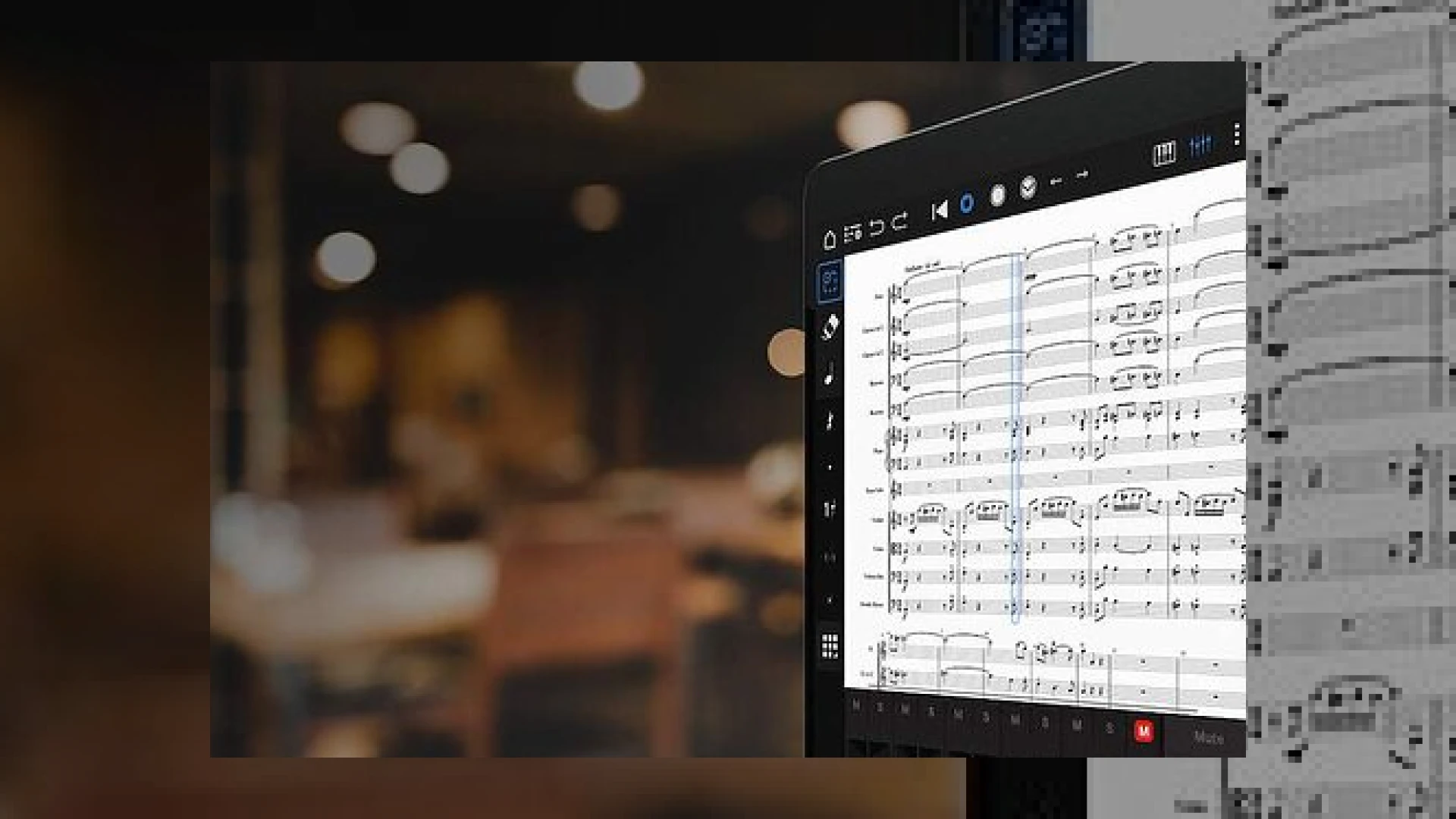
Visual context for Notion Mobile from PreSonus.
As professional audio engineers at SM Mastering Audio Articles, we are constantly evaluating tools that bridge the gap between initial musical ideation and final production. In the modern studio environment, workflow efficiency is everything. When composers and arrangers need to draft complex orchestrations on the go, having a reliable cross-platform notation tool is essential. This brings us to a comprehensive look at the capabilities found within notion mobile from presonus, a powerful application designed to streamline notation and playback across virtually any device.
Understanding the Ecosystem of Notion Mobile from PreSonus
PreSonus has long been a heavyweight in digital audio workstations and composition software. By expanding their reach, notion mobile from presonus delivers a unified scoring experience across iOS, Android, Windows, macOS, Chrome OS, and Fire OS. Whether you are sketching a cinematic cue on a tablet during a flight or finalizing a brass arrangement on a desktop workstation, the software maintains project continuity. For more insights on integrating software instruments into professional mixing workflows, you might want to reference industry standards over at iZotope for tips on processing dynamic ranges.
The core engine of notion mobile from presonus shines brightest when evaluating its sonic output. Rather than relying solely on sterile MIDI bleeps, the application features pristine audio samples recorded by the London Symphony Orchestra at Abbey Road Studios. This level of realism allows producers to present accurate mockups to directors or clients directly from a mobile device.

Additional product view and interface angle for Notion Mobile from PreSonus.
Technical Specifications and Features
To give you a clearer picture of how this software fits into your toolkit, here is a breakdown of its core specifications:
| Feature | Specification |
|---|---|
| Name | Notion Mobile from PreSonus |
| Use | Music notation, tab generation, and orchestral playback |
| Price | Free (with optional Feature Bundle upgrade) |
| Rating | 4.8 / 5.0 |
Practical Studio Workflow Tips
Integrating notion mobile from presonus into your existing digital audio workstation (DAW) pipeline requires a structured approach. Here are a few professional tips to maximize your efficiency:
- Utilize MusicXML for DAW Transfer: Once your composition is locked in Notion Mobile, export your project via MusicXML or MIDI to bring the multi-track data directly into your primary DAW for advanced mixing and mastering.
- Leverage Interactive Input Methods: Use the built-in virtual fretboard, piano keyboard, and drum pads to quickly input organic-feeling rhythms and guitar fingerings without needing an external MIDI controller plugged into your phone or tablet.
- Take Advantage of the Multi-Track Mixer: Adjust basic levels, panning, and apply onboard reverb and distortion early in the composition phase to establish the desired spatial depth and tone before exporting stems.
Conclusion
For modern producers, film scorers, and educators, mobility should never mean sacrificing quality. The flexibility and powerful playback engine offered by notion mobile from presonus make it an indispensable asset for anyone serious about writing music away from the traditional studio desk. By combining high-end Abbey Road sample libraries with cross-platform synchronization, PreSonus has crafted a stellar compositional environment.
Frequently Asked Questions
Is notion mobile from presonus completely free to use?
Yes, the core app and its essential sound library are available as a free download across all major app stores. An optional Feature Bundle can be purchased to unlock advanced tools like handwriting recognition.
Can I export files from Notion Mobile into Studio One?
Absolutely. Notion Mobile integrates seamlessly with the PreSonus ecosystem, allowing you to transfer scores and audio data easily between devices and your main DAW.
What file formats does the app support for sharing projects?
You can export and share your completed works as Notion files, standard MIDI files, MusicXML, printable PDFs, or direct audio exports (WAV/MP3).
🛒 Official Product Info & Where to Buy
Check full technical specs, pricing, and purchase options directly from the official manufacturer or authorized dealer for Notion Mobile from PreSonus.

Written by SM Mastering
Official content on sound engineering, mixing, mastering, and advanced electronic production by SM Mastering.