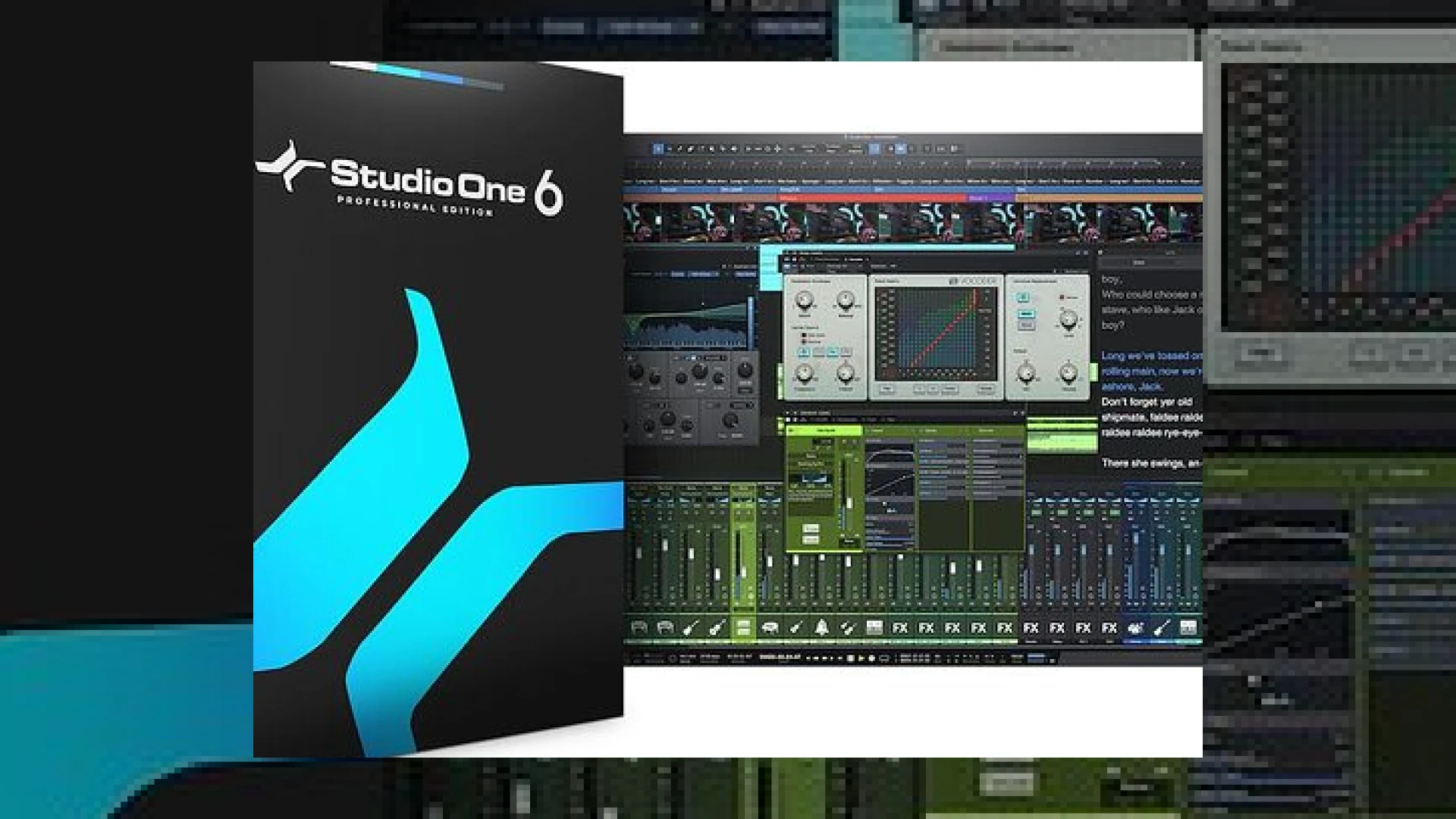
Visual context for PreSonus release Studio One 6.
As mixing and mastering engineers at SM Mastering, we constantly evaluate the industry’s digital audio workstations to ensure our signal chains and final masters translate flawlessly. When the news broke that SM Mastering Audio Articles covered the official announcement, we knew our production workflows were about to shift. Since the initial presonus release studio one 6, our team has thoroughly tested the new updates in a professional environment, analyzing how these tools impact modern tracking, mixing, and mastering sessions.
What’s New in the PreSonus Release Studio One 6
The headline feature of the presonus release studio one 6 is its unprecedented focus on UI personalization. Engineers can now strip away visual clutter using the new Customization Editor, tailoring the interface specifically for tracking, editing, or stem balancing. Furthermore, Smart Templates streamline session setup dramatically. Whether you are using tools from iZotope for surgical repair or setting up a complex stem-mastering pipeline, these templates integrate pre-configured tracks, drop zones for assets, and custom GUI states to speed up your workflow significantly.
| Name | Use | Price | Rating |
|---|---|---|---|
| Studio One 6 Professional | Full DAW for Recording, Mixing & Mastering | $399.95 (MSRP) | 4.8 / 5 |
Practical Studio Workflow Tips
To maximize efficiency following the presonus release studio one 6, try implementing these proven professional strategies in your facility:

Additional product view and interface angle for PreSonus release Studio One 6.
- Build Dedicated Customization Profiles: Create distinct GUI profiles for tracking and mastering. Hide unnecessary MIDI and instrument editors when you are strictly dealing with stereo audio files during final sequencing.
- Leverage Smart Templates: Set up a master delivery template that auto-routes your pre-master bus through your preferred hardware inserts and metering plugins.
- Utilize the New De-Esser: Insert the newly designed, intuitive de-esser early in your vocal chain to tame high-frequency sibilance before hitting your compressor stages.
Ultimately, this presonus release studio one 6 proves that PreSonus listens closely to professional feedback, delivering an agile, deeply customizable workspace that adapts to the engineer rather than forcing the engineer to adapt to the software.
Frequently Asked Questions
Is the presonus release studio one 6 backwards compatible with older session files?
Yes, version 6 can open older session files seamlessly. However, we always recommend backing up your project files before migrating sessions across major version updates.

Additional product view and interface angle for PreSonus release Studio One 6.
What are the primary additions in the Professional version compared to Artist?
The Professional tier includes advanced mastering tools (Project Page), the integrated Vocoder, enhanced surround sound capabilities, and complete macro toolbar editing features.
Can I customize the keyboard shortcuts in Studio One 6?
Yes, Studio One offers comprehensive keyboard shortcut customization, allowing you to import legacy command maps from other major DAWs if you are transitioning.

Additional product view and interface angle for PreSonus release Studio One 6.
🛒 Official Product Info & Where to Buy
Check full technical specs, pricing, and purchase options directly from the official manufacturer or authorized dealer for PreSonus release Studio One 6.

Written by SM Mastering
Official content on sound engineering, mixing, mastering, and advanced electronic production by SM Mastering.