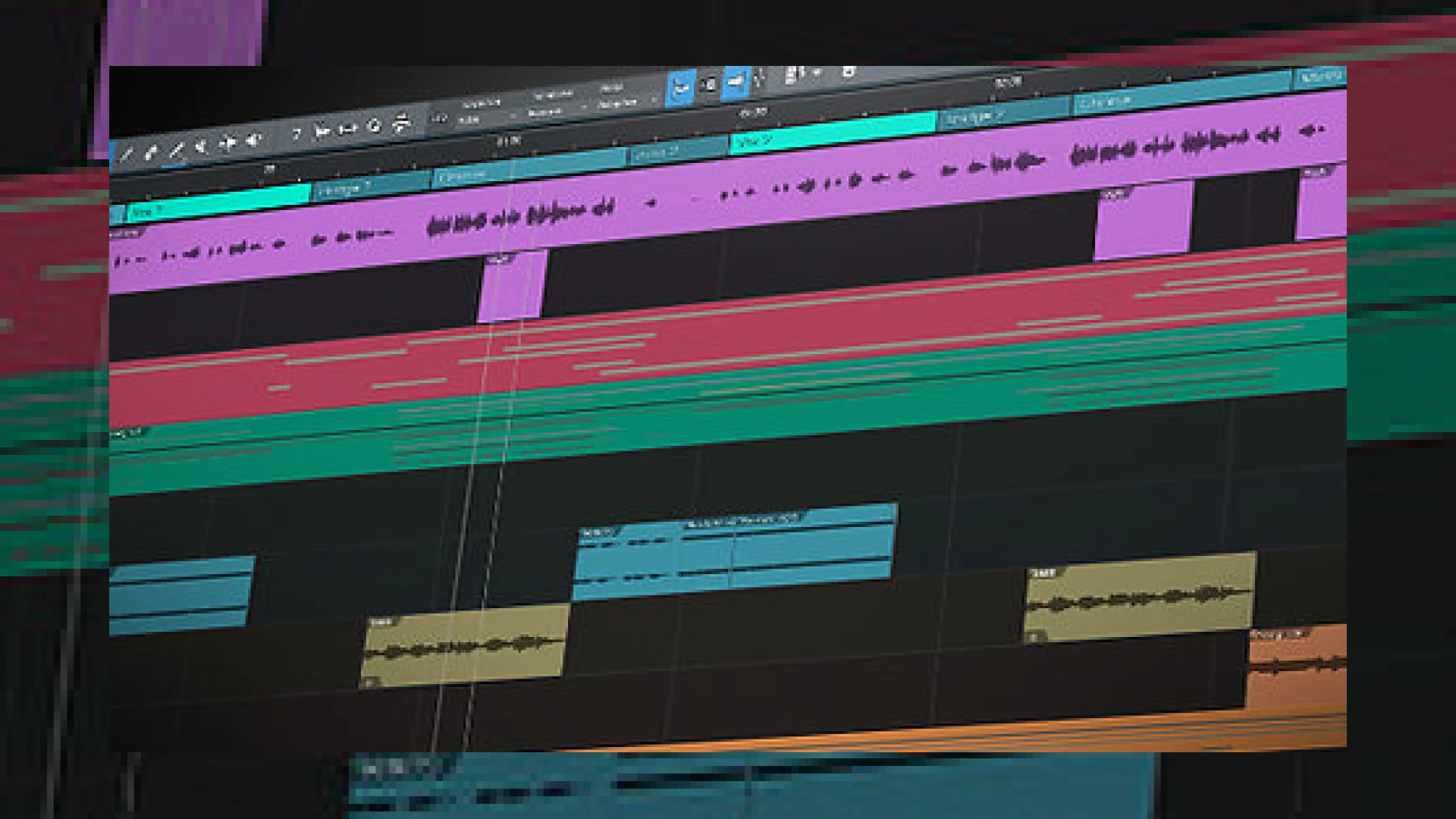
Visual context for PreSonus Studio One 5 unveiled.
The digital audio workstation landscape has experienced a monumental shift as presonus studio one 5 unveiled a suite of features that bridge the gap between studio production and live performance. Here at SM Mastering, we analyze how these updates impact the professional workflow. This major update transitions the DAW from a formidable recording tool into a comprehensive ecosystem for composers, electronic producers, and mixing engineers alike. By integrating advanced notation tools directly from their premium Notion suite alongside live-performance features, PreSonus is redefining what a modern DAW can achieve.
Technical Insights: Inside the PreSonus Studio One 5 Unveiled Features
Among the most anticipated enhancements brought by the presonus studio one 5 unveiled update is the integration of the dedicated Show Page. This feature allows live performers to drag and drop backing tracks, virtual instruments, and effects racks directly from the Studio One Arranger window into a performance-friendly interface. Additionally, composers will benefit from the fully-featured Score Editor, which delivers professional notation capabilities without requiring third-party software.
For mixing and mastering engineers, the internal processing upgrades are highly significant. With support for 64-bit floating-point WAV recording, Studio One 5 matches the high dynamic range of premium hardware. If you are comparing this DAW with plugins from industry leaders like Universal Audio, you will notice that the native signal path in Studio One 5 remains incredibly pristine. Ever since the official news of the presonus studio one 5 unveiled update hit the industry, engineers have lauded the new auxiliary channels and independent listen bus routing. This routing makes it exceptionally easy to integrate room-correction tools without altering your main mix bus, a topic we cover extensively in our SM Mastering Audio Articles archive.
Another standout feature is the Keyswitch Lane. When presonus studio one 5 unveiled this dedicated editor, it solved a long-standing headache for orchestral composers. MIDI keyswitch data is now separated from played notes, meaning you no longer have to scroll down to C-4 to see your articulation changes. Custom maps can be imported and exported easily, streamlining workflows with heavy Kontakt libraries.
PreSonus Studio One 5 Specifications & Features
To help you evaluate if this DAW fits your production needs, here is a breakdown of the core specifications and pricing structures available for Studio One 5:
| Name | Use | Price | Rating |
|---|---|---|---|
| Studio One 5 Professional | Full music production, mastering, and live performance | $399.95 (or via PreSonus Sphere subscription) | 4.8 / 5.0 |
| Studio One 5 Artist | Essential recording and editing features for home studios | $99.95 | 4.3 / 5.0 |
| Studio One 5 Prime | Free introductory version with basic features | Free | 4.0 / 5.0 |
Practical Studio Workflow Tips for Studio One 5
- Optimize Your Live Rig with the Show Page: Set up your patch changes beforehand. Since the Show Page shares the same instruments as your Song Page, you can transition your studio mixes straight to the stage without re-loading plugins.
- Utilize Clip-Gain Editing: Instead of using volume automation or a compressor for initial dynamic control, use the new clip-based gain envelope to manually even out vocal tracks or bass lines directly on the timeline.
- Isolate Room Correction: Route your master output to a dedicated Listen Bus. Load your room correction plugins there so they only affect your physical monitors and are automatically excluded when you export your final master.
- Export Keyswitch Maps: Create and save custom keyswitch templates for your favorite virtual instruments to ensure they instantly map whenever you load them into a new project.
Conclusion: Is the Upgrade Worth It?
With the presonus studio one 5 unveiled features, PreSonus has positioned itself at the absolute forefront of DAW technology. It successfully merges composer tools, performance interfaces, and mastering flexibility into one unified platform. For existing users, the addition of MPE support, clip-gain editing, and advanced auxiliary routing makes the upgrade highly recommended.
Frequently Asked Questions
What is the Show Page in PreSonus Studio One 5?
The Show Page is a dedicated, performance-oriented environment within Studio One 5 designed specifically for live musicians. It allows users to run backing tracks, host virtual instruments, and apply real-time effects presets using a clean, high-visibility interface designed for the stage.
Does Studio One 5 support MIDI Polyphonic Expression (MPE)?
Yes, Studio One 5 features full support for MPE and polyphonic pressure. This allows compatibility with advanced modern MIDI controllers, such as ROLI devices, giving electronic music producers far greater expressive control over their virtual instruments.
How does the new Score Editor work?
The Score Editor in Studio One 5 is based on PreSonus’s dedicated Notion notation software. It lets users view and edit MIDI data as traditional sheet music. You can work in standard notation, tab sheets, or drum notation, and switch between the Score, Piano Roll, and Drum Views seamlessly.
🛒 Official Product Info & Where to Buy
Check full technical specs, pricing, and purchase options directly from the official manufacturer or authorized dealer for PreSonus Studio One 5 unveiled.

Written by SM Mastering
Official content on sound engineering, mixing, mastering, and advanced electronic production by SM Mastering.