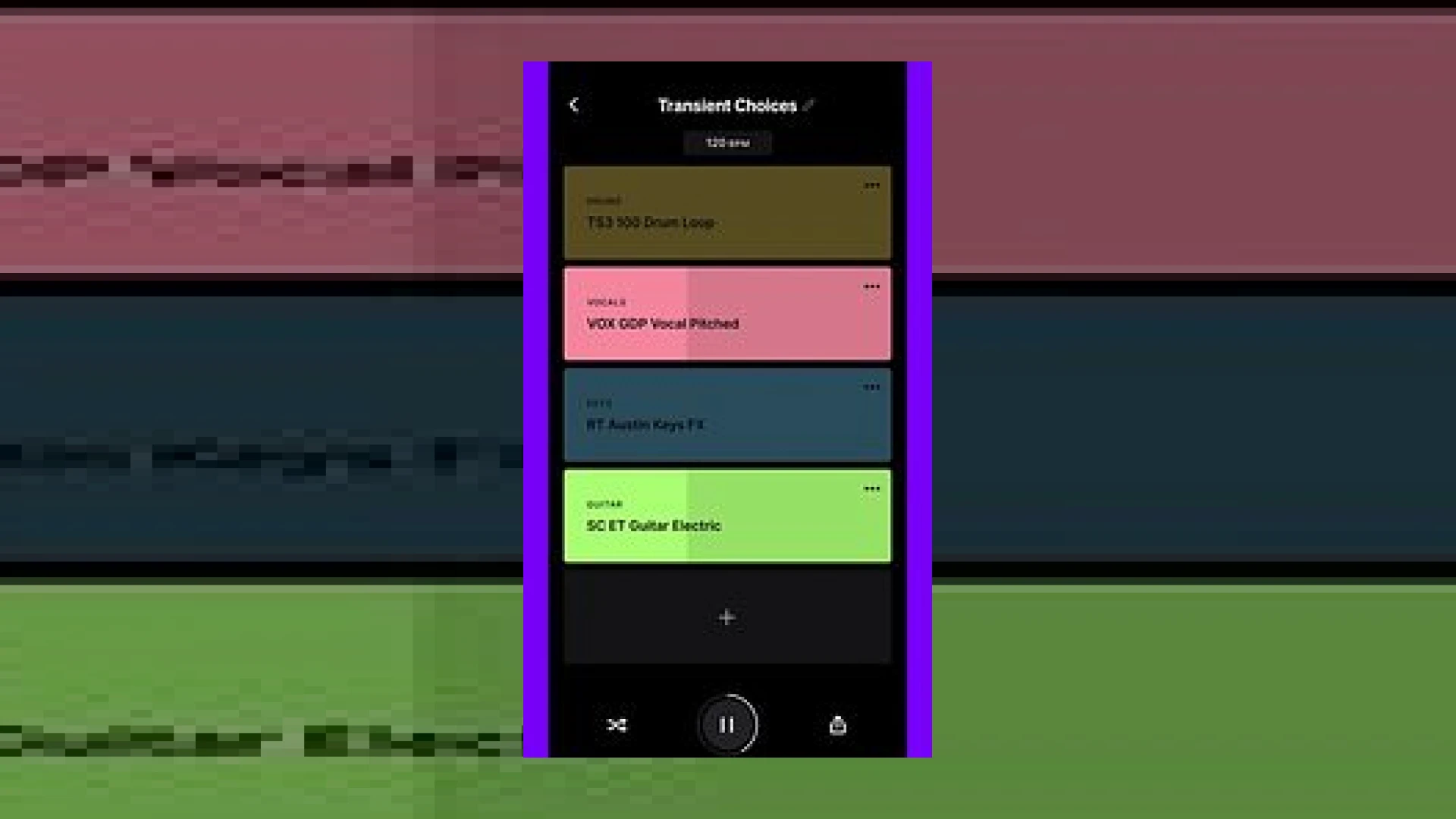
Visual context for Splice launch CoSo musical sketchpad app.
Modern music production relies heavily on rapid ideation and streamlined workflows. From professional mixing engineers to bedroom producers, capturing an initial burst of inspiration before it fades is critical. Recognizing this need, the recent news of splice launch coso musical sketchpad app has generated significant buzz across the production community. Designed specifically for iOS and Android platforms, this application aims to bridge the gap between endless sample browsing and actual track arrangement.
Understanding the Mechanics Behind splice launch coso musical sketchpad app
At its core, the application utilizes cutting-edge artificial intelligence developed by Splice’s dedicated Machine Learning & Audio Science Innovation Team. When producers hear about the splice launch coso musical sketchpad app, the primary question usually revolves around how the AI interacts with the massive online sample library. Users begin by selecting a specific musical style. From there, the software allows for up to eight distinct layers of sounds, collectively known as a ‘Stack’.
The intelligence of the platform shines during the manipulation phase. Swiping a layer to the right instantly swaps the audio sample for a fresh, contextually relevant alternative. The underlying algorithm automatically matches the new sound to the established tempo and genre parameters. You can mute, solo, or entirely remove layers with simple touch gestures. If inspiration stalls, hitting the Shuffle button generates an entirely new, harmonically and rhythmically coherent Stack based on your initial genre selection.
Technical Specifications of CoSo
| Feature | Specification |
|---|---|
| Name | CoSo by Splice |
| Use | Mobile musical sketchpad & AI sample curation |
| Price | Free to download (Requires Splice account) |
| Rating | 4.8 / 5 (Producer Community Average) |
Integrating CoSo Into Your Studio Workflow
While mobile sketches are fantastic for capturing ideas on the go, transitioning those ideas into a professional mixing and mastering environment requires careful routing. Once you finalize a Stack within the application, you can save and export the individual stems. For optimal results when bringing these elements into your Digital Audio Workstation (DAW), consider running them through high-end processors such as those found on the Ableton ecosystem or standard industry plugins.
Here are a few practical studio tips for getting the most out of your mobile sketches:
- Stem Export: Export your multi-track layers directly into your desktop DAW to begin applying complex EQ, compression, and spatial effects.
- Gain Staging: Because AI-generated stacks pool samples from diverse sources, always check your initial peak levels in the DAW to prevent clipping before sending material to your SM Mastering Audio Articles reference monitor chain.
- Creative Re-sampling: Bounce the master Stack down to a single stereo file, pitch it down, and apply granular synthesis for unique texture beds.
Conclusion
The splice launch coso musical sketchpad app represents a shift toward intelligent, frictionless mobile music creation. By taking the tediousness out of sample browsing and letting producers focus purely on structural arrangement, it proves to be a powerful tool for modern creators. Whether you are battling writer’s block or simply want a portable environment to flesh out core beat concepts, integrating this app into your workflow can dramatically speed up your initial production phases.
Frequently Asked Questions
Is the CoSo app completely free to use?
Yes, the application is free to download for both iOS and Android users. However, it requires a registered Splice account. Free accounts grant access to a substantial pool of sounds, while expanded sample availability is tied to paid Splice subscription tiers.
Can I export my CoSo sketches into a desktop DAW?
Absolutely. Once you are satisfied with your custom Stack, you can download the individual audio layers directly through your Splice account, making it seamless to import the stems into Ableton, Pro Tools, Logic Pro, or any other major DAW.
How does the AI ensure the samples match?
The underlying machine learning technology—crafted by Splice’s specialized audio science team—analyzes incoming audio data for key, tempo, and stylistic markers, automatically processing selections to fit the parameters of your current Stack.
🛒 Official Product Info & Where to Buy
Check full technical specs, pricing, and purchase options directly from the official manufacturer or authorized dealer for Splice launch CoSo musical sketchpad app.

Written by SM Mastering
Official content on sound engineering, mixing, mastering, and advanced electronic production by SM Mastering.