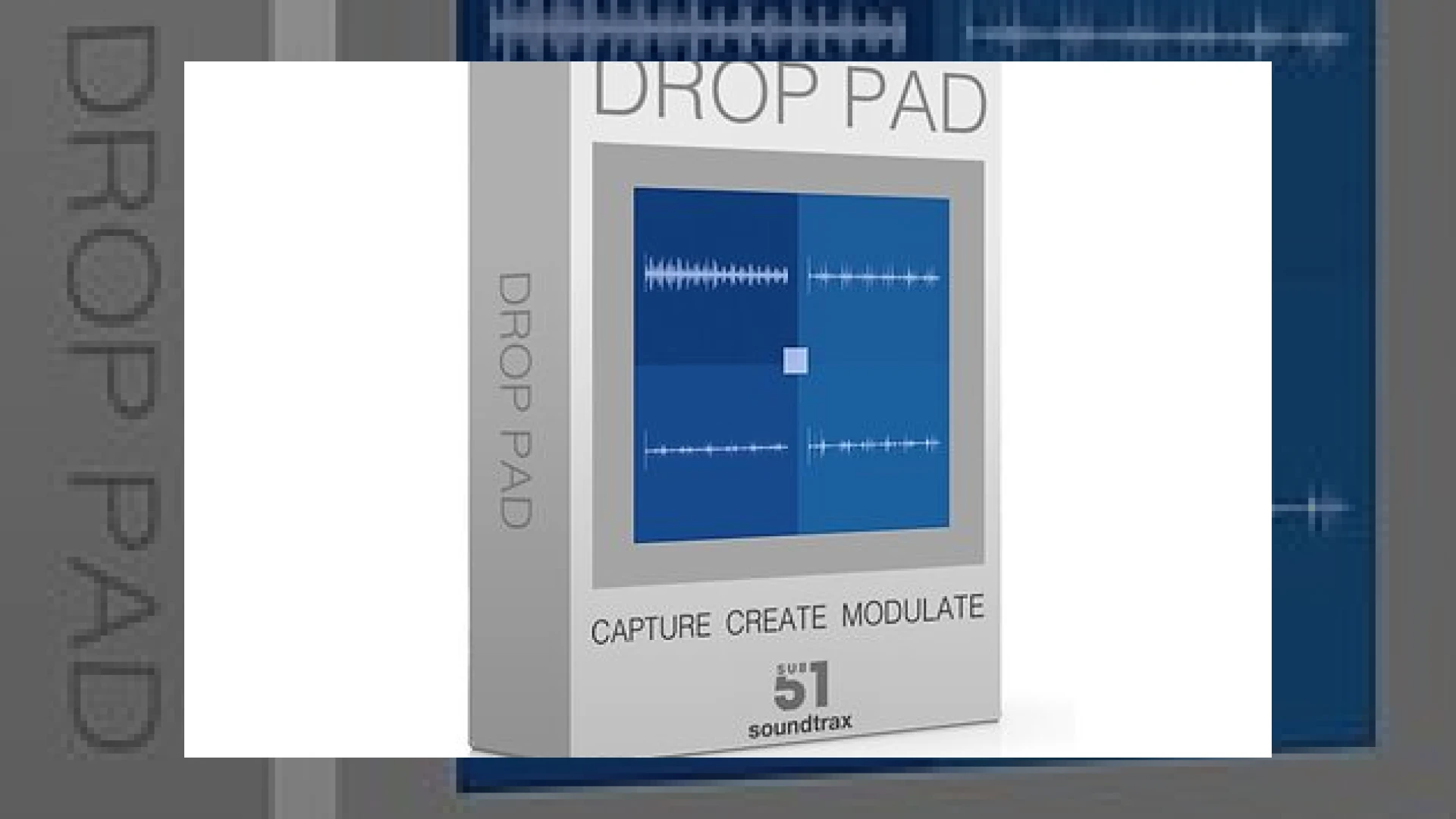
Visual context for Sub51/Soundtrax Drop Pad updated.
As mixing and mastering engineers at SM Mastering Audio Articles, we continually evaluate how virtual instruments and sample-based libraries translate through our signal chains. Maintaining structural clarity in the low end and punch in the mid-range is essential, especially when dealing with atmospheric sound design tools. The recently released sub51/soundtrax drop pad updated version brings a suite of powerful workflow enhancements to Native Instruments Kontakt, making it a compelling choice for contemporary electronic music producers and film composers alike.
What is New in the sub51/soundtrax drop pad updated Release?
The transition to version 2.0 introduces several long-awaited features designed to streamline studio production. On the Edit page, users will find a brand-new Reverse playback option for individual samples, dramatically increasing creative sound manipulation possibilities. Furthermore, the Solo feature has been significantly refined and expanded, now integrated seamlessly into both the MOD and FX pages.
For engineers and producers seeking rapid preset recall, the sub51/soundtrax drop pad updated architecture now incorporates dedicated MOD Preset and FX Preset panels. These allow creators to instantly store and swap between up to nine distinct modulation and effects configurations on the fly. To ensure your sound design elements sit comfortably in a mix alongside professional processing tools like those found at iZotope, the update also introduces global Hi, Mid, and Lo EQ functionality, alongside a smoother, more musical Drive mode.

Additional product view and interface angle for Sub51/Soundtrax Drop Pad updated.
Specifications
| Parameter | Details |
|---|---|
| Product Name | Sub51/Soundtrax Drop Pad 2.0 |
| Primary Use | Sample-based Kontakt Instrument for Sound Design & FX |
| Price | $27.98 / £27.97 (Free for version 1.0 owners) |
| Rating | 4.5 / 5 |
Practical Studio Workflow Tips
When integrating elements from the sub51/soundtrax drop pad updated instrument into your commercial productions, consider these professional mixing guidelines:
- Utilize the Left-Right Modes: Take advantage of the new L-R modes in the Warp Shape dropdown menus to add expansive stereo width to transitions and impacts, keeping your center channel clear for lead vocals and kicks.
- Control Low-End Build-Up: Use the newly integrated global Hi, Mid, and Lo EQ on the FX page to high-pass atmospheric pads, preventing muddy phase interactions in your mix bus.
- Leverage Preset Panels: Save variation states in the nine-slot MOD and FX panels during tracking sessions to easily automate builds and drops directly within your DAW timeline.
Conclusion
The sub51/soundtrax drop pad updated package successfully transforms a reliable sample player into a comprehensive, highly flexible sound design workstation. With its robust modulation controls, smart preset management, and enhanced EQ and drive capabilities, it offers incredible value for producers looking to elevate their transitions and cinematic textures.
Frequently Asked Questions
What version of Native Instruments Kontakt is required?
You need the full retail version of Native Instruments Kontakt 6.7.1 or higher to run this instrument. The free Kontakt Player will only run it in demo mode.
How can existing users get the upgrade?
If you already own version 1.0, you can obtain the update completely free of charge by contacting Sub51 directly through their official website.
Are there any new modulation routing options?
Yes, version 2.0 introduces two brand-new Left-Right modes accessible directly from the MOD and FX Warp Shape dropdown menus for enhanced stereo motion.
🛒 Official Product Info & Where to Buy
Check full technical specs, pricing, and purchase options directly from the official manufacturer or authorized dealer for Sub51/Soundtrax Drop Pad updated.

Written by SM Mastering
Official content on sound engineering, mixing, mastering, and advanced electronic production by SM Mastering.