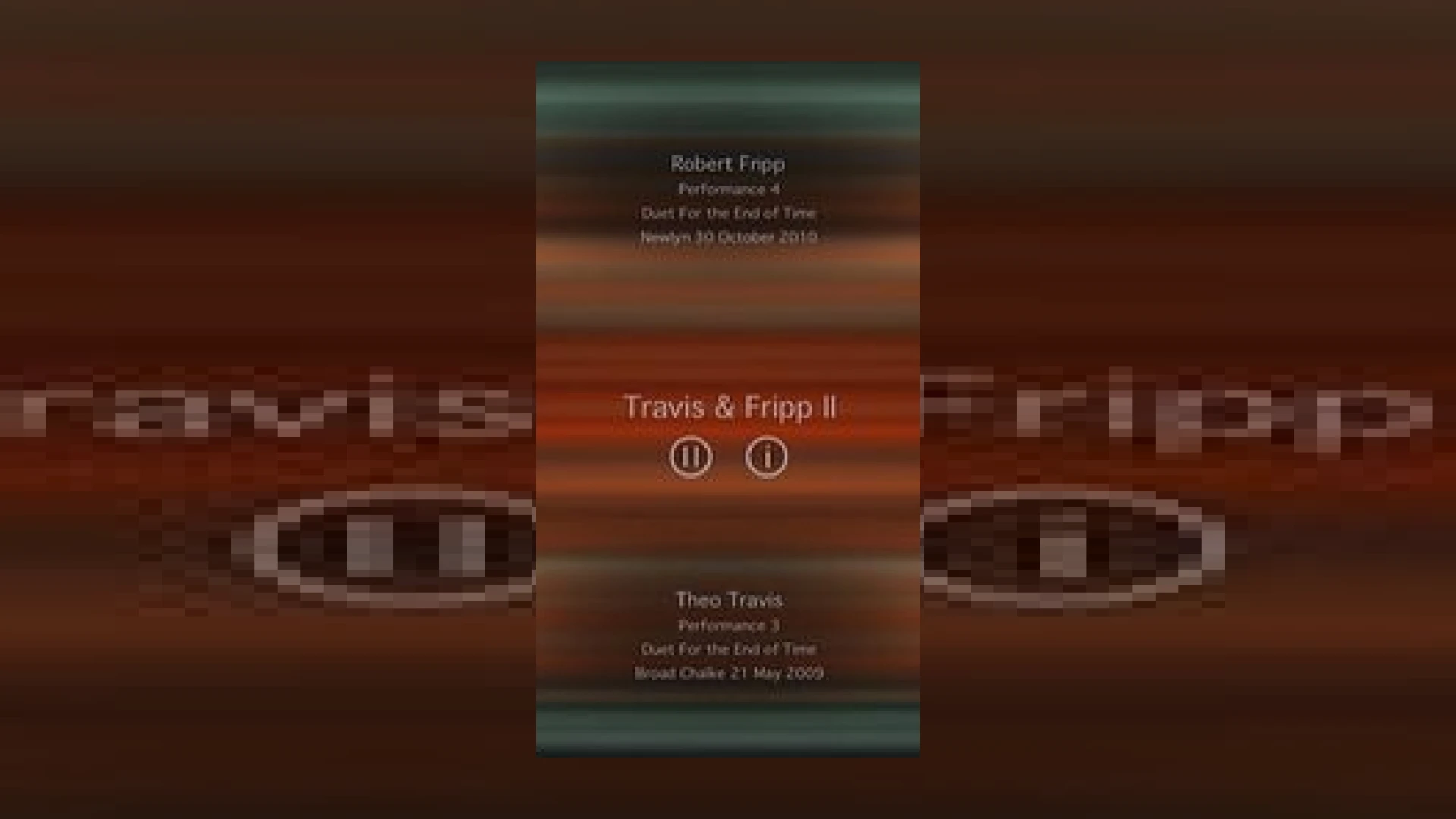
Visual context for Travis & Fripp music apps.
In the evolving landscape of generative music and interactive audio, collaborations between pioneering musicians often yield groundbreaking tools for sound designers and ambient enthusiasts alike. One such remarkable release is the suite of travis & fripp music apps. Developed by Peter Chilvers—renowned for his work with Brian Eno on ambient landmarks like Bloom and Trope—these applications bring the collaborative genius of progressive flautist/saxophonist Theo Travis and guitar legend Robert Fripp directly to mobile devices. At SM Mastering, we are constantly analyzing how mobile platforms are reshaping modern listening and production workflows, and these apps represent a fascinating intersection of generative art and high-quality multitrack curation.
Exploring the Sonic Architecture of Travis & Fripp Music Apps
The trilogy of travis & fripp music apps serves as an interactive canvas, reimagining over a decade of live performances and studio sessions. Unlike traditional static audio formats, these applications use complex algorithmic systems to recombine multitrack files, matching older live recordings with unreleased studio sessions. For producers looking to understand generative music, studying the randomized yet cohesive behavior of the travis & fripp music apps offers valuable insights into modern audio design. Similar to using advanced randomization in DAW tools like Ableton Live, these apps demonstrate how controlled randomness can create an ever-evolving, non-repetitive musical experience.
Technical Specifications and App Overview
Each app in the trilogy offers a unique aesthetic flavour, utilizing slowly flowing visuals that react in real-time to the musical changes. Below is a breakdown of the specifications and general performance details:
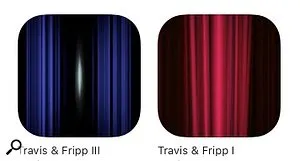
Additional product view and interface angle for Travis & Fripp music apps.
| Name | Use | Price | Rating |
|---|---|---|---|
| Travis & Fripp I | Generative Ambient Playback & Visuals | $2.99 / £2.99 | 4.7/5 |
| Travis & Fripp II | Interactive Soundscapes & Textures | $2.99 / £2.99 | 4.6/5 |
| Travis & Fripp III | Algorithmic Melodic Flows & Chords | $2.99 / £2.99 | 4.8/5 |
Integrating Generative Audio into Studio Workflows
For mixing and mastering engineers, the fluid dynamics of the travis & fripp music apps present unique challenges and inspiration. In mastering, we often seek to control dynamics while preserving movement. By analyzing the way these apps handle transient-heavy flute passages alongside dense, infinite guitar loops, we can learn how to balance complex textures in our projects. If you are interested in optimizing your own generative soundscapes for commercial release, check out our expert guides available at SM Mastering Audio Articles.
Practical Studio Workflow Tips:
- Sampling and Resampling: Route the audio output of your iOS device into your DAW to capture unique, never-to-be-repeated ambient textures for your tracks.
- Dynamic Processing: Apply subtle optical compression and dynamic EQ to balance the unpredictable peaks of the generated live flute.
- Spatial Expansion: Use mid-side processing to widen the stereo field of the generative soundscapes without losing phase coherence in the center image.
Conclusion
The travis & fripp music apps are more than just passive player apps; they are a testament to the future of interactive art. By blending the organic performances of Theo Travis with Robert Fripp’s legendary Soundscapes, Peter Chilvers has crafted an acoustic ecosystem that feels alive. For ambient producers and mastering engineers alike, analyzing these tools is a masterclass in generative audio design.
Frequently Asked Questions
What makes the Travis & Fripp music apps different from a standard album?
Unlike a standard album, which plays the exact same audio every time, these apps use generative algorithms to constantly recombine multitrack parts. Every playback session is entirely unique, reacting dynamically to provide an ever-changing sonic experience.
Are these apps compatible with older iOS devices?
Yes, the apps are optimized for iPhone, iPad, and iPod touch, requiring standard modern iOS versions. Because of their efficient coding, they do not require high-end processor power to run the real-time visualizer and audio engine.
Can I export the audio directly from the apps?
While the apps do not have a built-in “export WAV” function, producers can easily record the audio by routing their device’s output through an audio interface into a DAW for further sound design and mastering.
🛒 Official Product Info & Where to Buy
Check full technical specs, pricing, and purchase options directly from the official manufacturer or authorized dealer for Travis & Fripp music apps.

Written by SM Mastering
Official content on sound engineering, mixing, mastering, and advanced electronic production by SM Mastering.