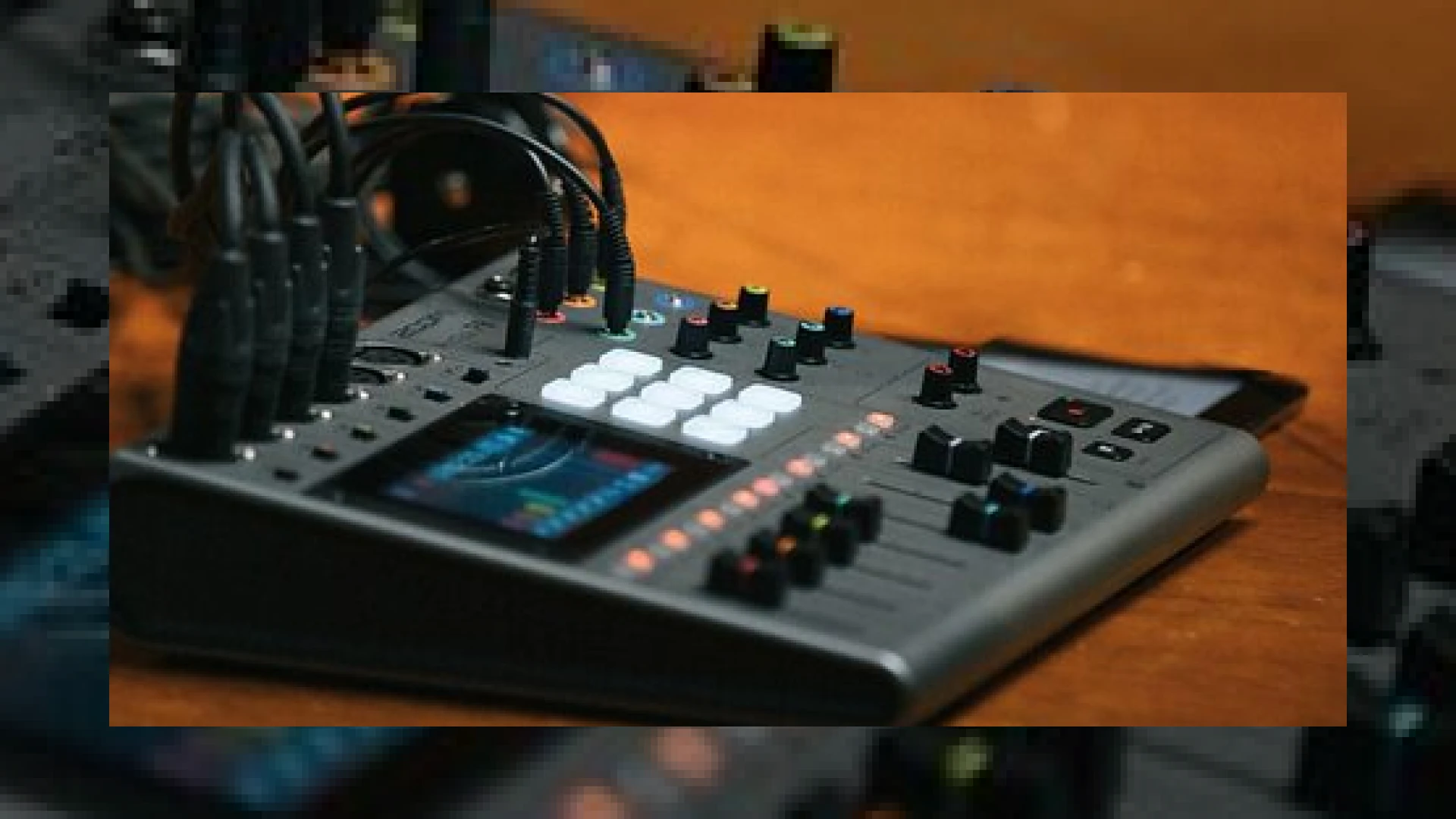
Visual context for Zoom unveil PodTrak P8.
The landscape of standalone audio recording has shifted dramatically over the past few years, with content creators demanding high-quality, tactile solutions that bypass the complexities of traditional computer-based DAWs. In response to this market shift, Zoom have leveraged their deep expertise in portable recording technology to deliver a highly integrated, touchscreen-driven workstation. This development comes at a perfect time, as zoom unveil podtrak p8 to a global market hungry for professional, standalone audio gear that does not compromise on sound quality.
For engineers and studio owners looking to expand their production workflows, keeping up with these hardware developments is vital. At SM Mastering, we closely monitor how field recording and standalone capture gear impact post-production. Mastering a podcast requires pristine source captures, and understanding these raw tracking stages allows us to achieve superior masters. For more insights on recording best practices, hardware reviews, and post-production advice, be sure to browse our collection of SM Mastering Audio Articles.
The Technical Specifications of the zoom unveil podtrak p8
The core design philosophy of this device centers around accessibility without sacrificing technical performance. Indeed, when zoom unveil podtrak p8, one of the most talked-about technical features among pro-audio enthusiasts was the inclusion of six high-grade microphone preamps boasting up to 70dB of clean gain. This is a massive specification for a portable unit, meaning it can easily drive gain-hungry dynamic broadcast microphones, such as the legendary Neumann BCM 705 or the industry-standard Shure SM7B, without requiring external inline preamps.
Beyond raw gain, the integration of a full-color touchscreen interface simplifies the channel routing, monitoring, and editing processes. During the zoom unveil podtrak p8 launch, Zoom highlighted how tactile controls combined with visual editing allow users to trim, split, and fade audio clips directly on the hardware. This drastically reduces the dependency on a computer during the initial production stages and speeds up the transition from recording to the final master.
Advanced Connectivity and Mix-Minus Capabilities
One of the greatest challenges in modern podcasting is managing remote callers via phone or internet platforms like Skype and Zoom. This capability highlights why the zoom unveil podtrak p8 is designed specifically for modern dynamic remote setups. The engineering behind the hardware addresses remote routing head-on with dedicated TRRS, Bluetooth, and USB return channels. These remote-caller inputs feature automatic “mix-minus” processing, which isolates the caller’s voice and prevents it from being sent back to them as a distracting, delayed echo.
Additionally, the hardware features a versatile 3×3 sound pad section. This soundboard allows producers to trigger intro music, jingles, and advertisements on the fly. The physical “On Air” button also provides a hardware mute that keeps individual channels live in the headphones for off-mic conversations with guests while preventing that audio from being printed to the final multitrack recording.
Hardware Specifications
| Name | Use | Price | Rating |
|---|---|---|---|
| Zoom PodTrak P8 | Standalone Multi-mic Podcast Recorder & Audio Interface | £550 / $649 Approx. | 4.7 / 5.0 |
Practical Studio Workflow Tips for the PodTrak P8
- Gain Staging for Dynamics: Since the P8 offers up to 70dB of gain, start with your physical faders at unity and slowly bring up the touchscreen gain control while your speaker talks at their natural volume. Aim for peaks around -12dBFS to leave healthy headroom for professional mastering.
- Utilize the Multi-track SD Recording: Always record in multi-track mode on your SD card (up to 512GB supported) rather than just the stereo mix. This gives your post-production or mastering engineer individual control over each guest’s voice, allowing for precise surgical EQ, compression, and noise reduction.
- Pre-program Your Soundboard: Before starting your session, load high-quality WAV files onto the 3×3 sound pads. Keeping these levels matched to your voice tracks prevents sudden volume jumps during playback.
Conclusion
The hardware launch we observed during the zoom unveil podtrak p8 campaign demonstrates that standalone recording devices are no longer mere compromises for field recording. The P8 stands out as a highly capable, self-contained production studio. By combining massive preamp gain, comprehensive mix-minus routing, and intuitive touch controls, it bridges the gap between raw recording and professional post-production polishing.
Frequently Asked Questions
Can the Zoom PodTrak P8 function as a standard computer audio interface?
Yes, the Zoom PodTrak P8 can operate as a class-compliant 2-in/2-out USB audio interface, allowing you to stream or record directly into your favorite computer DAW while simultaneously recording to an SD card for backup.
How does the mix-minus feature prevent echo during phone calls?
The mix-minus feature automatically removes the remote caller’s own input signal from the monitor mix sent back to their device. This prevents them from hearing their own voice delayed, eliminating feedback and echo loops entirely.
What is the maximum SD card capacity supported by the PodTrak P8?
The device supports SDHC and SDXC cards up to a massive 512GB, which provides ample space for hours of multi-track 16-bit/44.1kHz WAV recording.

Written by SM Mastering
Official content on sound engineering, mixing, mastering, and advanced electronic production by SM Mastering.