Visual context for Icon Pro Audio release cost-effective DAW controllers .
Tactile integration remains one of the fastest ways to improve your mixing speed, which is why the announcement that icon pro audio release cost-effective daw controllers has generated so much excitement among our engineering team. At SM Mastering, we often emphasize that fine-tuning micro-dynamics and automation curves requires a physical connection to the music. Moving away from the mouse allows for instinctual, musical decisions during the mixing and mastering stages, bridging the gap between digital precision and analog feel.
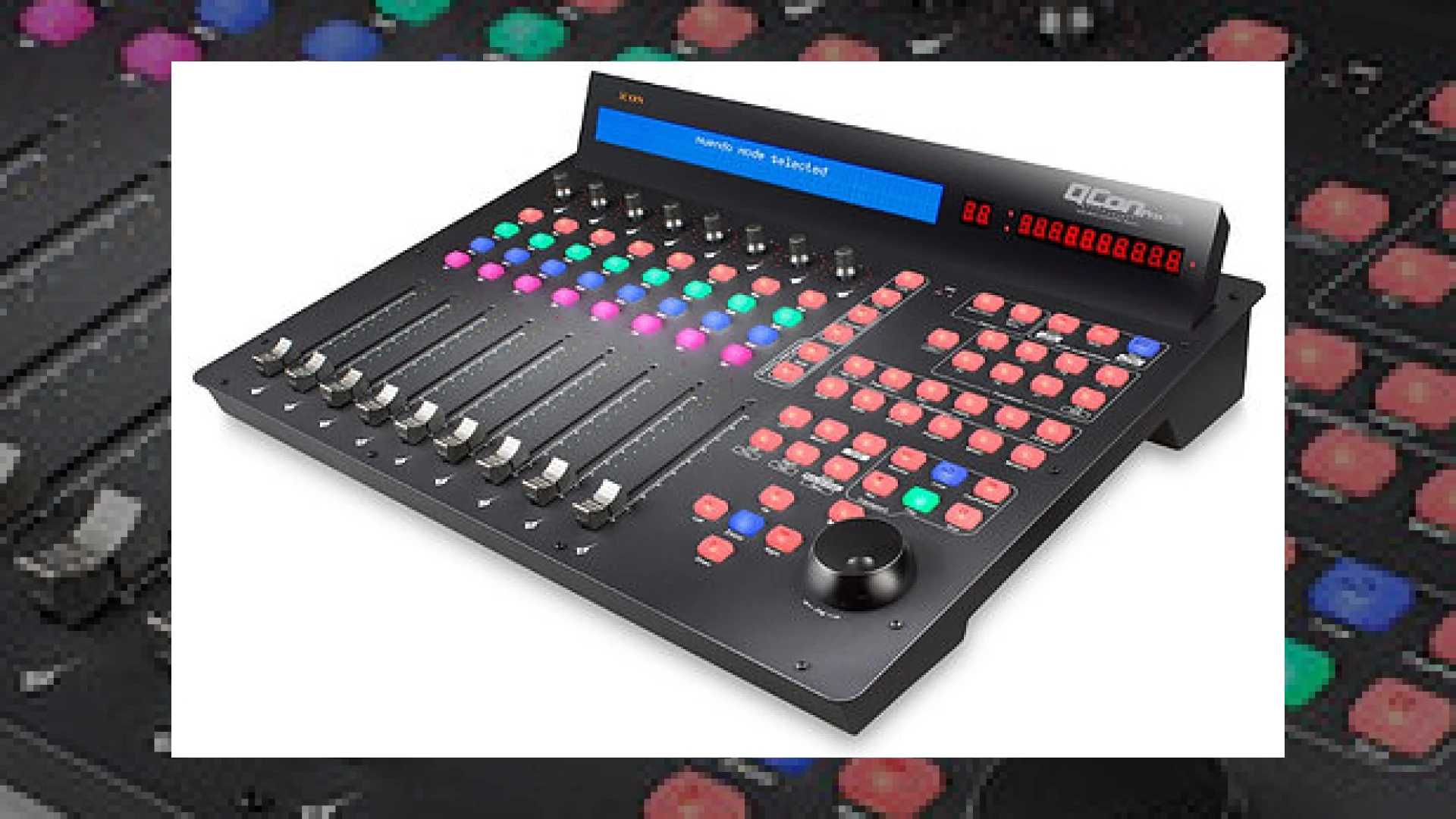
The newest additions to their lineup, the Icon QCon Pro G2 and the QCon EX G2 fader expander, aim to make motorized physical control accessible to project studios and professional facilities alike. While high-end plugins from manufacturers like Universal Audio handle the heavy lifting for DSP emulation and sonic coloration, having a physical fader to ride those input gains and effects sends changes the entire production dynamic.
How the Icon Pro Audio Release Cost-Effective DAW Controllers Redefine Modern Mixing
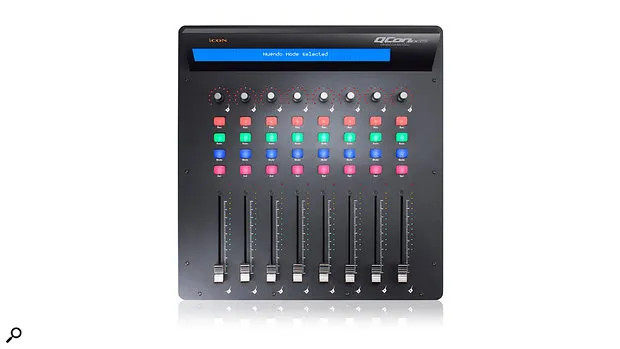
This specific icon pro audio release cost-effective daw controllers lineup, consisting of the QCon Pro G2 and the EX G2 expander, provides high-resolution, touch-sensitive faders that were previously reserved for high-end consoles. The QCon Pro G2 features nine touch-sensitive motorized faders (eight channel faders plus one master fader) with 10-bit resolution. This allows for extremely precise increments when riding vocal automation or writing complex instrument group levels.
Additional product view and interface angle for Icon Pro Audio release cost-effective DAW controllers .
Housed in a sleek, all-black finish, the QCon Pro G2 also updates the encoders and jog wheel from its predecessor, ensuring smooth physical tracking. For engineers who find themselves constantly clicking through menus, these physical controls bring key functions directly to your fingertips. To learn more about optimizing your studio setup and mastering workflows, check out our comprehensive guides on the SM Mastering Audio Articles hub.
Seamless Integration Across Major DAWs
When companies like icon pro audio release cost-effective daw controllers , compatibility is always a major concern for end-users. Icon has addressed this by implementing robust, built-in support for all major DAWs across both macOS and Windows. Depending on your primary software, these controllers operate via Mackie Control Protocol, Mackie HUI (specifically optimized for Pro Tools), or a dedicated Logic mode for Logic Pro users.
The physical layout adapts to your workflow, allowing you to quickly mute, solo, select, and arm tracks for recording. Additionally, the QCon EX G2 fader expander can be used as a completely standalone 8-channel controller or linked with the Pro G2 to create a larger, 16-to-32-channel physical mixing console system.
Technical Specifications Comparison
To help you decide which unit fits your workspace best, we have compiled the key hardware specifications for both controllers below:
| Name | Use | Price (Approx.) | Rating |
|---|---|---|---|
| Icon QCon Pro G2 | Primary USB-MIDI DAW Control Surface with Master Fader | £649 / $799 | 4.7 / 5 |
| Icon QCon EX G2 | 8-Channel Fader Expander / Standalone Controller | £335 / $399 | 4.5 / 5 |
Practical Studio Workflow Tips
To get the most out of your hardware setup, consider these expert studio tips:
- Group Your Tracks: Organize your sessions into logical stems (Drums, Bass, Vocals, Keys) so you can control entire groups with a single fader move.
- Write Automation in Real-Time: Instead of drawing nodes with a mouse, use the touch-sensitive faders to write natural-sounding volume rides during vocal passages.
- Utilize the Expander Standalone: If space is limited, the QCon EX G2 works perfectly on its own as a compact, budget-friendly 8-fader setup.
Ultimately, the strategic decision where icon pro audio release cost-effective daw controllers become the center of your hybrid workspace ensures that you get maximum tactile feedback without breaking the bank. It represents an investment in workflow speed, physical ergonomics, and creative expression.
Frequently Asked Questions
Can I use the QCon EX G2 without the main Pro G2 unit?
Yes, the Icon QCon EX G2 is fully capable of operating as a standalone 8-channel USB-MIDI controller. It does not require the main QCon Pro G2 unit to function, making it an incredibly cost-effective starting point for home studios.
Do these controllers support Pro Tools?
Yes, both units feature Mackie HUI protocol integration, which is the industry-standard protocol for controlling Avid Pro Tools. Custom overlay templates are often included to align physical buttons with Pro Tools commands.
What are the benefits of touch-sensitive faders?
Touch-sensitive motorized faders detect when your finger makes contact with the plastic or metal cap. This immediately disengages the internal motor, allowing you to override existing automation smoothly without fighting the physical fader mechanism.
🛒 Official Product Info & Where to Buy
Check full technical specs, pricing, and purchase options directly from the official manufacturer or authorized dealer for Icon Pro Audio release cost-effective DAW controllers .

Written by SM Mastering
Official content on sound engineering, mixing, mastering, and advanced electronic production by SM Mastering.